









GeeksModo Story Archive - October 2026
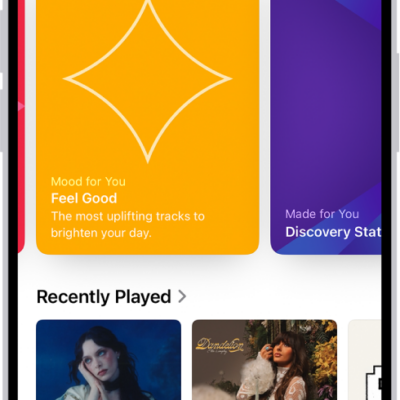
How to get started with Music on iPhone
You can listen to your music library in the Music app on iPhone, stream Apple Music, and access all your music on all your devices.
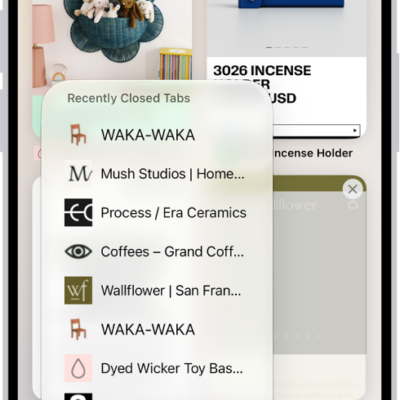
How to view your Safari tabs from another Apple device on iPhone
You can see the Safari tabs open on your other Apple devices from iPhone, and keep tabs and Tab Groups updated across them.
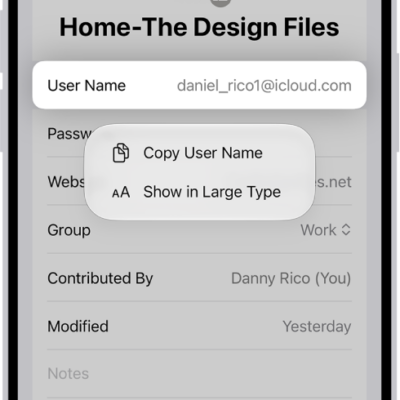
How to show user names and passwords in large text on iPhone
You can show a user name, password, or verification code in large text from the Passwords app on iPhone.

How to configure a router in Home on iPhone
You can use the Home app on iPhone to let a compatible router control which services your Apple Home accessories can reach.

How to announce incoming text messages with CarPlay
You can have Siri announce and read your incoming text messages with CarPlay, and turn the announcements on or off from CarPlay.
How to use Siri to get answers from ChatGPT on iPhone
You can use Siri to get answers from ChatGPT on iPhone with Apple Intelligence, and have it write or summarize documents.
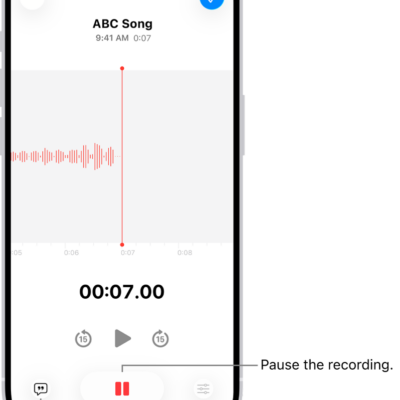
How to make a recording in Voice Memos on iPhone
You can record personal notes, lectures, and musical ideas in Voice Memos on iPhone, then trim, replace, or resume recordings.
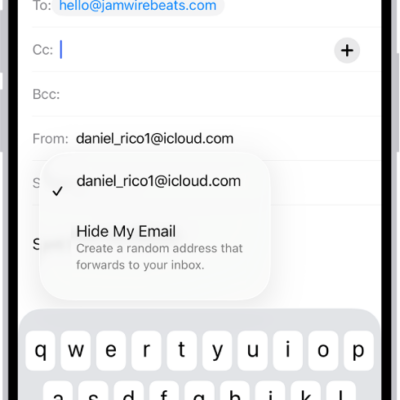
How to use Hide My Email in Safari on iPhone
You can use Hide My Email in Safari on iPhone to fill in forms with a random address that forwards to your real one with iCloud+.
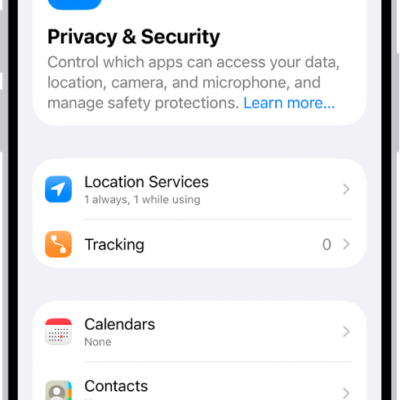
How to control how Apple delivers advertising to you on iPhone
You can see the information Apple uses to show ads in the App Store, Apple News, and Stocks on iPhone, and turn off personalized ads.

How to remove a password from your iPhone and iCloud Keychain
You can delete a password for a website or app from the Passwords app on iPhone, which also removes it from iCloud Keychain.