









GeeksModo Story Archive - October 2026
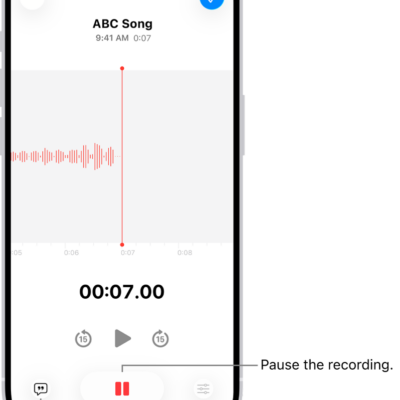
How to make a recording in Voice Memos on iPhone
You can record personal notes, lectures, and musical ideas in Voice Memos on iPhone, then trim, replace, or resume recordings.
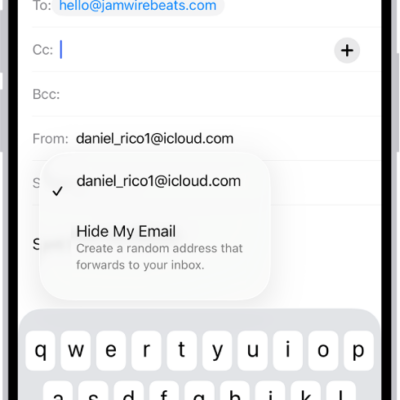
How to use Hide My Email in Safari on iPhone
You can use Hide My Email in Safari on iPhone to fill in forms with a random address that forwards to your real one with iCloud+.
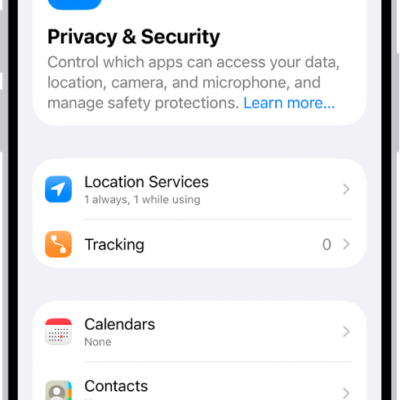
How to control how Apple delivers advertising to you on iPhone
You can see the information Apple uses to show ads in the App Store, Apple News, and Stocks on iPhone, and turn off personalized ads.

How to remove a password from your iPhone and iCloud Keychain
You can delete a password for a website or app from the Passwords app on iPhone, which also removes it from iCloud Keychain.

How to turn on and practice VoiceOver on iPhone
You can turn on VoiceOver, a gesture-based screen reader, to use iPhone without seeing the screen, and practice with a tutorial.
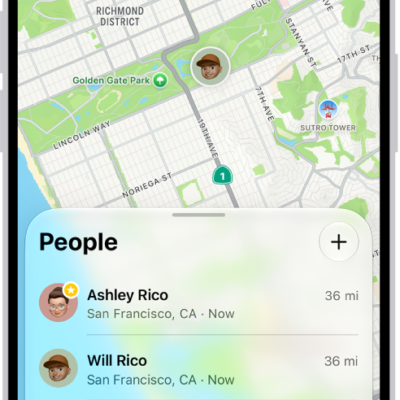
How to share features with your family
You can share purchases, locations, and a photo library with your family on iPhone, set up emergency contacts, and use parental controls.
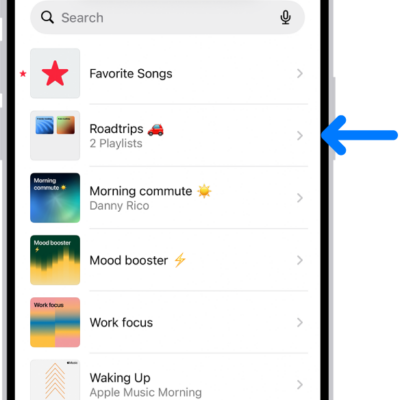
Understanding playlists in the Music app on iPhone
You can learn what playlists are in Music on iPhone, why you might create one, and the extra playlist types that come with Apple Music.
How to use passes, cards, and keys in Wallet on iPhone
You can present passes, cards, and keys from Wallet on iPhone by showing a code to a scanner or holding iPhone near a contactless reader.
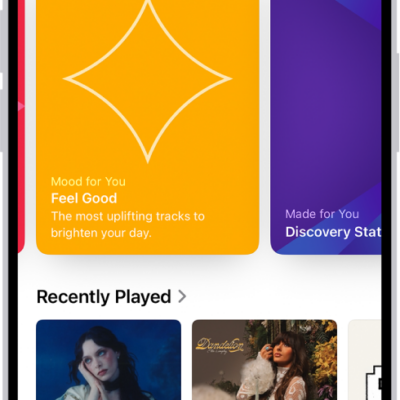
How to find music shared with you on iPhone
You can find it in Shared with You in the Music app on iPhone when a friend shares music with you in Messages.
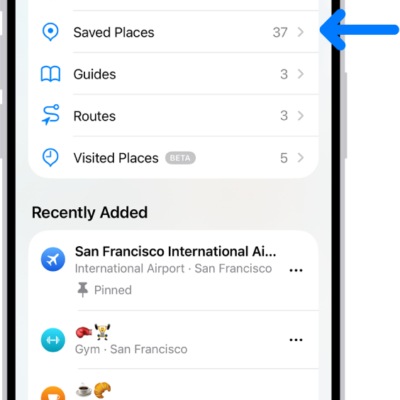
How to rate places and add photos in Maps on iPhone
You can add ratings and photos for places in Maps on iPhone to help other users, share photos publicly, and edit them later.