There are special features you and your family can use to share purchases, stay connected, and protect your data. If you have children, you can also set up parental controls to manage how your children use their Apple devices.
With Family Sharing, everyone uses their own device and Apple Account. You can also share locations with Find My, set up emergency contacts, and start a family photo library. Family members and other trusted people can be recovery contacts, too, just in case.
Set up Family Sharing
Family members can share eligible purchases and subscriptions with each other. Each person keeps their own device and Apple Account, while iCloud storage, subscriptions (to services like Apple Arcade and Apple Music), and other content get shared.
To get started, go to the Settings app tap your name, then tap Family.
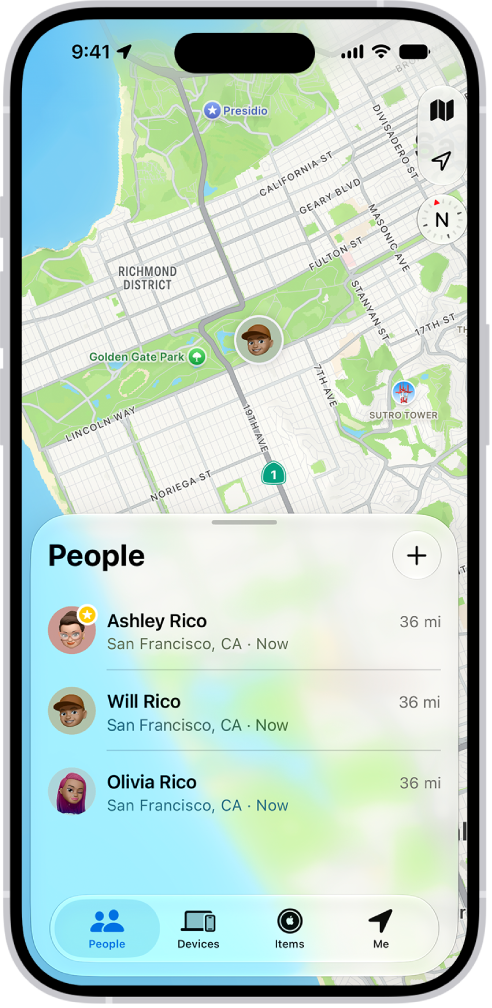
Share locations with Find My
When you and your family share locations, you can all help each other find missing devices in the Find My app. You can share the location of AirTags, too, if you use them to track important items like backpacks or house keys.
To set up location sharing, go to the Settings app , tap your name, tap Family, then tap Location Sharing. Turn on sharing for your family members. After you share your location with family members, they can also see the location of your devices in Find My.
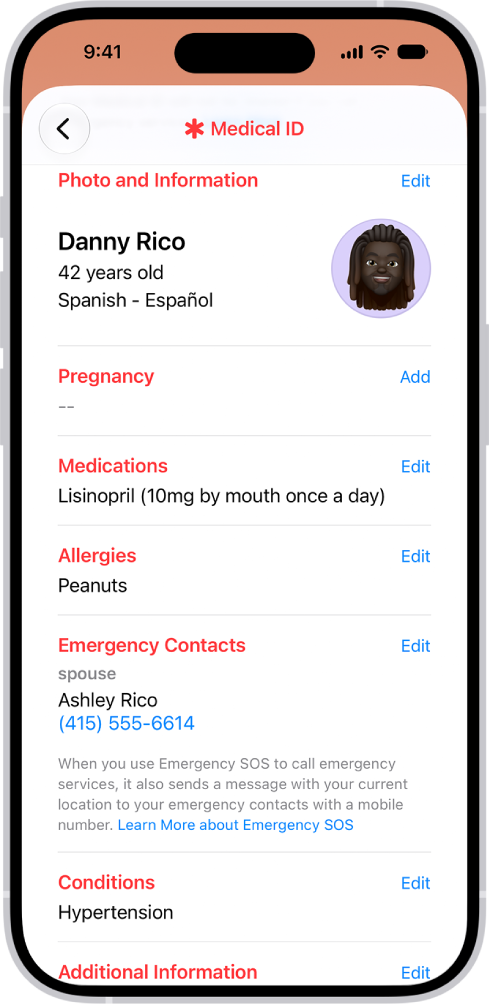
Set up emergency contacts
Once an emergency call ends, your iPhone can automatically send your emergency contacts a text message with your current location. And if your location changes, they get updated location information.
Emergency contacts are saved in your Medical ID. To set up a Medical ID, open the Health app , tap your account, tap Medical ID, then tap Get Started.
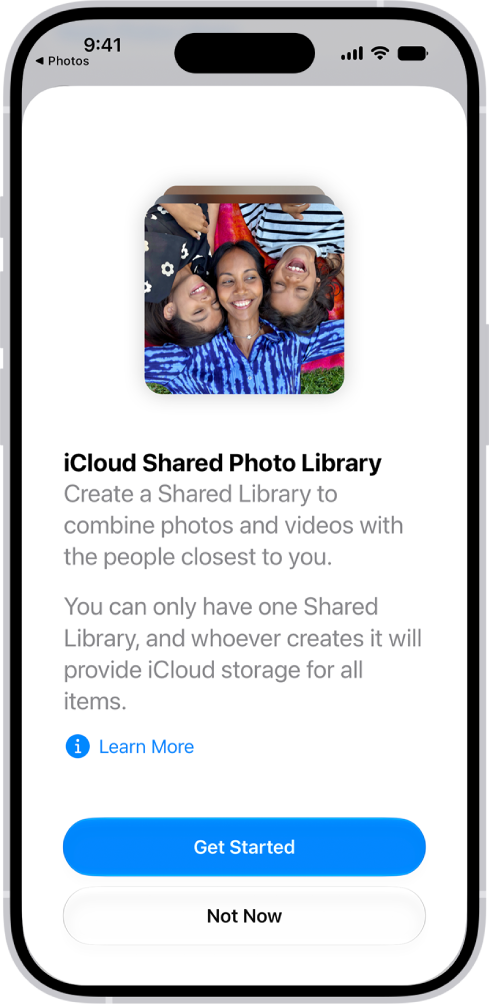
Start a family photo library
With iCloud Shared Photo Library, you and up to five other family members can share photos and videos. Everyone can add, edit, and caption photos, and the shared photos show up in each person’s memories, featured photos, and Photos widget.
To get started, go to the Settings app , tap your name, then tap iCloud. Tap Photos, turn on Sync this iPhone, then tap Shared Library.
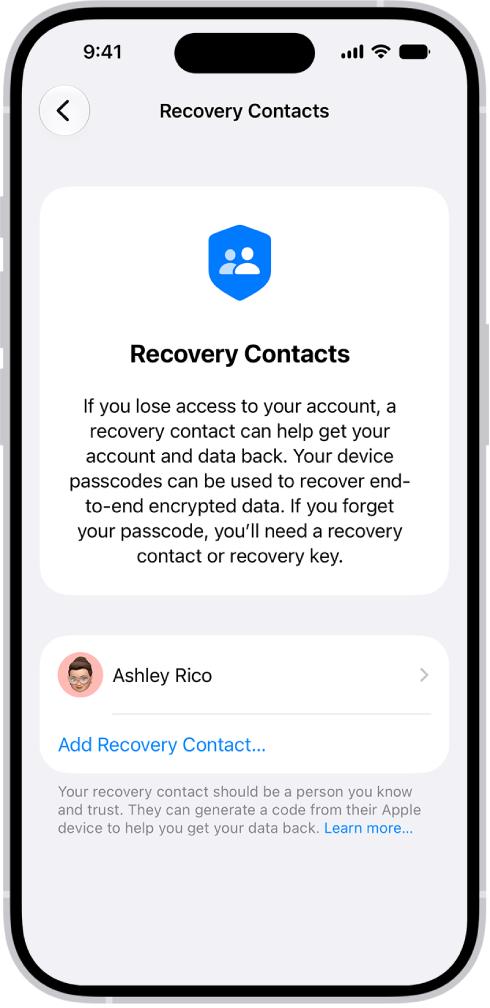
Just in case
Family members and other trusted people can be your recovery contacts, helping you get back into your account if you ever get locked out. And you can choose someone as a legacy contact who can access the data stored in your account if you die.
To add these contacts, go to the Settings app , tap your name, tap Sign-In & Security, then tap Recovery Contacts or Legacy Contact.
For more on sharing with your family, start with these guides:
- Set up Family Sharing on iPhone
- Share locations with family members and locate their lost devices on iPhone
- Fill out your Health Details in Health on iPhone
- Set up or join an iCloud Shared Photo Library
- Keep your Apple Account secure on iPhone
Not all features are available in all countries or regions, according to Apple.