









GeeksModo Story Archive - October 2026

How to turn on and practice VoiceOver on iPhone
You can turn on VoiceOver, a gesture-based screen reader, to use iPhone without seeing the screen, and practice with a tutorial.
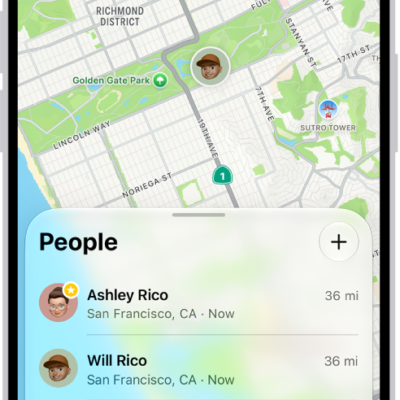
How to share features with your family
You can share purchases, locations, and a photo library with your family on iPhone, set up emergency contacts, and use parental controls.
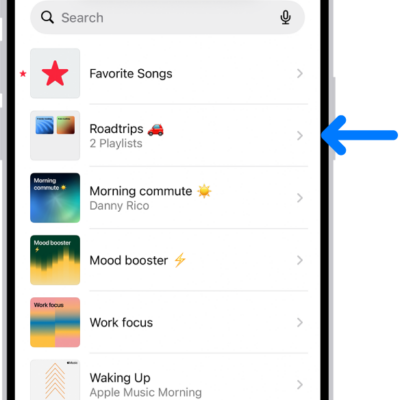
Understanding playlists in the Music app on iPhone
You can learn what playlists are in Music on iPhone, why you might create one, and the extra playlist types that come with Apple Music.
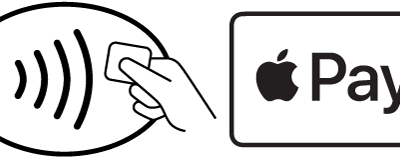
How to use passes, cards, and keys in Wallet on iPhone
You can present passes, cards, and keys from Wallet on iPhone by showing a code to a scanner or holding iPhone near a contactless reader.
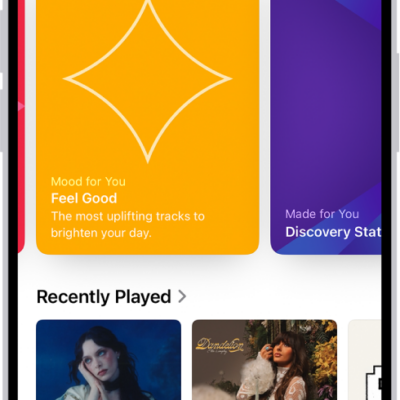
How to find music shared with you on iPhone
You can find it in Shared with You in the Music app on iPhone when a friend shares music with you in Messages.
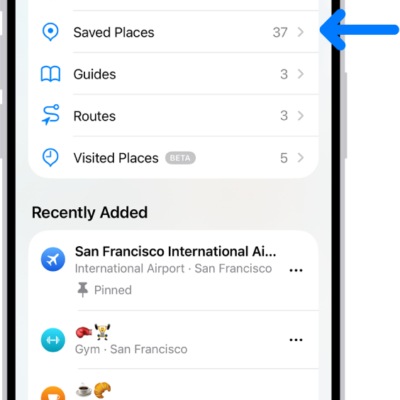
How to rate places and add photos in Maps on iPhone
You can add ratings and photos for places in Maps on iPhone to help other users, share photos publicly, and edit them later.
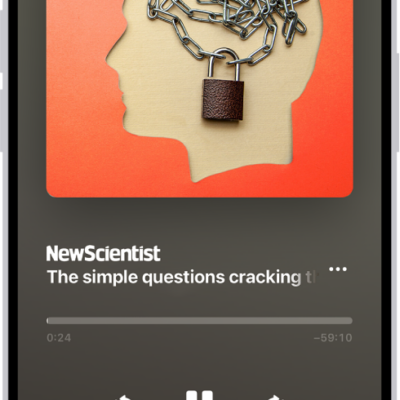
How to listen to Apple News Today on iPhone
You can listen to Apple News Today, a daily audio briefing of top stories, in the News app on iPhone and get show notes notifications.
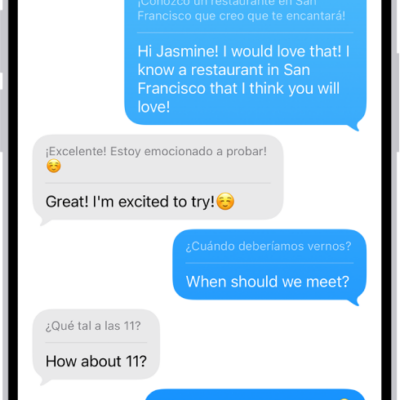
How to translate text in Messages on iPhone
You can translate text in Messages on iPhone with Live Translation and Apple Intelligence, which translates incoming texts on device and privately.
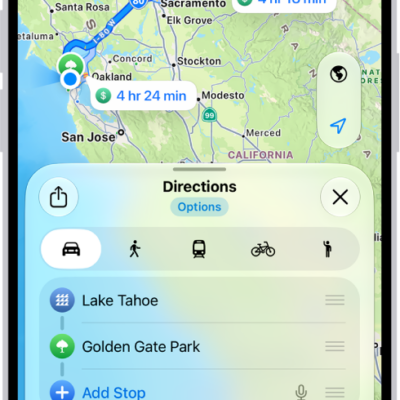
How to get cycling directions in Maps on iPhone
You can get cycling directions in Maps on iPhone, with bike paths and lanes, elevation previews, and routes that avoid hills or busy roads.
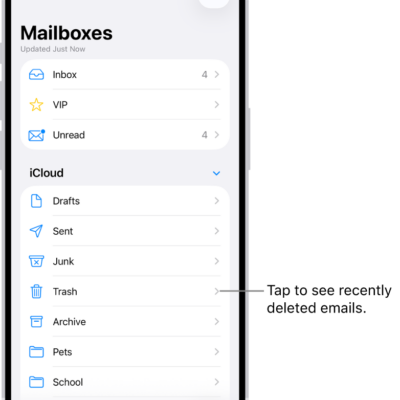
How to delete and recover emails in Mail on iPhone
You can delete or archive emails in Mail on iPhone, recover deleted messages, and turn off the deletion confirmation.