









GeeksModo Story Archive - October 2026
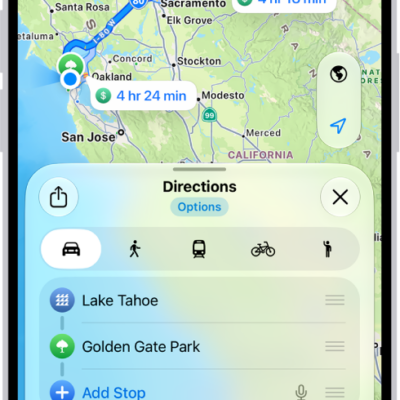
How to get cycling directions in Maps on iPhone
You can get cycling directions in Maps on iPhone, with bike paths and lanes, elevation previews, and routes that avoid hills or busy roads.
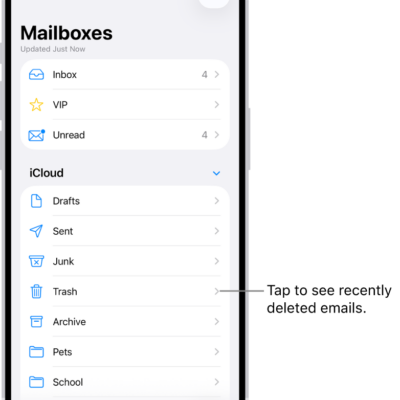
How to delete and recover emails in Mail on iPhone
You can delete or archive emails in Mail on iPhone, recover deleted messages, and turn off the deletion confirmation.
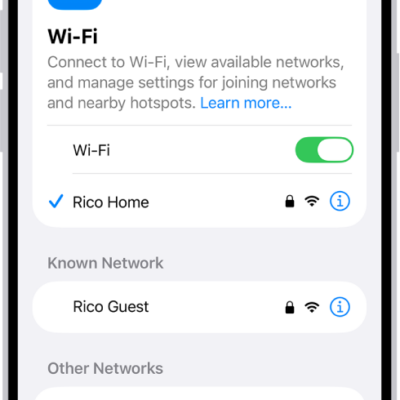
How to use a private network address on iPhone
You can use a private network address on each Wi-Fi network your iPhone joins, and turn it off for a network that can't use one.
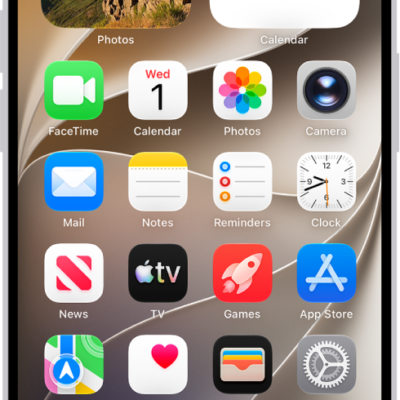
How to open apps on iPhone
You can open apps on iPhone from any Home Screen page or from App Library, where your apps are organized by category.
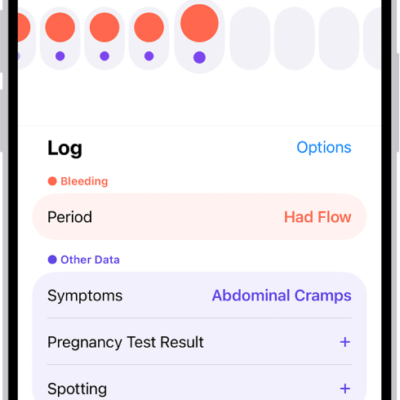
How to log menstrual cycle information in Health on iPhone
You can set up cycle tracking in Health on iPhone and log your menstrual cycle to get period and fertile window predictions.
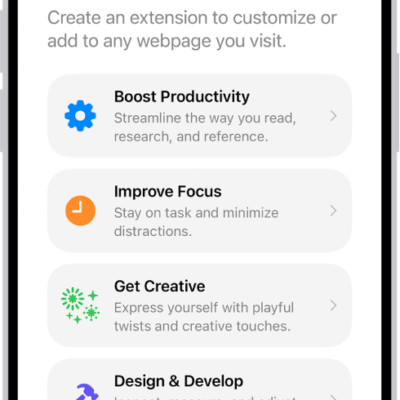
How to use Apple Intelligence to stay organized and get things done on iPhone
You can describe events, reminders, and shortcuts, create Safari extensions, and get summaries with Apple Intelligence on iPhone.
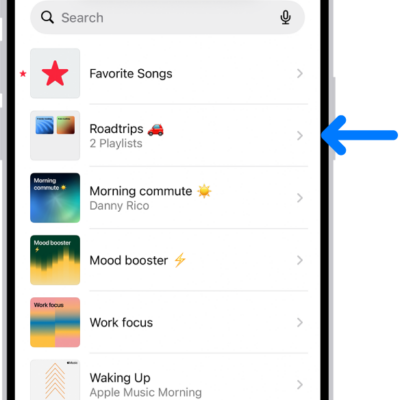
How to organize playlists in folders in Music on iPhone
You can create folders for your playlists in Music on iPhone, rename them, and move playlists and other folders into them.

How to change display colors on iPhone to make it easier to see what’s onscreen
You can invert colors, apply color filters, reduce transparency, and tone down bright colors on iPhone to make the screen easier to see.

How to back up and sync your photos and videos with iCloud
You can turn on iCloud Photos on iPhone to back up and sync your photos and videos, check their sync status, and keep originals on your iPhone.
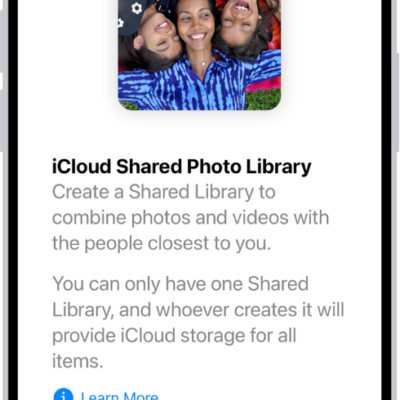
How to use iCloud Shared Photo Library on iPhone
You can use iCloud Shared Photo Library on iPhone with up to five others to add, edit, and comment on photos, seen by everyone in real time.