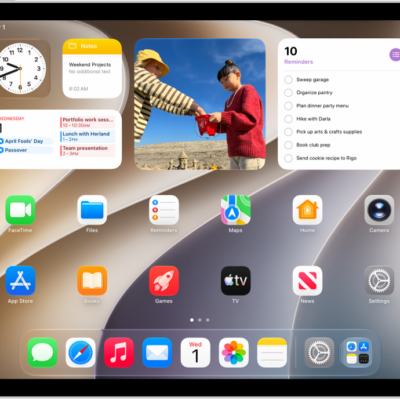
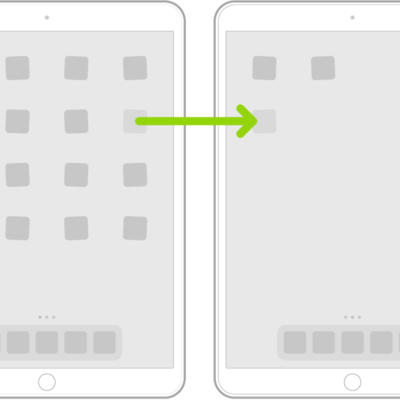
You can quickly open apps from one of your Home Screen pages or your App Library. App Library is past all your Home Screen pages. It’s where your apps are organized by category, and you can browse apps on other Home Screen pages, too, then return to App Library whenever you like.
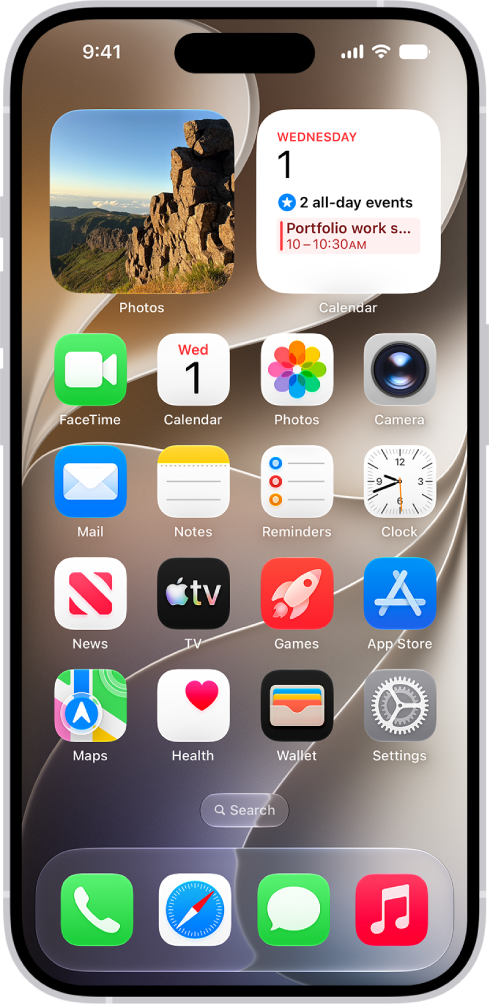
- To go to the Home Screen, swipe up from the bottom edge of the screen (on an iPhone with Face ID) or press the Home button (on an iPhone with a Home button).
- Swipe left to browse apps on other Home Screen pages.
- Swipe left past all your Home Screen pages to see App Library, where your apps are organized by category.
- To open an app, tap its icon.
- To return to App Library, swipe up from the bottom edge of the screen (on an iPhone with Face ID) or press the Home button (on an iPhone with a Home button).
Tag: Home Screen