









GeeksModo Story Archive - October 2026

How to change display colors on iPhone to make it easier to see what’s onscreen
You can invert colors, apply color filters, reduce transparency, and tone down bright colors on iPhone to make the screen easier to see.

How to back up and sync your photos and videos with iCloud
You can turn on iCloud Photos on iPhone to back up and sync your photos and videos, check their sync status, and keep originals on your iPhone.
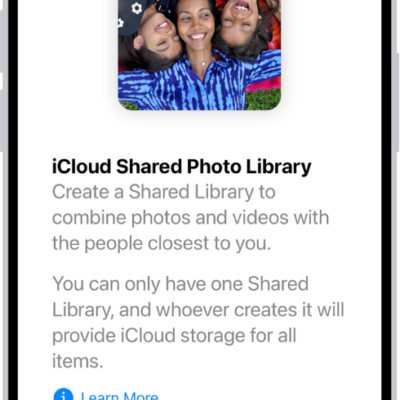
How to use iCloud Shared Photo Library on iPhone
You can use iCloud Shared Photo Library on iPhone with up to five others to add, edit, and comment on photos, seen by everyone in real time.
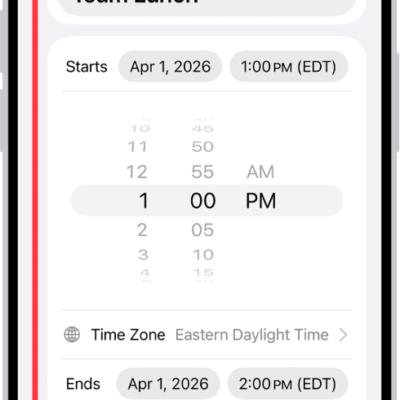
How to reply to invitations in Calendar on iPhone
You can accept, decline, or reply Maybe to Calendar invitations on iPhone, add comments for the organizer, and suggest a new time.
How to sign in with fewer CAPTCHA challenges on iPhone
You can sign in with fewer CAPTCHA challenges on iPhone, since iCloud can privately verify your device and account, and turn it on or off.
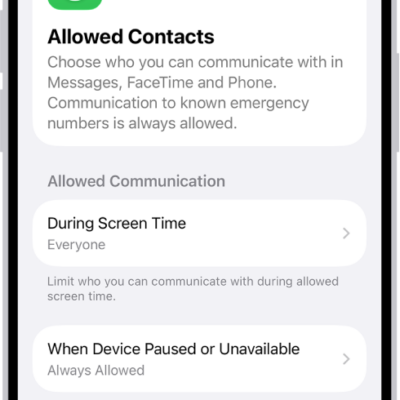
How to choose who you can communicate with at certain times with Screen Time on iPhone
You can use Screen Time on iPhone to allow or block calls, FaceTime calls, and messages from certain contacts at all times or during set periods.
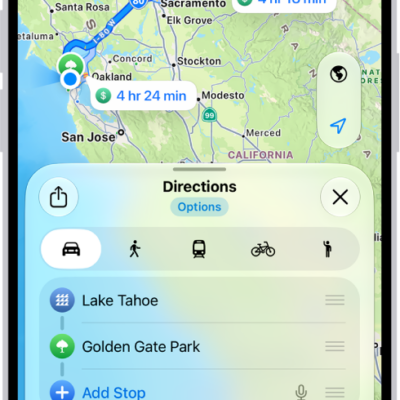
How to get driving directions in Maps on iPhone
You can get detailed driving directions in Maps on iPhone, with lane guidance in select cities and alerts about delays on routes you drive often.
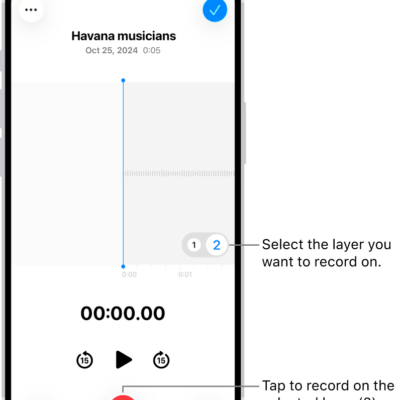
How to add a second layer to a Voice Memos recording on iPhone
You can add a vocal layer to a Voice Memos recording, then mix or separate the layers or move them into Logic Pro on supported iPhone models.
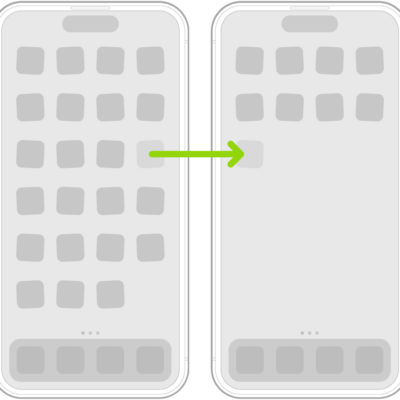
How to organize your apps in folders on iPhone
You can organize apps into folders on your iPhone Home Screen, rename and delete folders, and move apps back out.
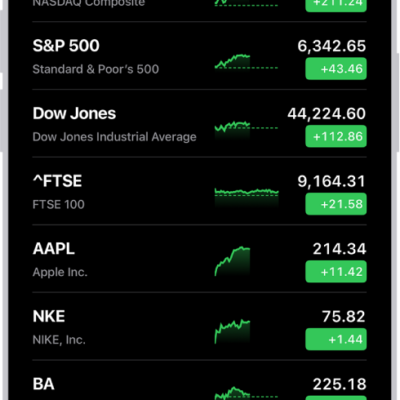
How to check stocks on iPhone
You can use the Stocks app on iPhone to check prices and market activity, manage your watchlists, and view charts, details, and news.