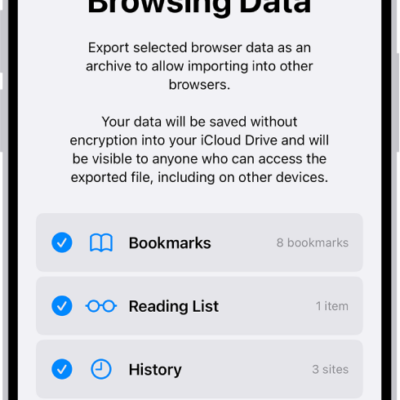
You can import passwords that you’ve exported to a CSV file from another password manager, and you can import a CSV or ZIP file. The file itself might not be encrypted, though, so anyone who can access it could see your passwords.
WARNING: Your imported passwords might not be encrypted and could be visible to anyone who can access the file.
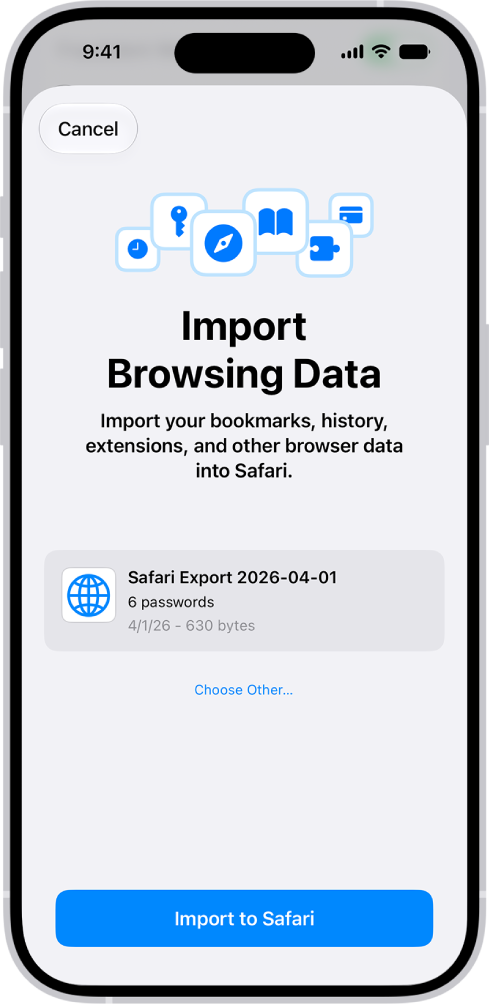
- Open the Settings app on your iPhone.
- Tap Apps, then tap Safari.
- Below History and Website Data, tap Import.
- Tap Choose File. Then choose the CSV file (or ZIP file) you exported from your other password manager.
- Tap Import to Safari.
- Tap Done.
WARNING: For security, delete the file you imported from.
Tag: Passwords