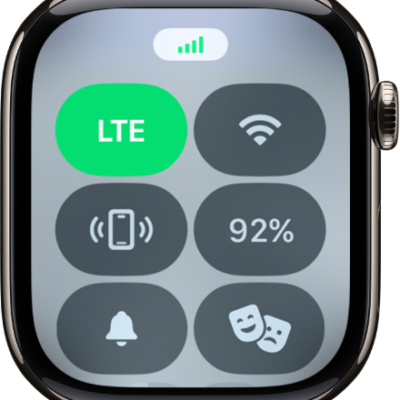
If you have an iPhone with Dual SIM and multiple cellular plans, you can also set up multiple lines on your Apple Watch with cellular. Choose the line your watch uses when connected to cellular networks.
You can add multiple lines, but your watch connects to only one line at a time. When it’s connected to your iPhone, you can receive calls from both lines, and your watch shows a badge for the line.
Note: Each iPhone cellular plan must be provided by a carrier that supports Apple Watch with cellular.
Set up multiple carrier plans
During the initial setup of your Apple Watch, you can add one plan, then set up a second plan later in the Apple Watch app.
- Start the Apple Watch app on your iPhone.
- Tap My Watch and then tap Cellular.
- Tap Set Up Cellular or Add a New Plan and then follow the steps to choose the plan you want to add to your Apple Watch.
Your Apple Watch takes multiple lines. It can connect to only one at a time.
Switch between plans
- Start the Settings app on your Apple Watch.
- Tap Cellular and then choose the plan you want your watch to use.
You can also go to the Apple Watch app on your iPhone, tap My Watch, then tap Cellular. Your plan should automatically switch. If it doesn’t switch, tap the plan you want to use.
How Apple Watch receives calls when using multiple cellular plans
- When Apple Watch is connected to your iPhone: You can receive calls from both lines. Your watch shows a badge that tells you which cellular line you received a notification from—H for Home, and W for Work, for example. If you respond to a call, your watch automatically responds from the line that received the call.
-
When Apple Watch is connected to cellular and your iPhone isn’t nearby: You receive calls from the line you’ve chosen in the Apple Watch app. If you respond to a call, your watch automatically calls back from the line you’ve chosen in the Apple Watch app.
Note: If the line you’ve chosen in the Apple Watch app isn’t available when you try to return a call, your watch asks if you want to respond from another available line that you’ve added.
How Apple Watch receives messages when using multiple plans
- When Apple Watch is connected to your iPhone: You can get messages from both plans. If you respond to a message, your watch automatically responds from the line that received the message.
- When your Apple Watch is connected to cellular and away from your iPhone: You can get SMS messages from your active plan. If you respond to an SMS message, your Apple Watch automatically texts back from the line that received the message.
- When your Apple Watch is connected to cellular or Wi-Fi and your iPhone is turned off: You can send and receive iMessage texts as long as your Apple Watch has an active data connection to a Wi-Fi or cellular network.
See also