









GeeksModo Story Archive - October 2026
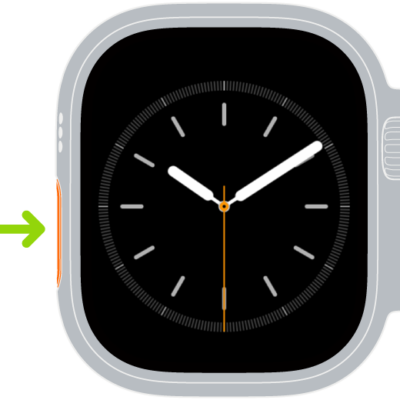
How to use the Action button on Apple Watch Ultra models
You can use the Action button on Apple Watch Ultra models to start a workout, mark a waypoint, or begin a dive, and change its function.
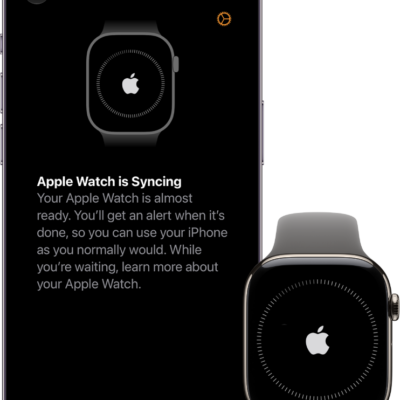
How to control Apple Watch with your iPhone
You can control Apple Watch with your iPhone using Apple Watch Mirroring and assistive features like Voice Control and Switch Control.
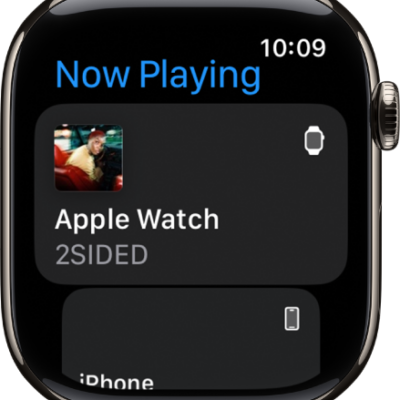
How to control nearby devices with your Apple Watch
You can control nearby devices like your iPhone or iPad with Apple Watch, using buttons for the Home button, App Switcher, and Control Center.
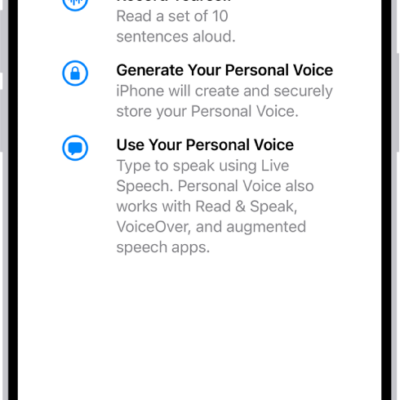
How to type to speak using Live Speech on Apple Watch
You can type to speak using Live Speech on Apple Watch, in person or on calls, and use your Personal Voice.
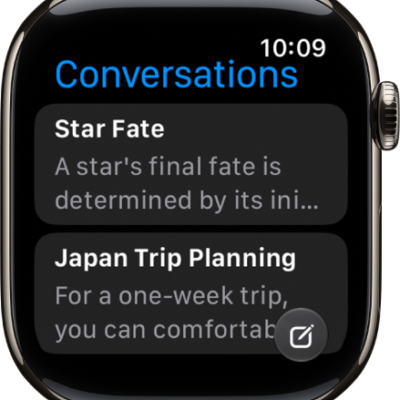
How to use accessibility features with Siri on Apple Watch
You can use accessibility features with Siri on Apple Watch, set how long Siri waits for you to finish speaking, and type to Siri.
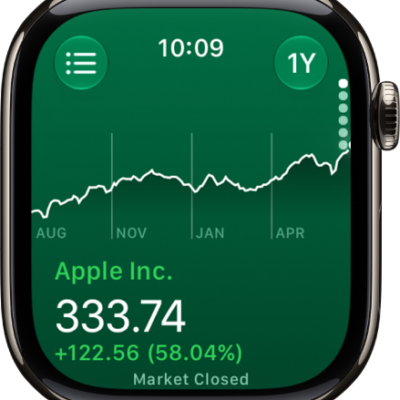
How to track stocks on Apple Watch
You can track stocks on Apple Watch, see stock data from your iPhone, add, remove, or reorder stocks, and choose data metrics.
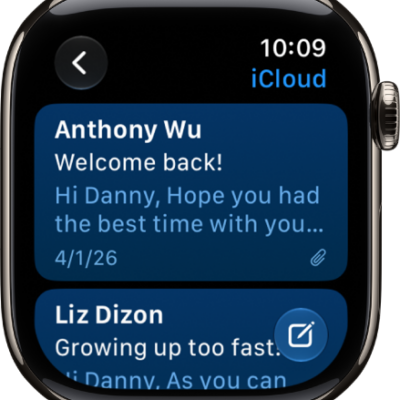
How to read and write mail on Apple Watch
You can read and write mail on Apple Watch, send quick replies, archive, flag, or delete messages, and change Mail settings.
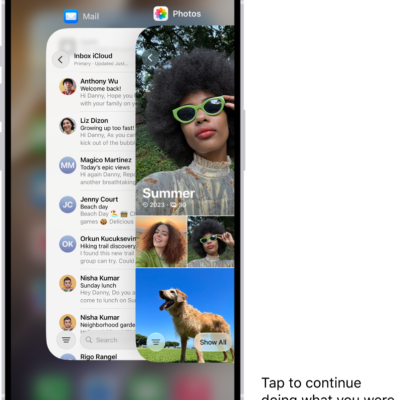
How to hand off tasks from Apple Watch
You can hand off tasks from Apple Watch to your iPhone with Handoff, then continue them from the App Switcher, like replying to email.
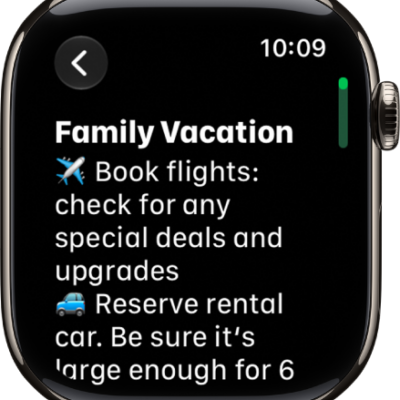
How to take notes on Apple Watch
You can take notes on Apple Watch, create, view, pin, and delete them, and keep them up to date on all your devices with iCloud.
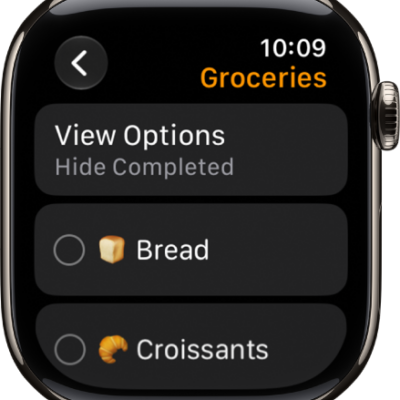
How to use reminders on Apple Watch
You can use reminders on Apple Watch to view lists, add and edit items, mark them complete, and keep them up to date with iCloud.