









GeeksModo Story Archive - October 2026
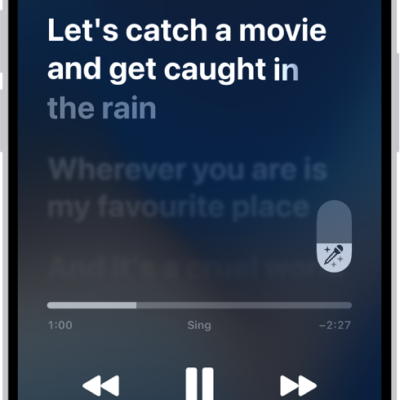
How to sing along with Apple Music on iPhone
You can see beat-by-beat lyrics and turn down a song's vocals to sing along, even on Apple TV 4K with Apple Music Sing on iPhone.
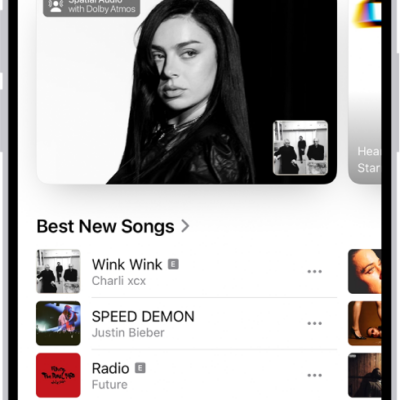
How to get music on iPhone
You can get music on iPhone by subscribing to Apple Music, buying music in the iTunes Store, or syncing music from your computer.

How to sync contacts across devices on iPhone
You can sync contacts across your devices with iCloud on iPhone, or sync them with your Mac or Windows device.
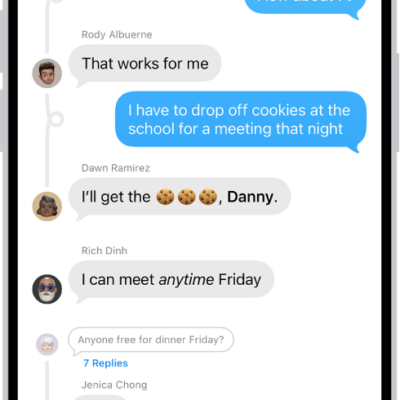
How to get started with Messages on iPhone
You can use Messages on iPhone to send texts, photos, and videos, add backgrounds and effects, share music, and collaborate with others.
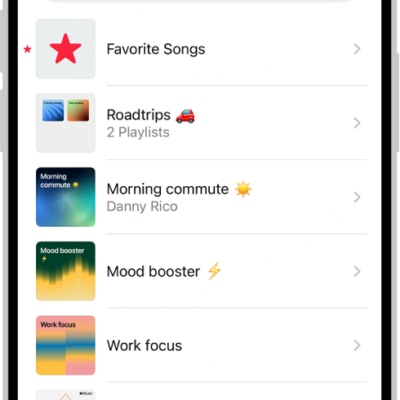
How to create, edit, and delete music playlists on iPhone
You can create, edit, and delete music playlists on iPhone, by hand or with Playlist Playground in the U.S., which builds one from a description.
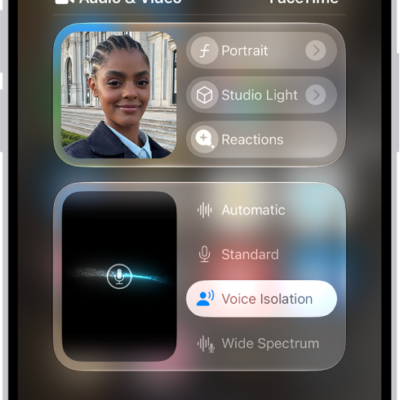
How to use video conferencing features on iPhone
You can use video effects like Center Stage and add 3D reactions with hand gestures during a FaceTime or other video call on iPhone.

How to find your password for a website or app on iPhone
You can find your password for a website or app in the Passwords app on iPhone by searching for the account or sorting your accounts.
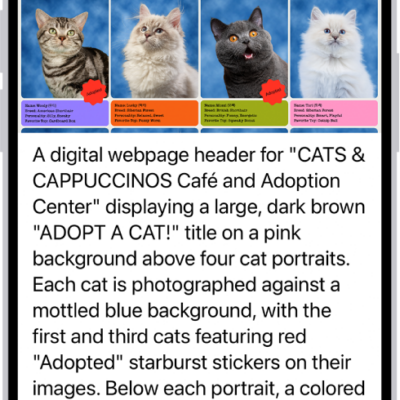
How to use VoiceOver in apps on iPhone
You can use VoiceOver in built-in iPhone apps like Safari and Maps, and VoiceOver Recognition describes images and screen elements.
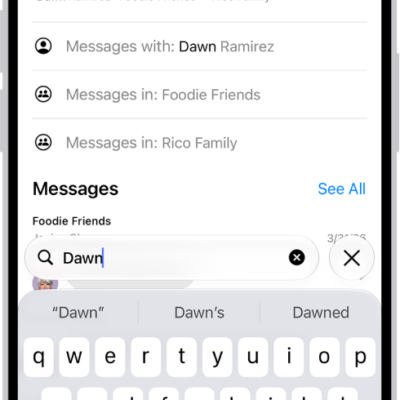
How to search in Messages on iPhone
You can search Messages on iPhone for text and attachments, and narrow results by person, conversation, or type of shared item.
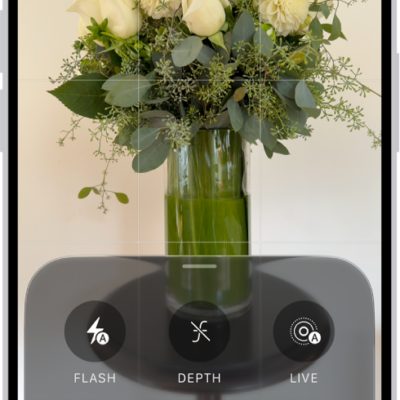
How to use advanced camera tools on iPhone
You can set the camera's aperture, shutter speed, and white balance yourself, and check exposure with a histogram on iPhone 18 Pro models.