









GeeksModo Story Archive - October 2026
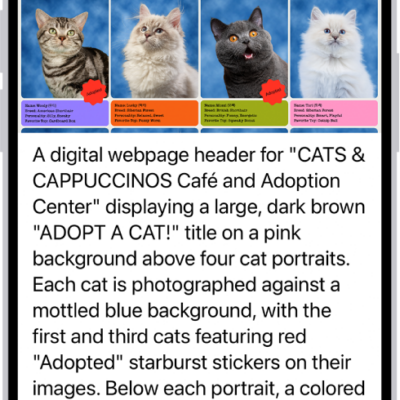
How to use VoiceOver in apps on iPhone
You can use VoiceOver in built-in iPhone apps like Safari and Maps, and VoiceOver Recognition describes images and screen elements.
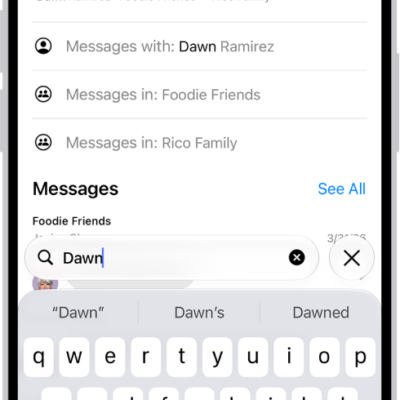
How to search in Messages on iPhone
You can search Messages on iPhone for text and attachments, and narrow results by person, conversation, or type of shared item.
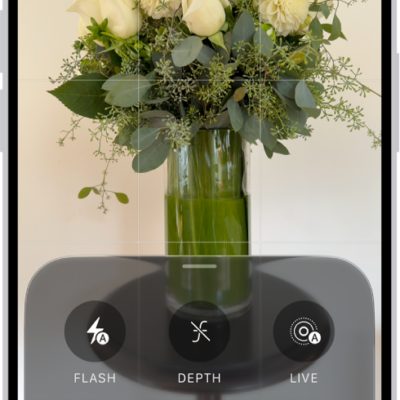
How to use advanced camera tools on iPhone
You can set the camera's aperture, shutter speed, and white balance yourself, and check exposure with a histogram on iPhone 18 Pro models.
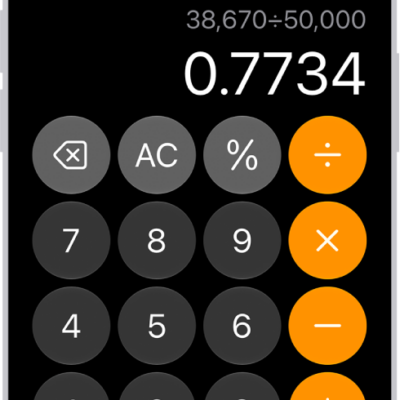
How to see previous calculations in Calculator on iPhone
You can see previous calculations in the basic or scientific calculator on iPhone, reload them, and copy results to use elsewhere.
How to use other apps during a FaceTime call on iPhone
You can use other apps during a FaceTime call on iPhone, then tap the green bar at the top of the screen to get back to the call.

How to send and reply to messages on iPhone
You can send messages and images on iPhone, reply inline to a specific message, send from your other number, and use Siri to respond.

How to delete and recover your Freeform boards and folders on iPhone
You can delete Freeform boards and folders on iPhone and recover them within 30 days, including boards shared with you.
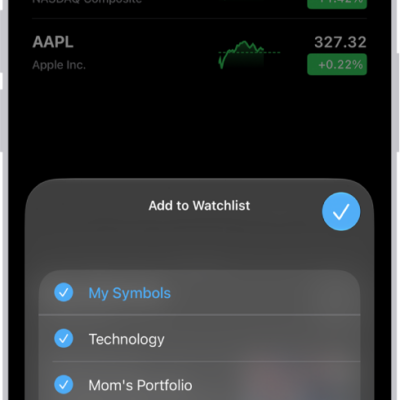
How to manage watchlists in Stocks on iPhone
You can create watchlists in Stocks on iPhone, add, sort, and remove symbols, and see your watchlists on all your devices.

How to protect your web browsing with iCloud Private Relay on iPhone
You can protect your web browsing with iCloud Private Relay on iPhone with iCloud+, so websites can't see your IP address or exact location.
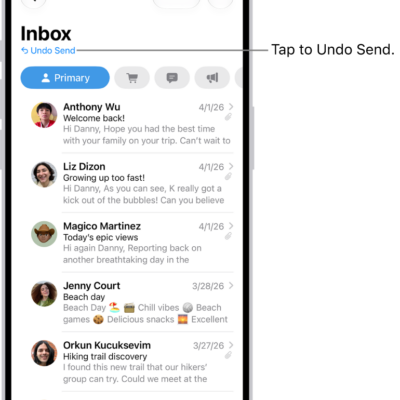
How to unsend email with Undo Send in Mail on iPhone
You can unsend email with Undo Send in Mail on iPhone within 10 seconds, and set a longer delay for all emails.