









GeeksModo Story Archive - October 2026
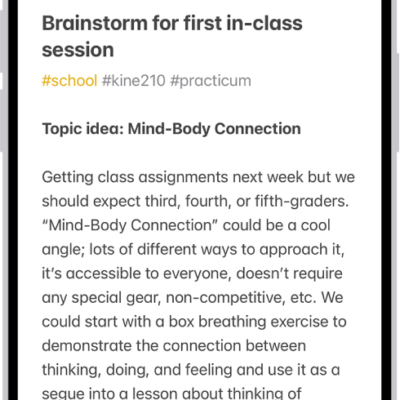
How to organize your notes with Smart Folders on iPhone
You can create Smart Folders in Notes on iPhone that gather notes by tags, dates, mentions, and more, or convert a folder.
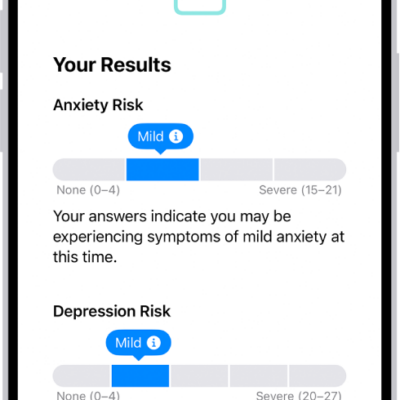
How to take a mental health assessment in Health on iPhone
You can take a standardized mental health assessment in Health on iPhone to see your risk for depression or anxiety and share a PDF.
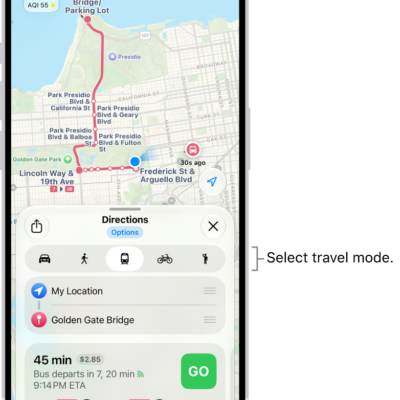
How to get transit directions in Maps on iPhone
You can get transit directions in Maps on iPhone with departure times, connections, and fares, and add and top up transit cards.
How to find more resources for iPhone software and service
You can find more resources for iPhone software and service information, from personalized support to warranty and battery service.
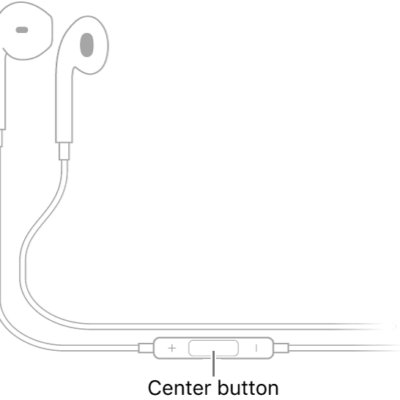
How to use iPhone as a remote microphone with Live Listen
You can stream sound from your iPhone microphone to hearing devices, AirPods, or Beats to hear better in noisy places with Live Listen.
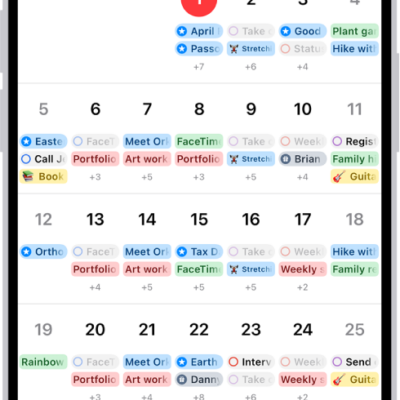
How to add earnings reports to your calendar in Stocks on iPhone
You can add a company's upcoming earnings report from Stocks to the Calendar app on iPhone as an all-day event, and delete it later.

How to use other apps with CarPlay
You can use Siri and compatible third-party apps with CarPlay, from navigation and audio apps to parking and EV charging apps.
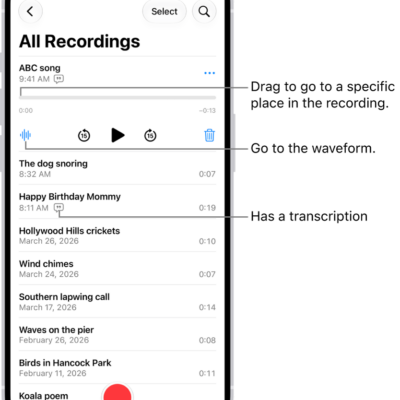
How to duplicate a recording in Voice Memos on iPhone
You can duplicate a recording in Voice Memos on iPhone, then edit and rename the copy while keeping the original.
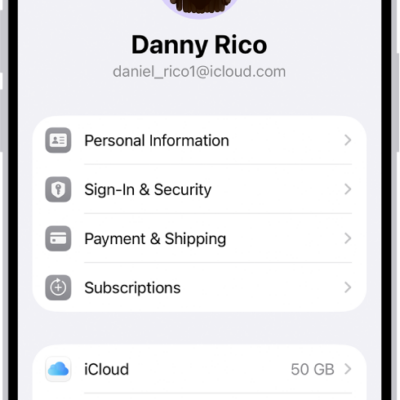
How to keep your Apple Account secure on iPhone
You can keep your Apple Account secure on iPhone with two-factor authentication, Account Recovery Contacts, Legacy Contacts, and a recovery key.
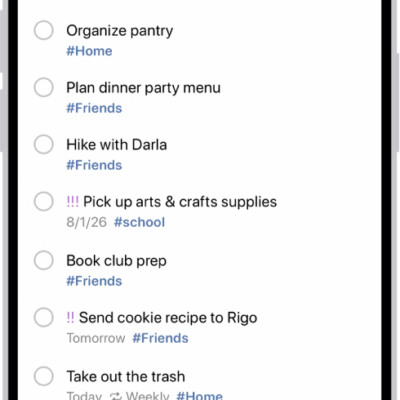
How to add details in Reminders on iPhone
You can add notes, dates, locations, priorities, photos, and scans to reminders on iPhone, and even get reminded when you message someone.