









GeeksModo Story Archive - October 2026
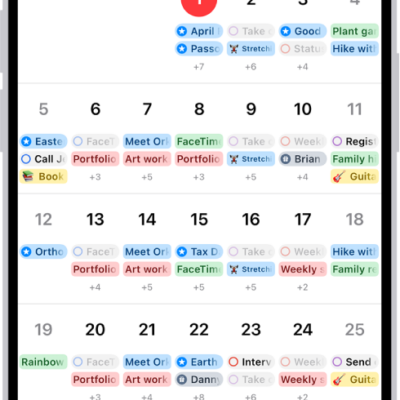
How to add earnings reports to your calendar in Stocks on iPhone
You can add a company's upcoming earnings report from Stocks to the Calendar app on iPhone as an all-day event, and delete it later.

How to use other apps with CarPlay
You can use Siri and compatible third-party apps with CarPlay, from navigation and audio apps to parking and EV charging apps.
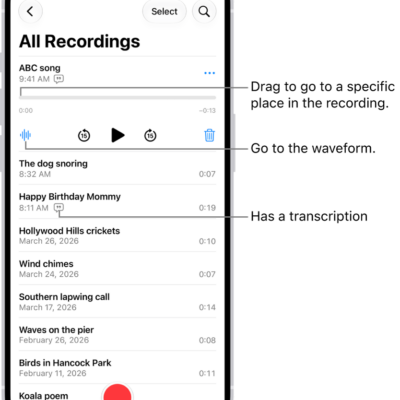
How to duplicate a recording in Voice Memos on iPhone
You can duplicate a recording in Voice Memos on iPhone, then edit and rename the copy while keeping the original.
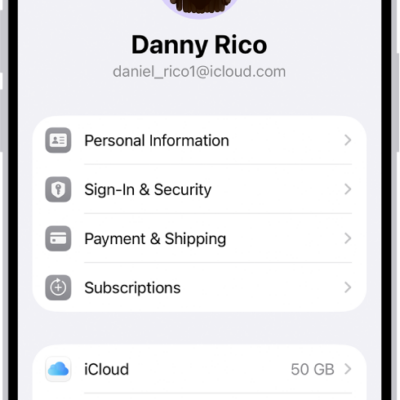
How to keep your Apple Account secure on iPhone
You can keep your Apple Account secure on iPhone with two-factor authentication, Account Recovery Contacts, Legacy Contacts, and a recovery key.
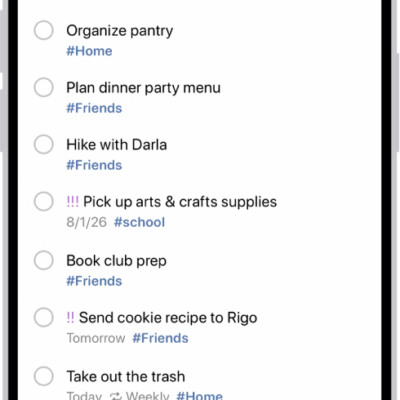
How to add details in Reminders on iPhone
You can add notes, dates, locations, priorities, photos, and scans to reminders on iPhone, and even get reminded when you message someone.
How to share Tab Groups and collaborate in Safari on iPhone
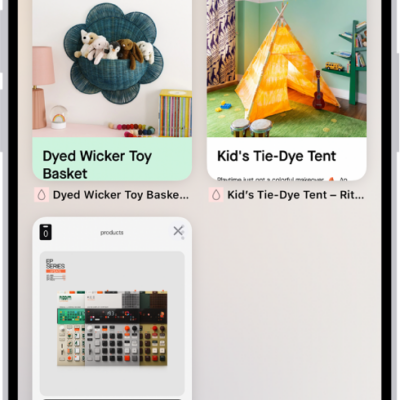
You can share a Tab Group in Safari on iPhone with people who use iCloud, add or remove collaborators, and start a call or message from Safari.

How to use EarPods with iPhone
You can use EarPods with iPhone to listen to music, make calls, and use Siri, with the center button doing most of the work.
How to find receipts, QR codes, recently edited photos, and more on iPhone
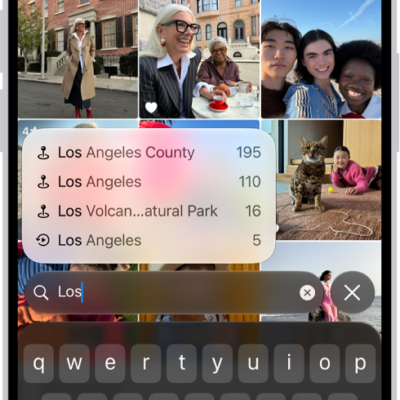
You can find receipts, QR codes, documents, and recently edited, saved, or shared photos in the Utilities collections in Photos on iPhone.
How to play background sounds on iPhone
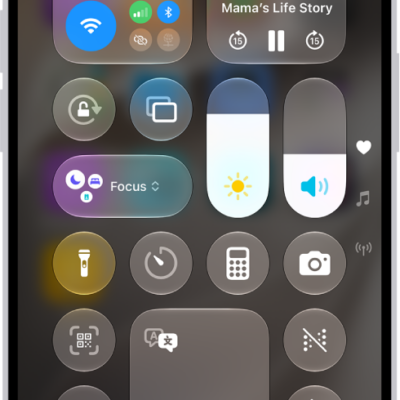
You can have iPhone play Background Sounds, like ocean waves or rain, to help you focus or rest, or play ambient music.

How to block a FaceTime call and report it as spam on iPhone
You can block unwanted FaceTime and Group FaceTime calls on iPhone, report them to Apple as spam, and unblock a caller later.