









GeeksModo Story Archive - October 2026
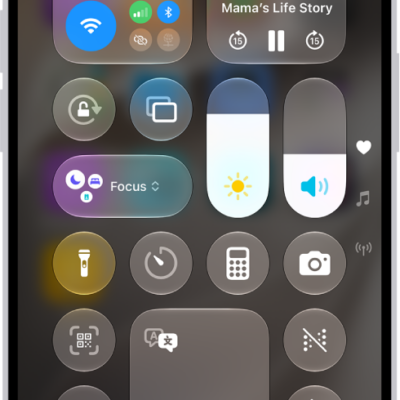
How to play background sounds on iPhone
You can have iPhone play Background Sounds, like ocean waves or rain, to help you focus or rest, or play ambient music.
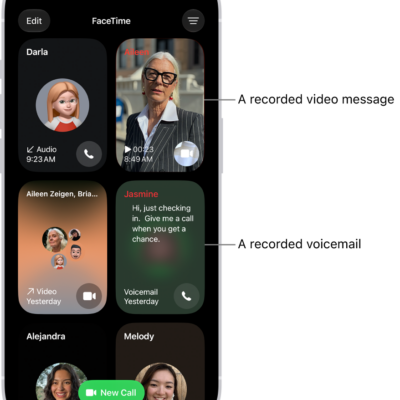
How to block a FaceTime call and report it as spam on iPhone
You can block unwanted FaceTime and Group FaceTime calls on iPhone, report them to Apple as spam, and unblock a caller later.
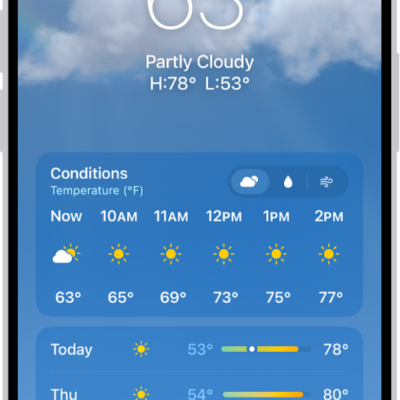
What the Weather app icons mean on iPhone
You can learn the weather icons in the Weather app on iPhone and what they mean, from sunrise and sunset to fog and haze.
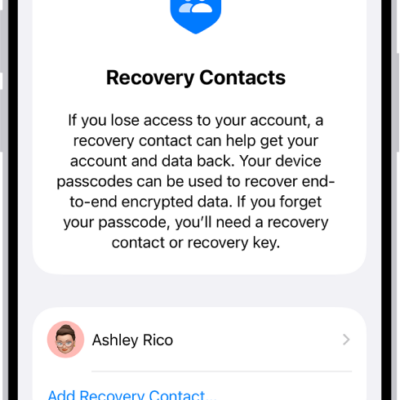
How to use Advanced Data Protection for your iCloud data
You can use end-to-end encryption for more of your iCloud data, like backups, Notes, and Photos with Advanced Data Protection.

How to make and receive phone calls with CarPlay
You can make phone calls and listen to voicemail with CarPlay, using the Phone app or your car's built-in controls.
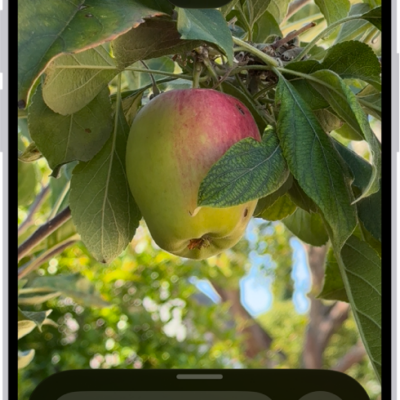
How to magnify or get information about things around you with Magnifier on iPhone
You can use Magnifier on iPhone as a magnifying glass, freeze the frame, have captured text read aloud, and ask about your surroundings.
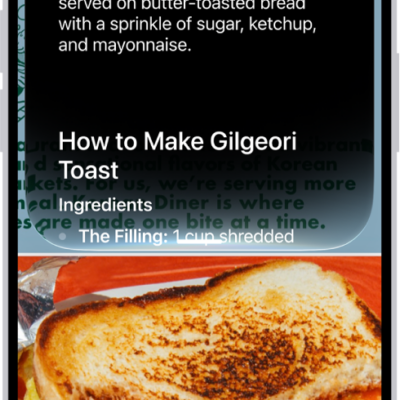
How to ask Siri AI about what’s on your iPhone screen
You can learn about what's on your iPhone screen with Siri AI (Beta), which uses Visual Intelligence to answer questions and take action.
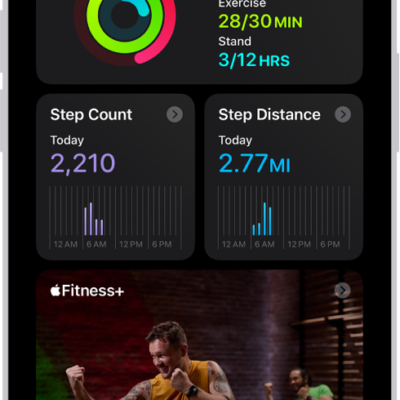
How to get started with Fitness on iPhone
You can use the Fitness app on iPhone to track your Activity rings and workouts, change your goals, and share your activity.
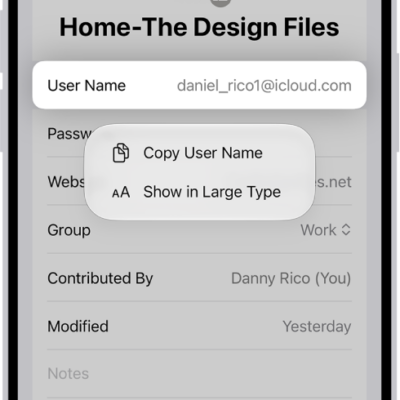
How to see the websites you’ve excluded from automatically filling in passwords on iPhone
You can see the websites you've excluded from saving passwords on iPhone, and remove a website from that list.
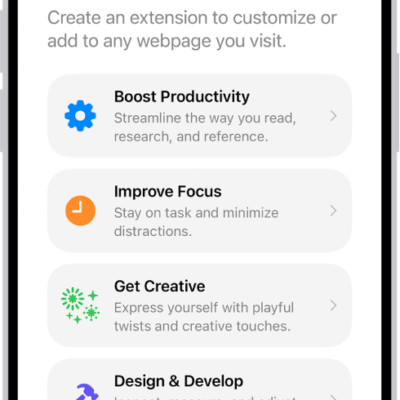
How to get extensions to customize Safari on iPhone
You can get Safari extensions on iPhone from the App Store to find coupons, block content, and add features from other apps.