









GeeksModo Story Archive - October 2026
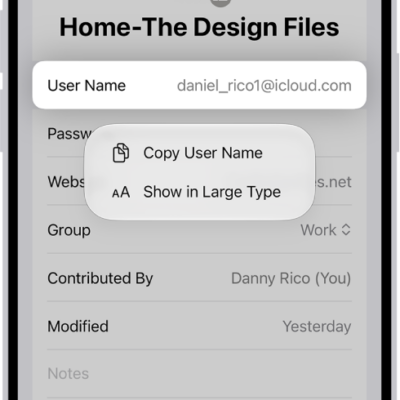
How to see the websites you’ve excluded from automatically filling in passwords on iPhone
You can see the websites you've excluded from saving passwords on iPhone, and remove a website from that list.
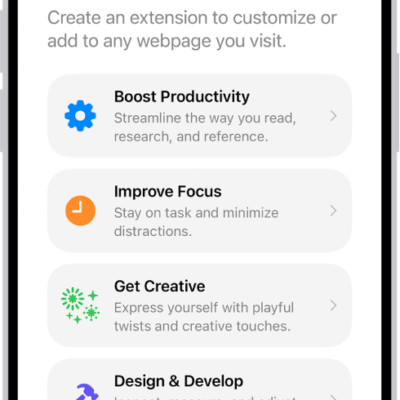
How to get extensions to customize Safari on iPhone
You can get Safari extensions on iPhone from the App Store to find coupons, block content, and add features from other apps.
How to have iPhone notify you when your name is called
You can have iPhone notify you when your name is called with Name Recognition, and teach it more than one name.
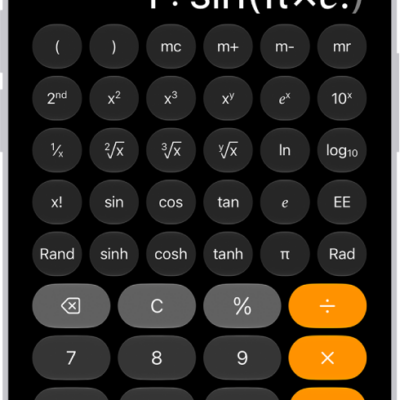
How to get started with Calculator on iPhone
You can use the Calculator app on iPhone for basic or scientific math, unit and currency conversion, and handwritten Math Notes.
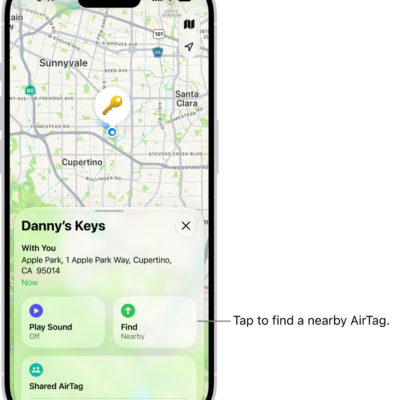
How to add or update a third-party item in Find My on iPhone
You can add a supported third-party item to Find My on iPhone, rename it, keep it up to date, and view its details.
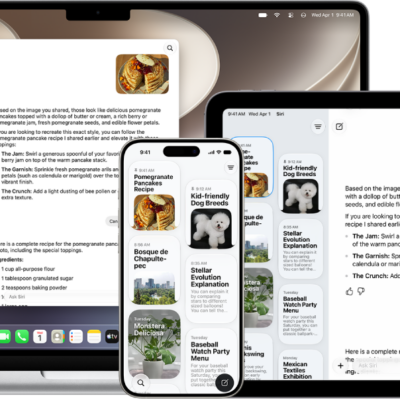
How to change Siri settings on iPhone
You can change how you activate Siri on iPhone, change Siri's language and voice, and choose how Siri responds to you.

How to get News notifications and newsletters on iPhone
You can turn on News notifications for channels you follow on iPhone, and get newsletters from Apple News editors by email.
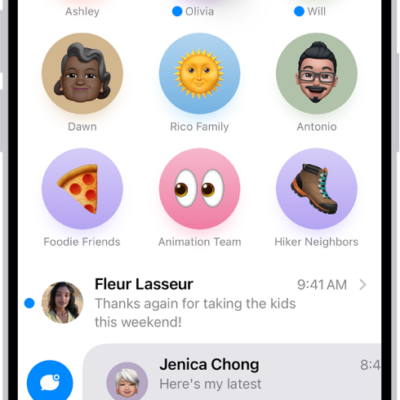
How to keep track of messages on iPhone
You can catch up on missed messages on iPhone, mark conversations as unread, pin important ones, and turn message summaries on or off.
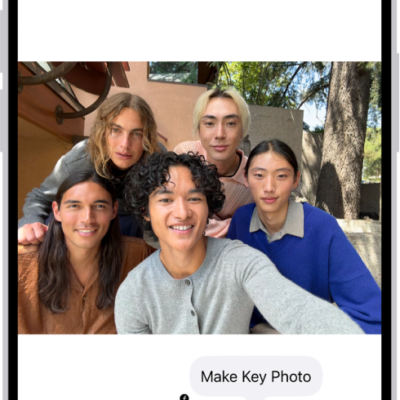
How to edit Live Photos on iPhone
You can edit Live Photos on iPhone, change the key photo, trim them, mute them, and add Loop, Bounce, or Long Exposure effects.

How to subscribe to iCloud+ on iPhone
You can subscribe to iCloud+ or Apple One on iPhone for more storage and features like iCloud Private Relay and Hide My Email.