









GeeksModo Story Archive - October 2026

How to subscribe to iCloud+ on iPhone
You can subscribe to iCloud+ or Apple One on iPhone for more storage and features like iCloud Private Relay and Hide My Email.
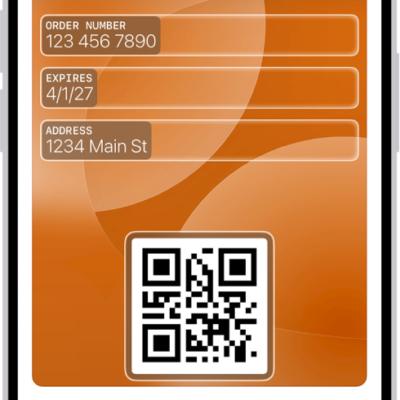
How to set up cards and passes in Wallet on iPhone
You can add credit and debit cards, passes, transit cards, IDs, and keys to Wallet on iPhone, and arrange them the way you like.
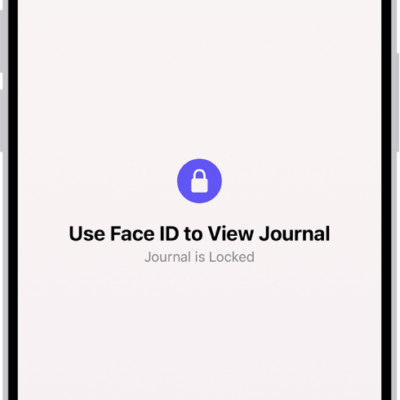
How to change your Journal settings on iPhone
You can change Journal settings on iPhone, including Journaling Suggestions, their privacy settings, and your journaling schedule.
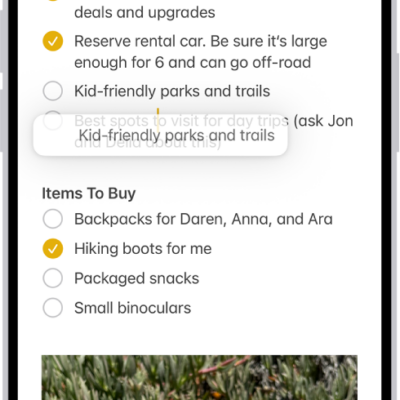
How to use shortcuts on Magic Keyboard with iPhone
You can open Search and use text replacements from anywhere without lifting your hands from the keys with Magic Keyboard and iPhone.
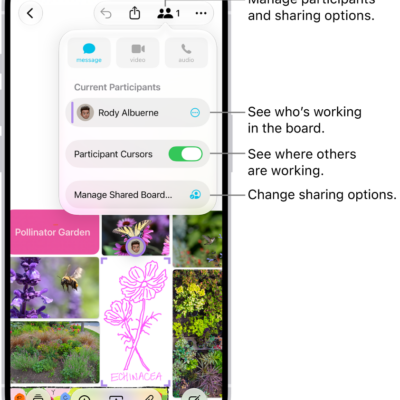
How to send a copy or PDF of a Freeform board on iPhone
You can send a link to a copy of a Freeform board from iPhone, or export the board as a PDF to share it.
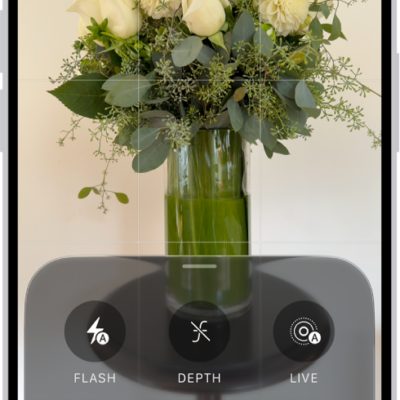
How to take Apple ProRAW photos with your iPhone camera
You can take Apple ProRAW photos for more control over exposure, color, and white balance when editing on supported iPhone models.
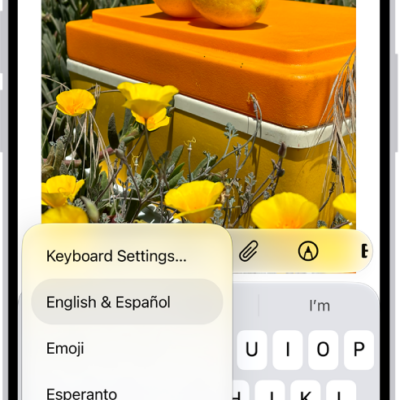
How to change the language and region on iPhone
You can change the language and region on iPhone, add or remove languages, and set the calendar, temperature, and measurement formats.
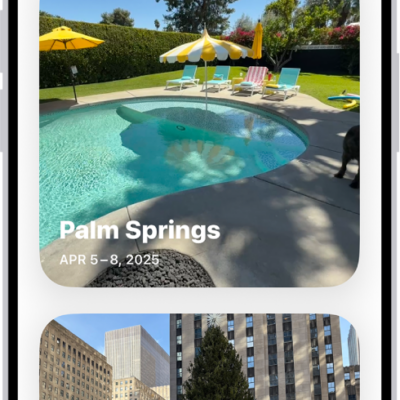
How to find your travel photos and videos on iPhone
You can find your travel photos and videos on iPhone in Trips, collections the Photos app creates from location data.
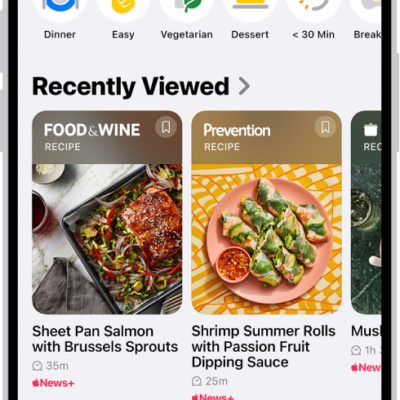
How to find recipes and food stories in Apple News+ on iPhone
You can find recipes and food stories on iPhone, with adjustable yields, nutrition facts, and timers if you subscribe to Apple News+.
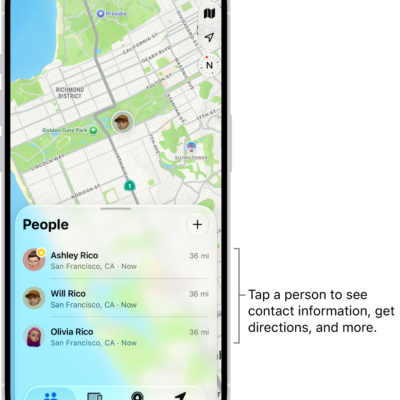
How to add or remove a friend in Find My on iPhone
You can ask to see a friend's location in Find My on iPhone, and remove a friend from your People list when you no longer need to.