









GeeksModo Story Archive - October 2026
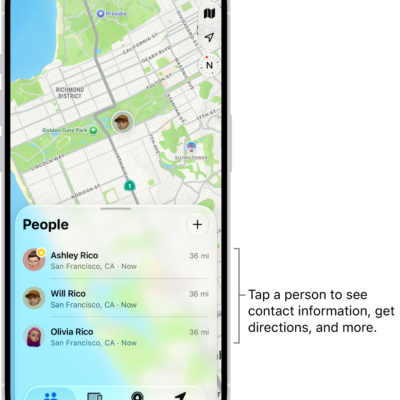
How to add or remove a friend in Find My on iPhone
You can ask to see a friend's location in Find My on iPhone, and remove a friend from your People list when you no longer need to.
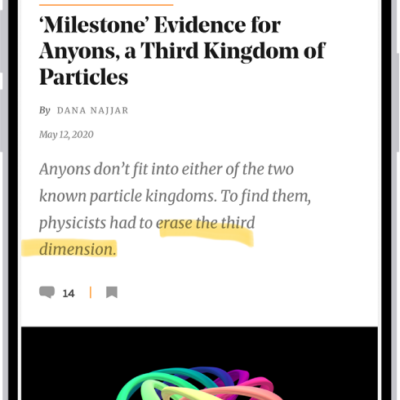
How to annotate and save a webpage as a PDF in Safari on iPhone
You can mark up a webpage in Safari on iPhone with Markup, then save the annotated page as a PDF in Files or share it.
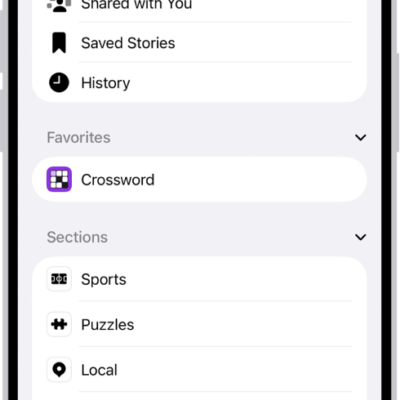
How to follow your favorite teams with My Sports on iPhone
You can follow your favorite teams and leagues, get scores, schedules, and standings, and watch highlights with My Sports on iPhone.
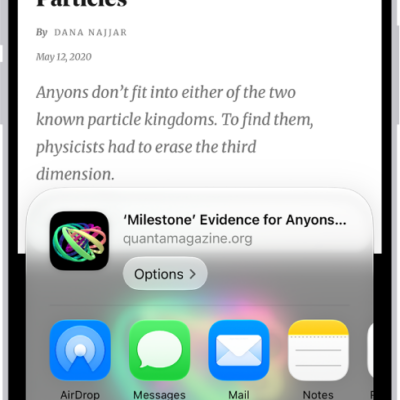
How to turn a website into an app in Safari on iPhone
You can turn a website into a web app on your iPhone Home Screen from Safari, so it opens and sends notifications like an app.
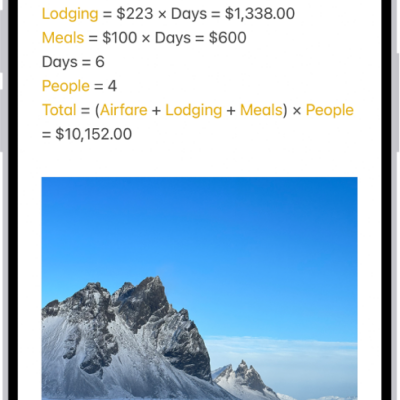
How to add photos, video, and more to notes on iPhone
You can add photos, videos, webpages, maps, PDFs, and other attachments to notes on iPhone, then change preview sizes and view all attachments.

How to use buttons on the Apple TV 4K Remote on iPhone
You can use buttons instead of swipe gestures on the Apple TV 4K Remote on iPhone by turning on Directional Buttons.
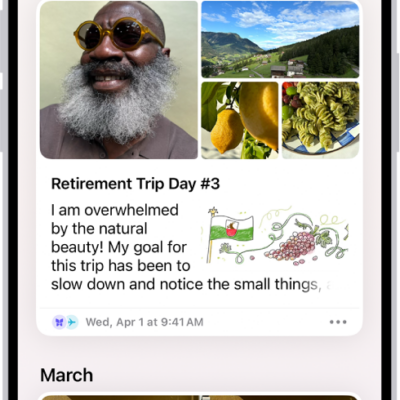
How to print and export entries in Journal on iPhone
You can print or export a single journal entry or many at once as PDF files in the Journal app on iPhone.
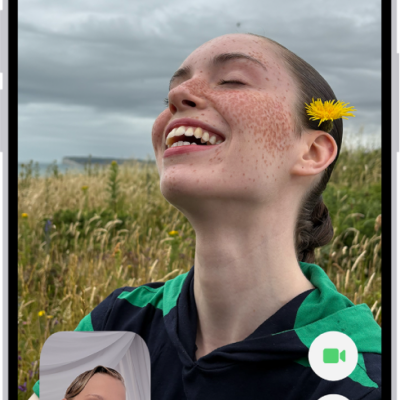
How to get started with FaceTime on iPhone
You can use FaceTime on iPhone to make video calls over Wi-Fi or cellular, watch and listen together, and leave video messages.
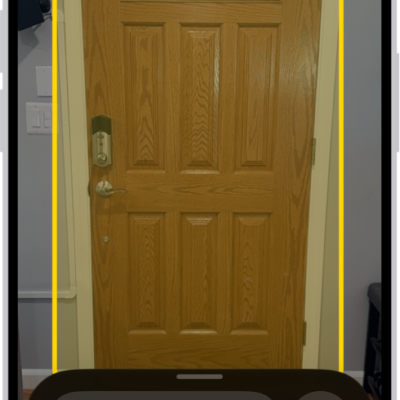
How to set up shortcuts for Live Recognition on iPhone
You can set up a shortcut on iPhone to quickly start Live Recognition with VoiceOver, using a gesture or a triple-click.
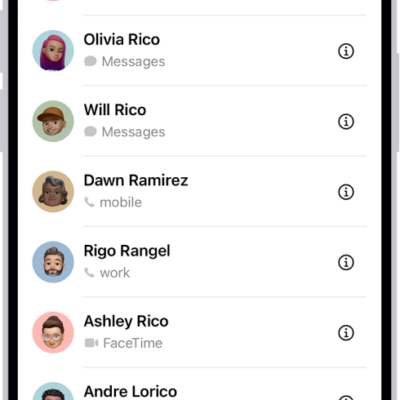
How to get rid of duplicate contacts on iPhone
You can merge duplicate contacts on iPhone and link contact cards for the same person so they appear only once in your contacts list.