









GeeksModo Story Archive - October 2026
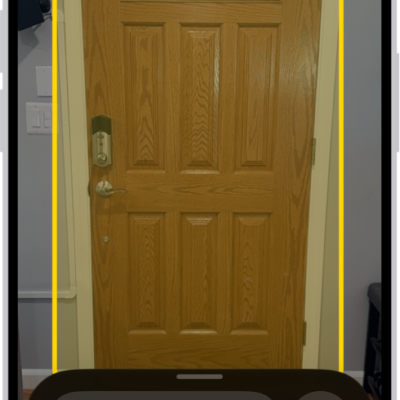
How to set up shortcuts for Live Recognition on iPhone
You can set up a shortcut on iPhone to quickly start Live Recognition with VoiceOver, using a gesture or a triple-click.
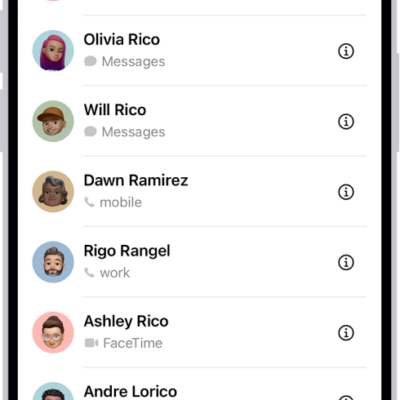
How to get rid of duplicate contacts on iPhone
You can merge duplicate contacts on iPhone and link contact cards for the same person so they appear only once in your contacts list.
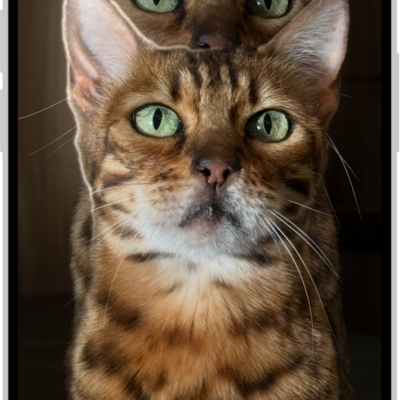
How to lift a subject from the photo or video background on iPhone
You can lift the subject of a photo or video from its background on iPhone, then copy, share, look it up, or turn it into a sticker.
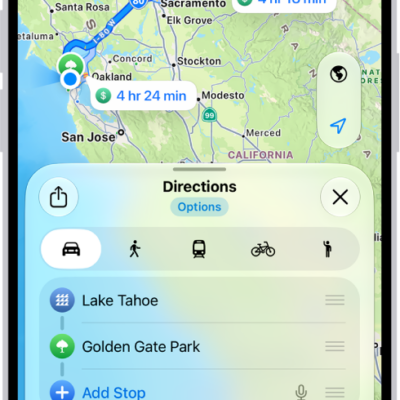
How to check traffic conditions and report traffic incidents in Maps on iPhone
You can check traffic conditions in Maps on iPhone and report accidents, hazards, and speed checks, or report when they're cleared.

How to sign in with passkeys in Safari on iPhone
You can sign in to supporting websites in Safari on iPhone with passkeys, using Face ID or Touch ID.
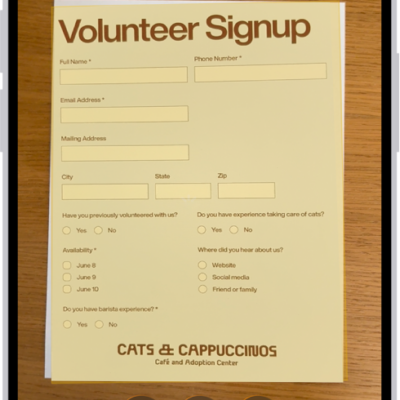
How to work with PDFs in Notes on iPhone
You can attach, view, edit, annotate, and collaborate on PDFs in Notes on iPhone, including scanned documents.
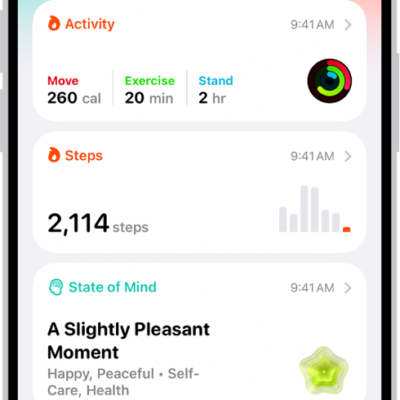
How to monitor your walking steadiness in Health on iPhone
You can monitor your walking steadiness in Health on iPhone 8 or later, get notified when it's low, and see exercises to help improve it.
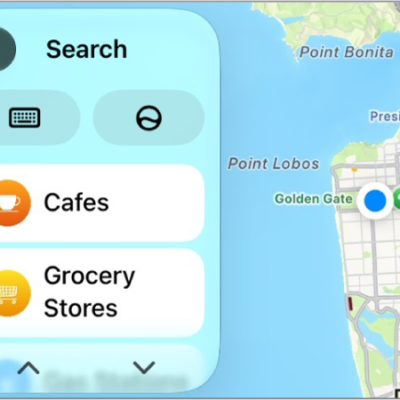
How to change the map view in CarPlay
You can change the map view in CarPlay, switching between detailed 3D and overview maps, zooming, scrolling, and showing your location.
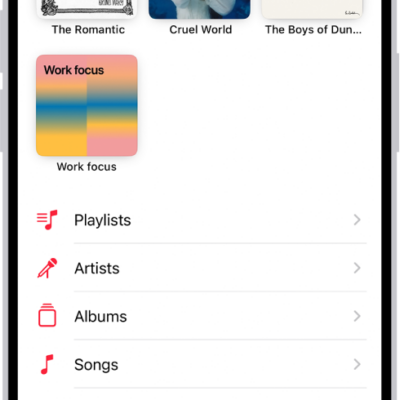
How to add music to iPhone and listen offline
You can add songs to your library and download them to iPhone to listen offline if you subscribe to Apple Music.
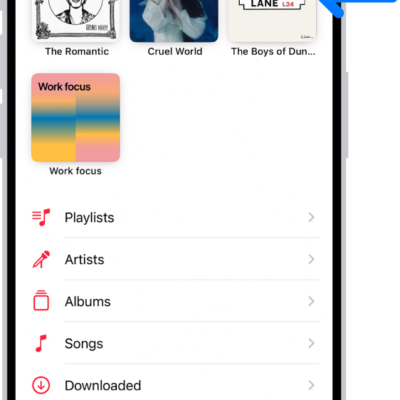
How to pin albums, songs, and more in Music on iPhone
You can pin playlists, artists, albums, and songs to the top of your library on iPhone if you subscribe to Apple Music.