









GeeksModo Story Archive - October 2026
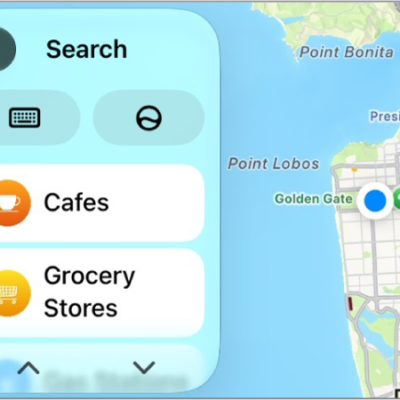
How to change the map view in CarPlay
You can change the map view in CarPlay, switching between detailed 3D and overview maps, zooming, scrolling, and showing your location.
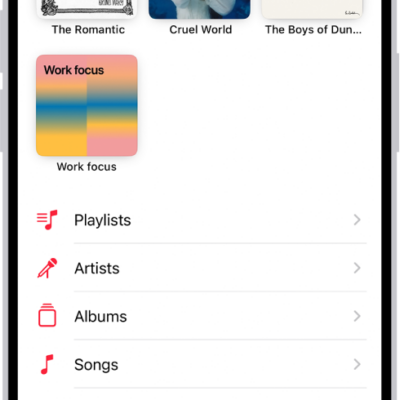
How to add music to iPhone and listen offline
You can add songs to your library and download them to iPhone to listen offline if you subscribe to Apple Music.
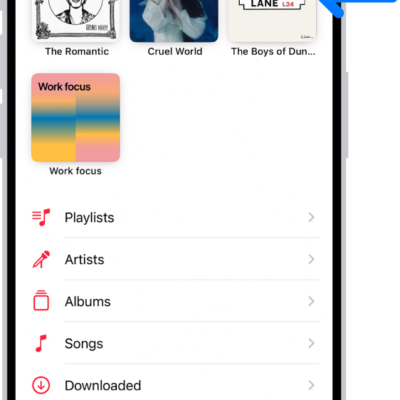
How to pin albums, songs, and more in Music on iPhone
You can pin playlists, artists, albums, and songs to the top of your library on iPhone if you subscribe to Apple Music.
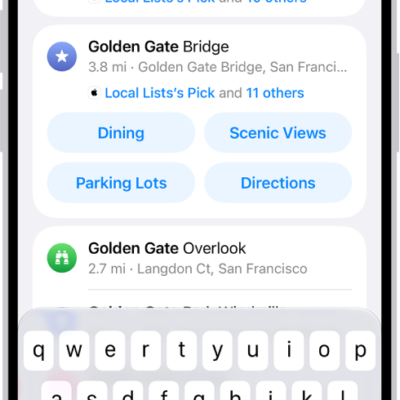
How to get information about places in Maps on iPhone
You can tap places in Maps on iPhone to see their address, phone number, website, reviews, and more, or get directions.

How to explore airports or malls in Maps on iPhone
You can use indoor maps in Maps on iPhone to find gates, restrooms, food, and other services in large airports and shopping malls.
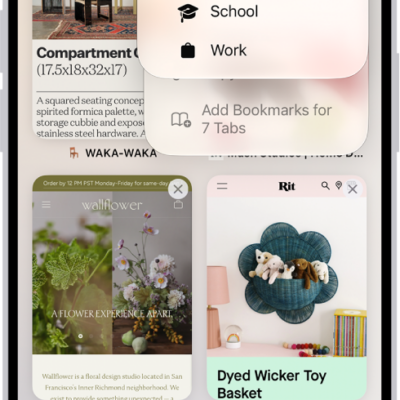
How to create multiple Safari profiles on iPhone
You can create Safari profiles on iPhone, like Personal, Work, and School, each with its own favorites, history, tabs, and Tab Groups.

How to get information about your iPhone
You can find your iPhone's serial number, IMEI, model, and storage details in Settings, and view your call time and cellular usage.
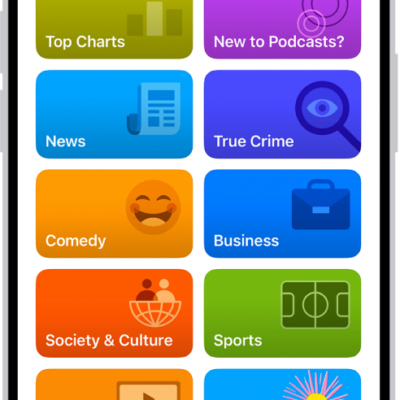
How to find podcasts on iPhone
You can search for and browse podcasts on iPhone, follow shows to add them to your library, and listen offline.
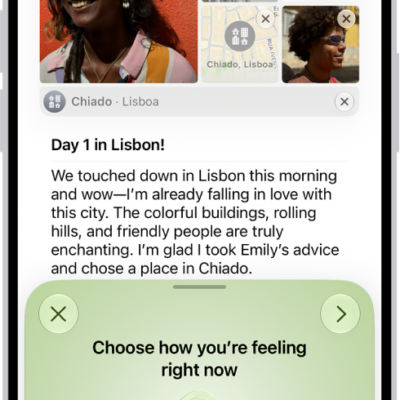
How to log your state of mind with Journal on iPhone
You can log your state of mind in Journal on iPhone and add the time you spend journaling as mindful minutes in Health.
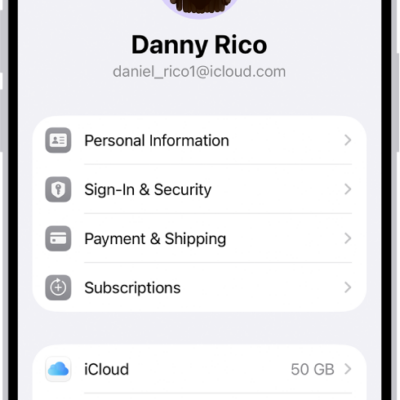
How to sign in and manage your Apple Account on iPhone
You can sign in to your Apple Account on iPhone, change its settings, and add or update its payment method.