You can find street addresses and other information about places that appear on maps.
A place card can show its street address, phone number, website, and customer reviews. Many restaurants and other businesses even offer App Clips that let you order or make a reservation. You can get a route to the location, save information about a place, and stop sending restaurant notifications.
Here’s how to get information about places in Maps on iPhone.
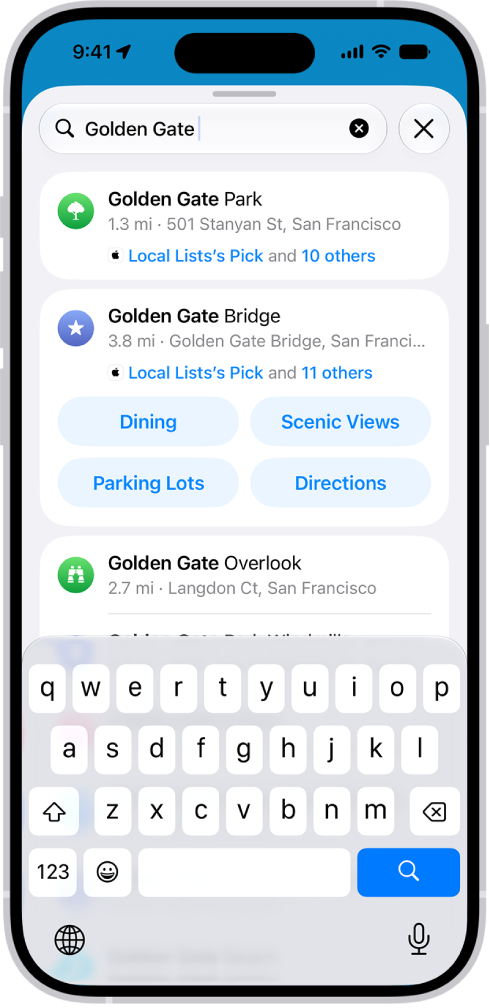
Get information about a place
- Start the Maps app on your iPhone.
- Tap a place (for example, a city or landmark on a map, a spot that you marked with a pin, or a search result in Maps). Do any of the following:
- Get a route to the location: Tap the directions button.
- View more information: Scroll down in the place card.
The information might include customer reviews, a phone number, the street address, a webpage link, and more.
Many restaurants and other businesses offer App Clips that allow you to order or make a reservation by tapping buttons on their place cards.
Save information about a place
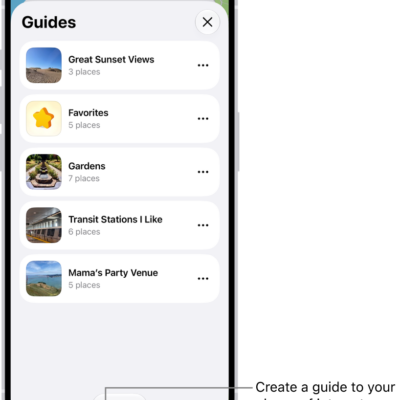
You can save a place, add it as one of your contacts, or add it as a pin to one of your custom guides.
- Start the Maps app on your iPhone.
- Tap a place on a map or a search result, tap the More button, and then choose an option.
Stop sending restaurant names to a third party
Install an app that has a table-booking extension, and it can also help you make reservations at restaurants.
You can stop the extension from receiving the names of restaurants you view.
- Start the Settings app on your iPhone.
- Tap Apps, then tap Maps.
- Tap Restaurant Booking, then turn off the app extension.