You can request a ride with a compatible ridesharing app right from Maps. If you don’t have one installed, you can see which ones are available from the App Store. You can start from any spot on the map, or from an address you search for.
Maps may share your location with those apps to estimate wait times and fares, and you can turn that off for any app in Settings.
Note: Ridesharing isn’t available in all countries or regions.
Find a ride
- Open the Maps app on your iPhone.
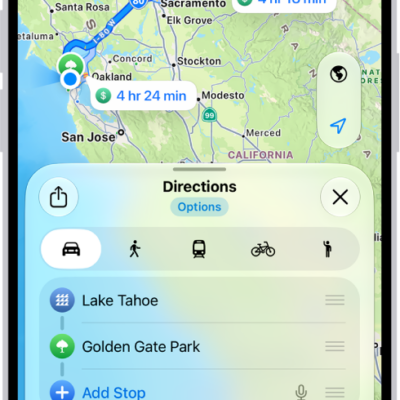
- Touch and hold anywhere on the map or enter an address in the search field. Tap Directions or the Ride button at the right.
- Tap Open to see the option in the ridesharing app. Then book your ride in that app.
Stop sharing your location with a ridesharing app
Ridesharing apps you installed on your iPhone may receive your location from Maps to estimate wait times and fares.
Location sharing with ridesharing apps is something you can stop.
- Open the Settings app on your iPhone.
- Tap Apps, then tap Maps.
- Tap Ride Booking, then turn off any app.
Tag: Maps