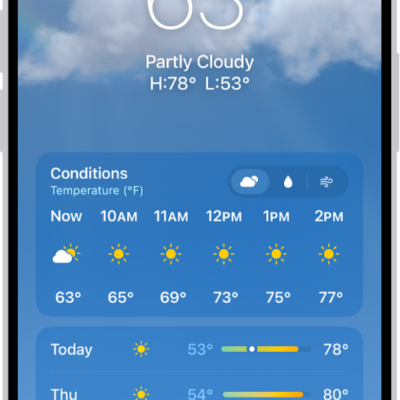
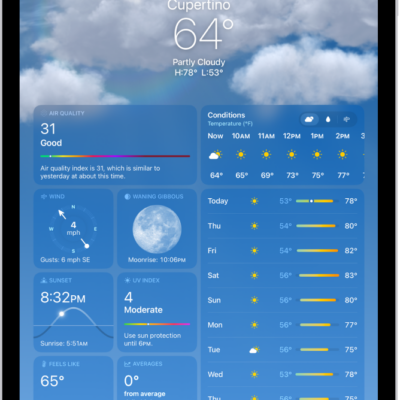
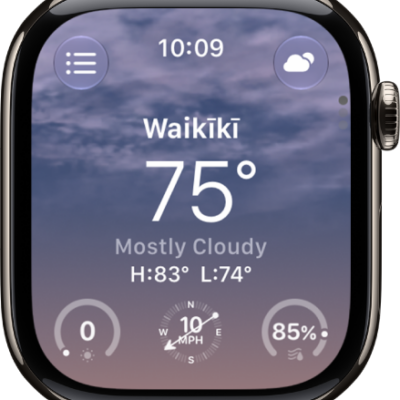
The icons in the Weather app indicate different weather conditions, like fog or haze. Some are easy to read, like Sunrise and Sunset. Here’s a list of some of the weather icons and what they mean, so you can tell them apart.
| Icon | Description |
|---|---|
 |
Sunrise |
 |
Sunset |
| Clear / Mostly clear | |
 |
Partly cloudy |
 |
Haze |
 |
Fog |
 |
Windy / Breezy |
 |
Cloudy |
 |
Thunderstorm |
 |
Rain |
| Heavy rain | |
 |
Drizzle / Freezing drizzle |
 |
Snow |
| Heavy snow / Blizzard | |
 |
Freezing rain / Sleet / Wintry mix |
| Clear / Mostly clear (night) | |
 |
Partly cloudy (night) |
 |
Drizzle (night) |
Tag: Weather