









GeeksModo Story Archive - October 2026
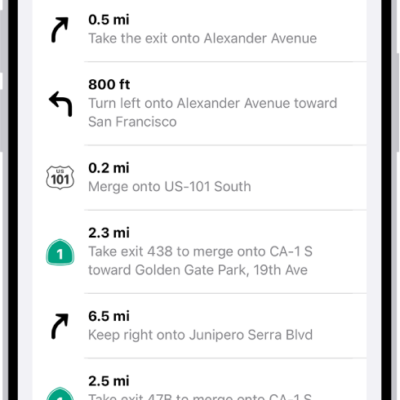
How to change how you hear directions in Maps on iPhone
You can change the volume, voice, and language of spoken directions in Maps on iPhone, and how they work with your other audio.

How to see the FileVault recovery key for your Mac in Passwords on iPhone
You can see and copy the FileVault recovery key for your Mac in the Passwords app on iPhone, in case you forget your Mac password.
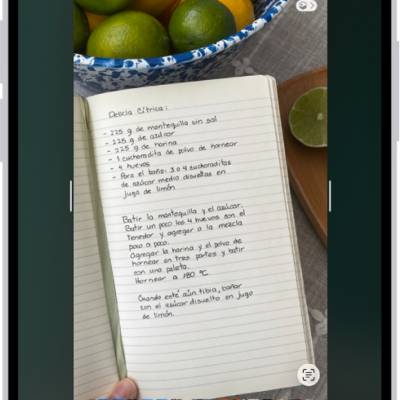
How to change the screen capture settings on iPhone
You can change how screenshots and screen recordings work on iPhone, including thumbnail previews, Visual Look Up, CarPlay screenshots, and SDR or HDR format.

How to set up security cameras in Home on iPhone
You can view video from security cameras in the Home app on iPhone, choose who can watch, and get notified when activity is detected.
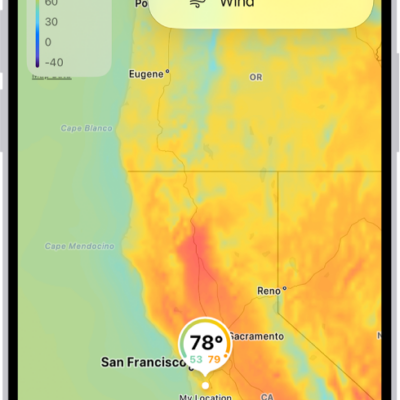
How to view weather maps on iPhone
You can view full-screen precipitation, temperature, air quality, and wind maps in the Weather app on iPhone.
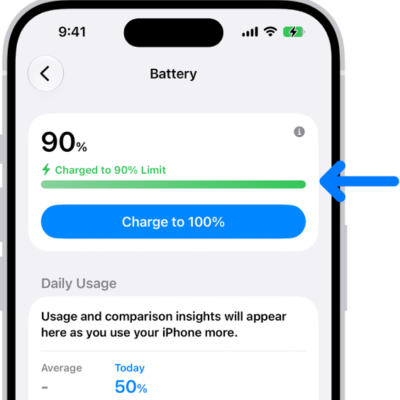
How to charge iPhone with cleaner energy sources (U.S. only)
You can charge iPhone with cleaner energy sources in the U.S. with Clean Energy Charging, and override it or turn it off.

How to view photos and videos on iPhone
You can view photos and videos in the Photos app on iPhone, browse in full screen, and see photos in 3D with Spatial Scene.
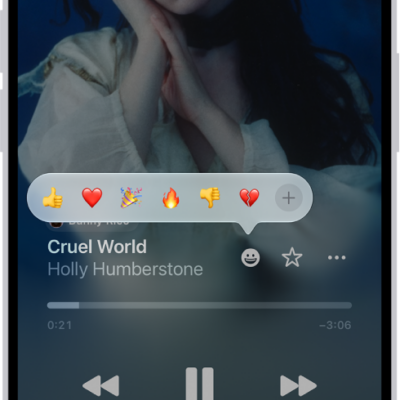
How to add a reaction to a collaborative playlist in Music on iPhone
You can react to songs in a collaborative playlist with emoji from the Now Playing screen on iPhone if you subscribe to Apple Music.
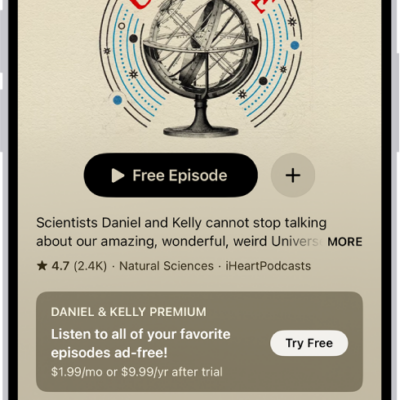
How to rate or review podcasts on iPhone
You can rate and review podcasts on iPhone, read other listeners' reviews, and edit or delete your own review.

How to see news stories chosen just for you on iPhone
You can see news stories chosen just for you in the Today feed in News on iPhone, and tell News what you prefer.