









GeeksModo Story Archive - October 2026

How to see news stories chosen just for you on iPhone
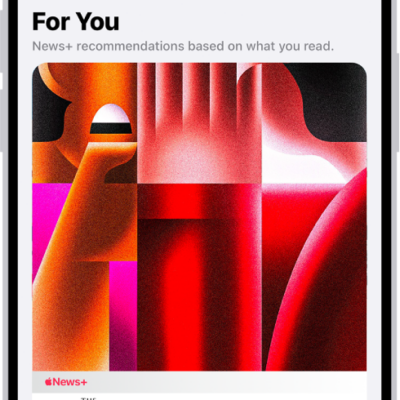
You can see news stories chosen just for you in the Today feed in News on iPhone, and tell News what you prefer.
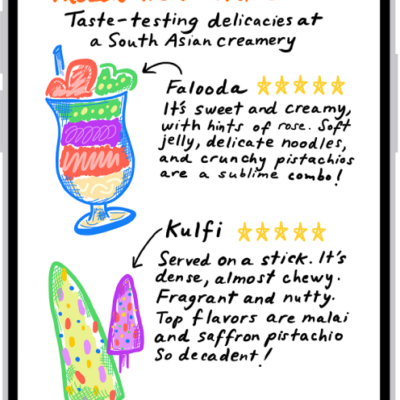
How to recognize sounds using iPhone
You can have iPhone recognize sounds like a doorbell, siren, or crying baby and notify you, and add custom sounds.
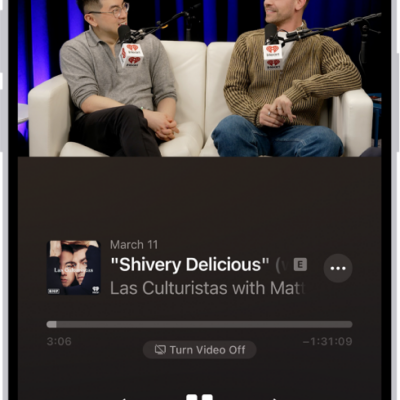
How to share podcasts on iPhone
You can share a podcast show or episode as a link from the Podcasts app on iPhone, even starting at a specific time.
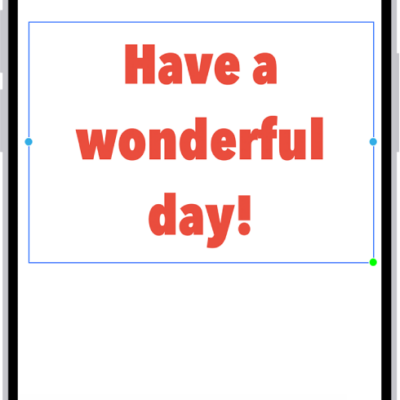
How to add text on a Freeform board on iPhone
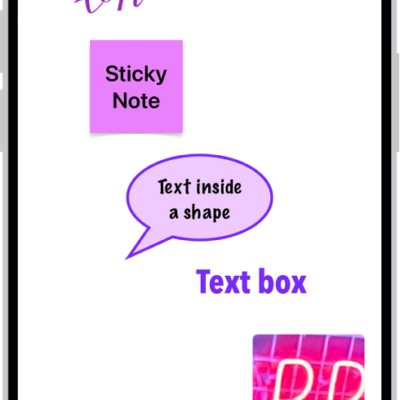
You can add text to a Freeform board on iPhone with a text box, a sticky note, or a shape, then change the font and alignment.
How to get started with Siri AI on iPhone
You can get started with Siri AI (Beta) on iPhone, which understands your personal context and your screen, with Siri mode in Camera and a Siri app.
How to print a Freeform board on iPhone
You can print a Freeform board on iPhone as a single page, or one scene per page if you saved scenes.
How to wake, unlock, and lock iPhone
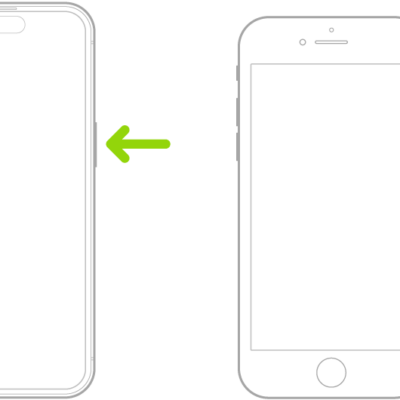
You can wake iPhone with the side button or by raising it, unlock it with Face ID, Touch ID, or a passcode, and lock it again.
How to customize the Main camera lens on iPhone
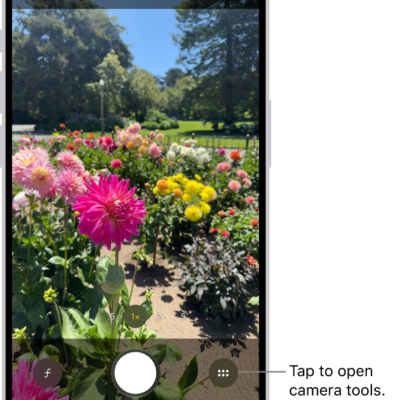
You can add 28 mm and 35 mm lenses to the Main camera and choose which one is the default on supported iPhone models.
How to use Offline Mode to read downloaded News content on iPhone
You can use Offline Mode to read downloaded News content on iPhone as an Apple News+ subscriber, like on a flight.
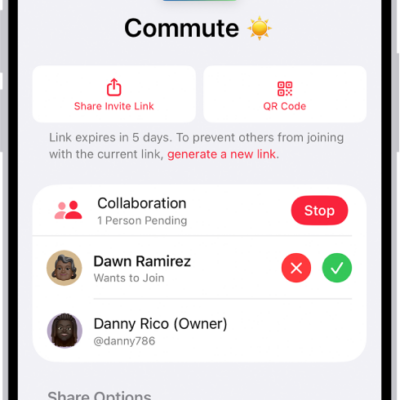
How to collaborate on a playlist in Music on iPhone
You can share a playlist on iPhone so others can add, remove, and reorder songs and react with emoji if you subscribe to Apple Music.