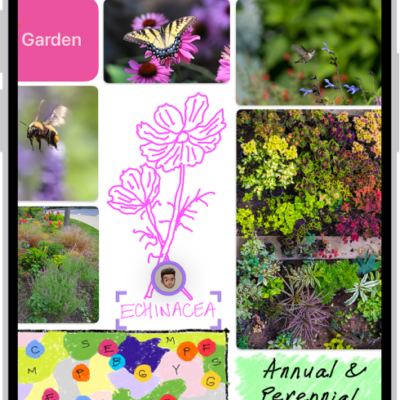
You can print a Freeform board from the Freeform app on your iPhone. If you saved scenes in your board, you can choose to print the entire board as a single page, or to print one scene per page instead.
- Open the Freeform app on your iPhone.
-
Open the board you want to print, tap the More button, and tap Print.
If you saved scenes in your board, choose to print one of the following:
- The entire board as a single page: Tap Board.
- One scene per page: Tap Scenes.
Tag: Freeform