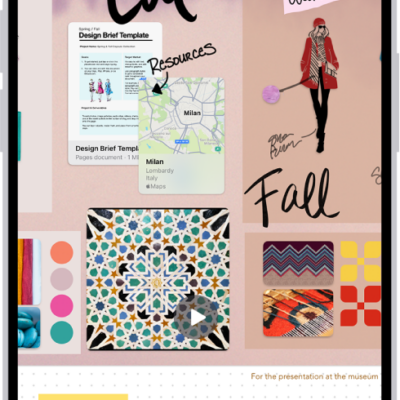
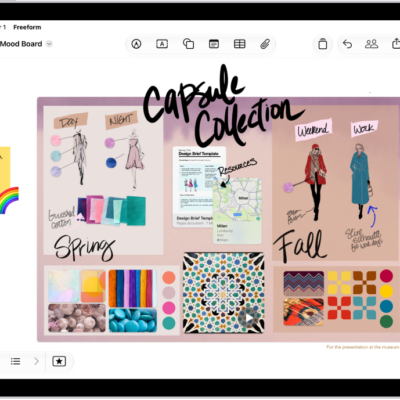
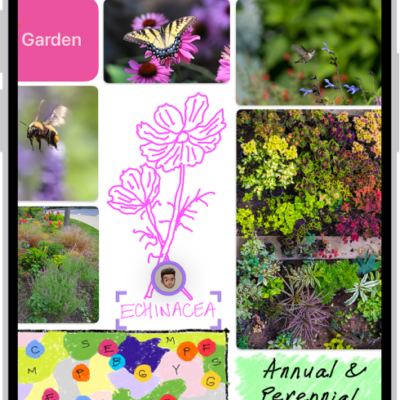
The Freeform app gives you a boundless canvas for creativity. Bring everything together on an online whiteboard, including photos, drawings, links, and files, and invite others to work with you.
Brainstorm, sketch ideas, take notes, and collect your thoughts, either by yourself or with a group. Just about any kind of file can go on a Freeform board, with no layouts or page sizes to worry about. You can also invite people to start working together.
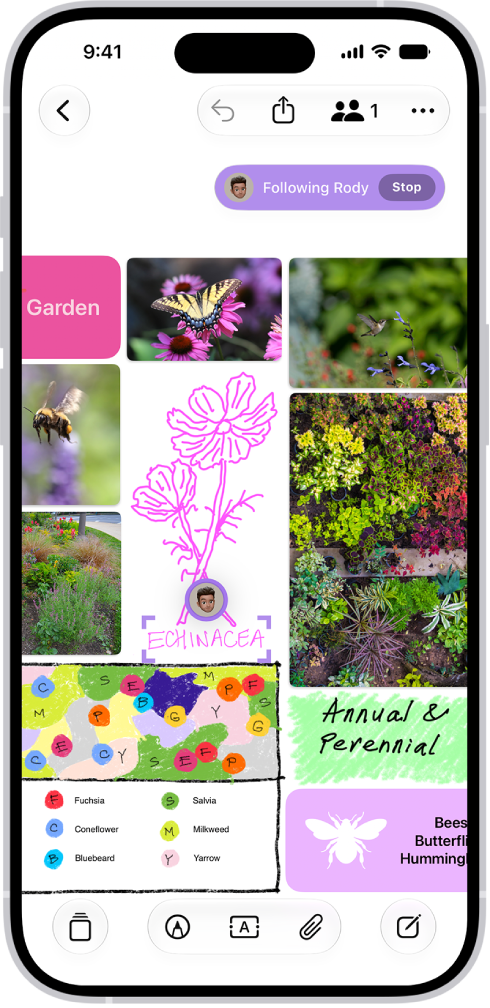
Gather ideas freely
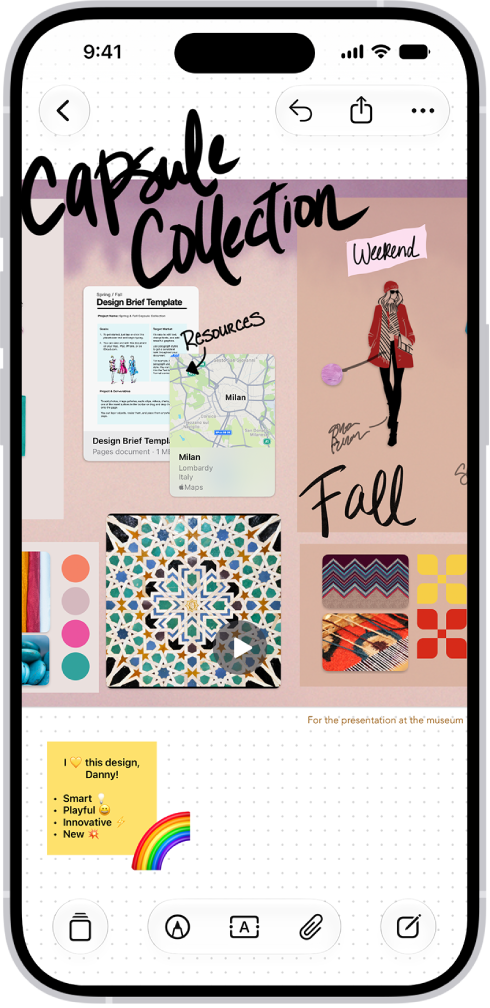
You can put just about any kind of file in a Freeform board without worrying about layouts or page sizes. To create a board, tap the New Board button, then tap the Add Text Box button or another option to start adding your ideas.
Collaborate with others
Tap the Share Board button to invite people to start working together in real time on a board. To conduct a brainstorming session or provide feedback, add a sticky note—tap the Media button, then tap Add Sticky Note.
Get creative with the drawing tools
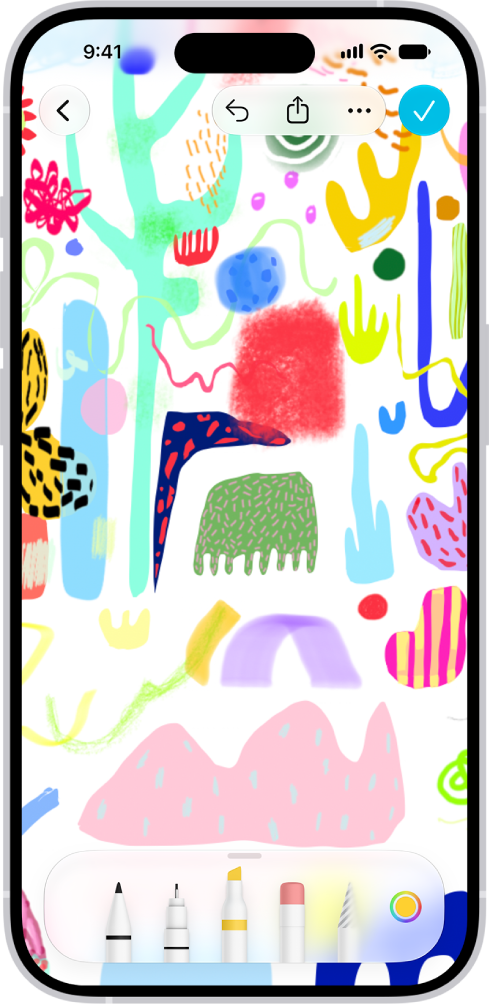
Tap the Drawing and Handwriting Tools button to start drawing. Tap a tool to adjust the line’s thickness, transparency, color, and more. Pinch to zoom in and out as you work.
Everything you need in one place
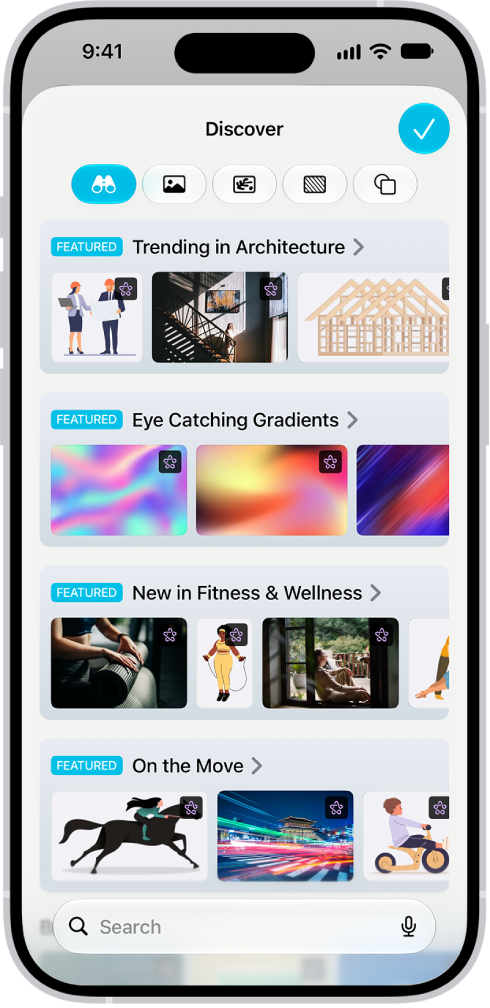
Subscribing to Apple Creator Studio gives you access to a rich library of premium content, along with AI-powered features like automatic cropping and photorealistic image generation.
Start on your iPhone, keep working on your iPad or Mac
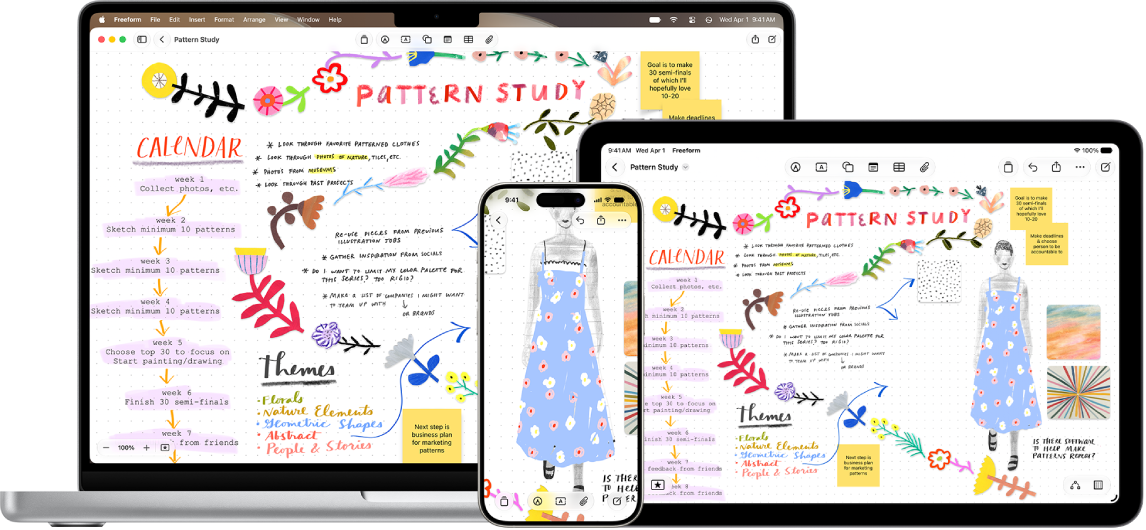
The Freeform boards you store in iCloud—and any changes you make to them—stay up to date on all your Apple devices when you’re signed in to the same Apple Account. To use iCloud with Freeform, go to Settings > [your name] > iCloud > See All (in the Saved to iCloud section), then turn on Freeform.