









GeeksModo Story Archive - October 2026
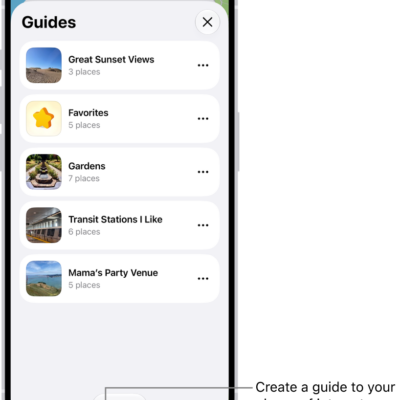
How to organize places with custom guides in Maps on iPhone
You can organize places into your own guides in Maps on iPhone, starting with Favorites, and share, edit, or remove them.
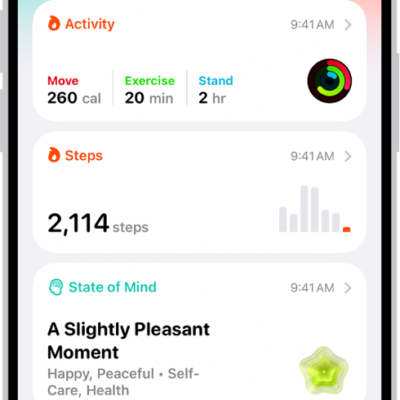
How to view health records in Health on iPhone
You can view health records downloaded from your providers in Health on iPhone, pin lab results, and share records with other apps.
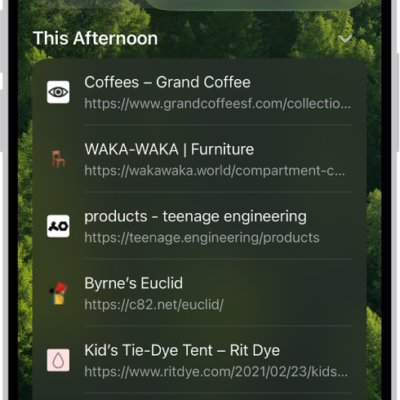
How to enable cookies on iPhone
You can enable cookies in Safari on iPhone so websites that require cookies work normally, by turning off Block All Cookies.

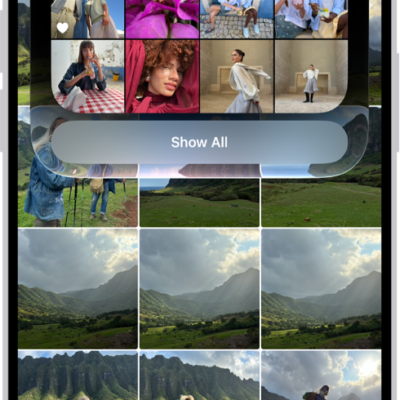
How to browse your photo library on iPhone
You can browse your photo library in Photos on iPhone, jump to a year or month, and change the size and content of the photo grid.
How to apply star ratings to photos and videos on iPhone
You can turn on star ratings in Photos on iPhone, rate photos and videos from 1 to 5 stars, and filter your library by rating.
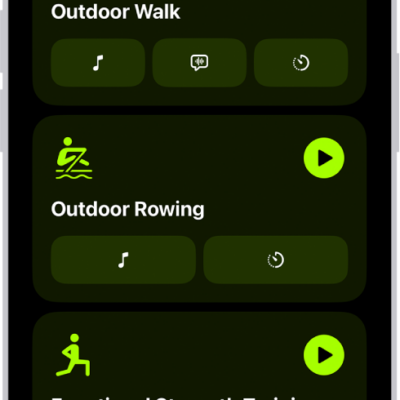
How to start a workout in Fitness on iPhone
You can start a workout in Fitness on iPhone, from Outdoor Run to Kickboxing, and have Apple Music play media that fits it.
How to turn on and activate Siri on iPhone
You can turn on Siri on iPhone, activate it to make requests, and turn it off.

How to automatically fill in one-time verification codes on iPhone
You can set up iPhone to generate and autofill one-time verification codes using a QR code or setup key, without SMS or extra apps.
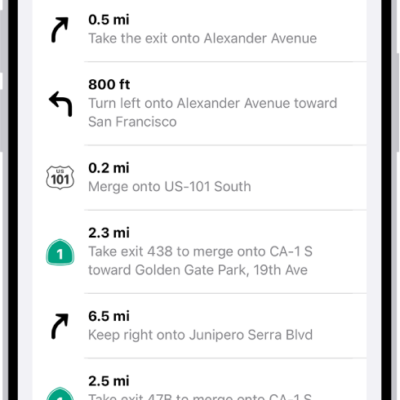
How to change how you hear directions in Maps on iPhone
You can change the volume, voice, and language of spoken directions in Maps on iPhone, and how they work with your other audio.

How to see the FileVault recovery key for your Mac in Passwords on iPhone
You can see and copy the FileVault recovery key for your Mac in the Passwords app on iPhone, in case you forget your Mac password.