









GeeksModo Story Archive - October 2026
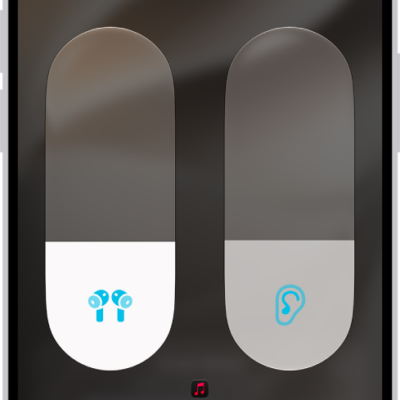
How to customize Transparency mode for AirPods
You can customize Transparency mode for AirPods Pro, reduce ambient noise, adjust Own Voice Amplification, and use Conversation Boost.
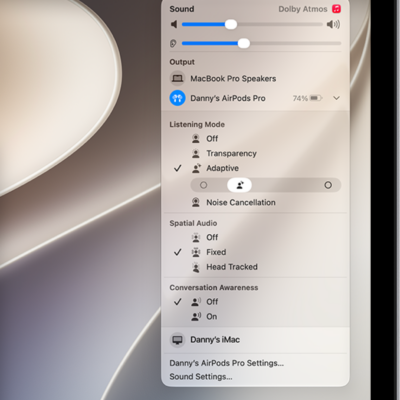
How to adjust listening mode settings on AirPods
You can adjust listening mode settings on AirPods to allow noise cancellation in one ear, use Conversation Awareness, and tune Adaptive Audio.
How to switch between listening modes on AirPods
You can switch between listening modes on AirPods, like Transparency, Adaptive, and Noise Cancellation, from your AirPods or your Apple devices.
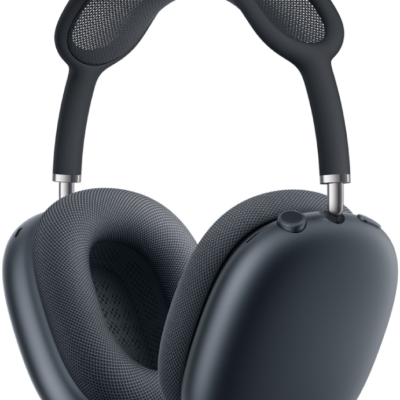
How to change settings for AirPods Max
You can change AirPods Max settings on iPhone, iPad, or Mac, from the Digital Crown and listening mode button to head detection and call controls.
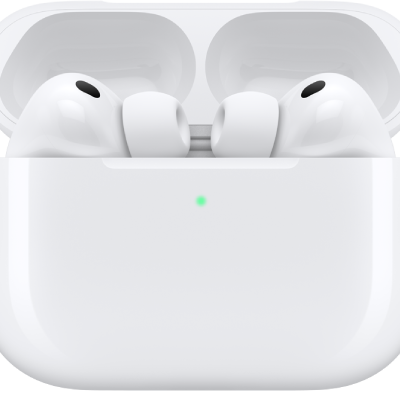
How to tell which AirPods you have: every model by year
You can find out which AirPods you have by comparing release years, controls, and charging cases for every AirPods, AirPods Pro, and AirPods Max model.
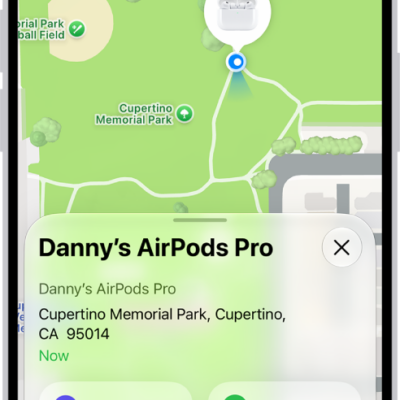
How to find your AirPods
You can find your AirPods with Find My, turn on separation alerts, see them on a map, play a sound, and mark them as lost.
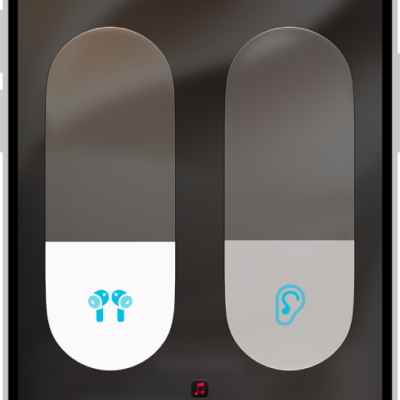
How to control Spatial Audio and head tracking on AirPods
You can control Spatial Audio and head tracking on AirPods with iPhone, iPad, Mac, or Apple TV 4K, and set up Personalized Spatial Audio.
How to restart, unpair, or reset your AirPods
You can restart, unpair, or reset your AirPods to factory settings if they aren't working right, on any AirPods model.
How to pair AirPods with an Apple device
You can pair AirPods with an Apple device, like iPhone, iPad, Mac, Apple Watch, Apple TV, or Apple Vision Pro, or connect AirPods Max with a cable.
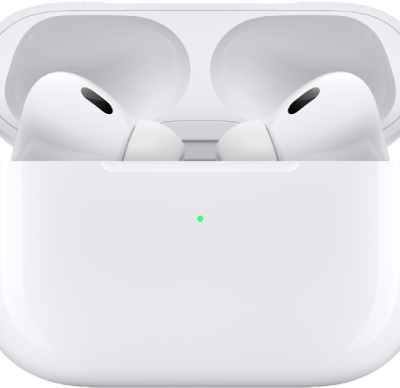
How to pair AirPods with a non-Apple device
You can pair AirPods with a non-Apple device, like an Android phone, and use them as a Bluetooth headset to listen and talk.