









GeeksModo Story Archive - October 2026
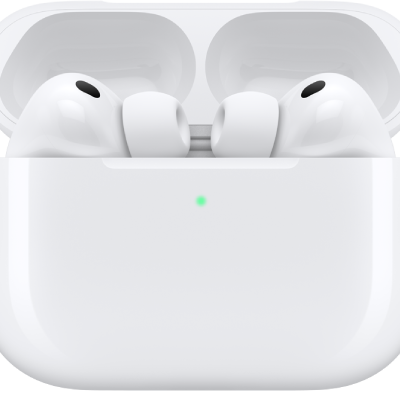
How to restart, unpair, or reset your AirPods
You can restart, unpair, or reset your AirPods to factory settings if they aren't working right, on any AirPods model.
How to pair AirPods with an Apple device
You can pair AirPods with an Apple device, like iPhone, iPad, Mac, Apple Watch, Apple TV, or Apple Vision Pro, or connect AirPods Max with a cable.
How to pair AirPods with a non-Apple device
You can pair AirPods with a non-Apple device, like an Android phone, and use them as a Bluetooth headset to listen and talk.
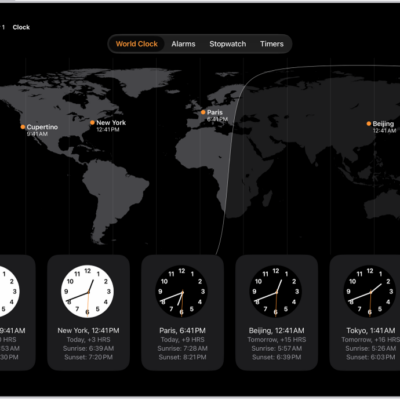
How to see the time worldwide in Clock on iPad
You can see the time worldwide in Clock on iPad, add and reorder cities, and ask Siri for the time in another city.
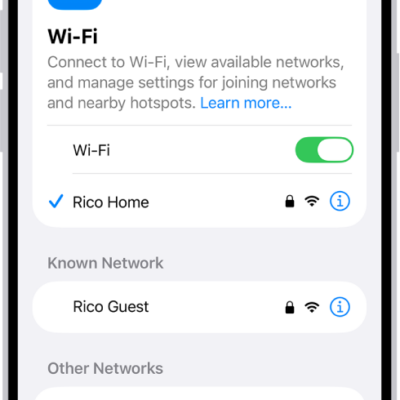
iPhone setup basics: what to set up first on a new iPhone
You can get through the setup basics for a new iPhone, from transferring your apps and info to Wi-Fi, your Apple Account, Face ID, and iCloud.
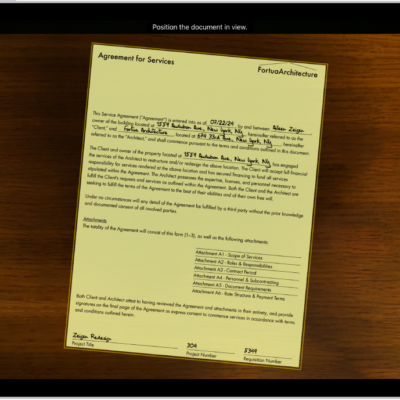
How to scan documents with your iPad camera
You can scan documents with your iPad camera on supported models, then save them in Files, open them in Preview, or share them.

How to get started with accessibility features on iPhone
You can get started with accessibility features on iPhone for vision, hearing, mobility, speech, and cognition, during setup or anytime.

How to change advanced camera settings on your iPad
You can change advanced camera settings on iPad, adjust focus and exposure, use a grid, save camera settings, and adjust the shutter volume.
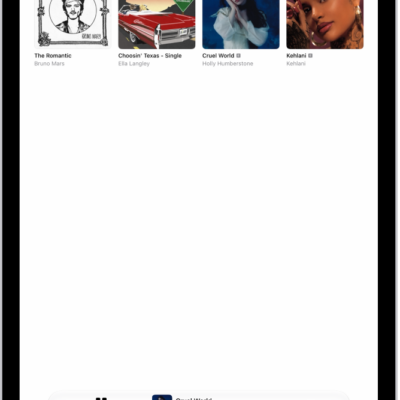
How to add music to iPad and listen offline
You can add music to iPad from Apple Music, download it to listen offline, and delete music from your library.
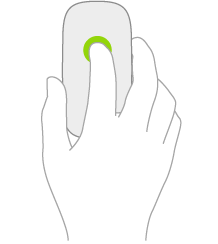
How to change mouse settings on iPad
You can change mouse settings on iPad, like tracking speed, Natural Scrolling, and secondary click.