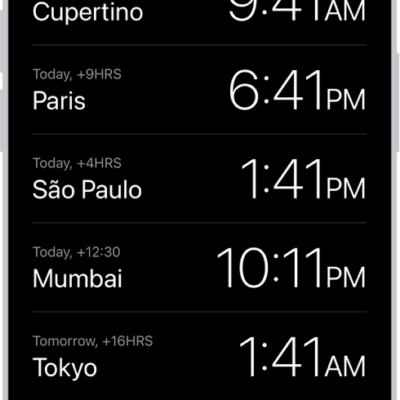
You can see the local time in time zones around the world. In the Clock app, World Clock lets you manage your list of cities, so you can add a city, delete a city, or reorder the cities. You can also set an alarm in Clock on iPad.
Siri: Ask Siri something like: “What time is it?” or “What time is it in London?” Learn how to use Siri.
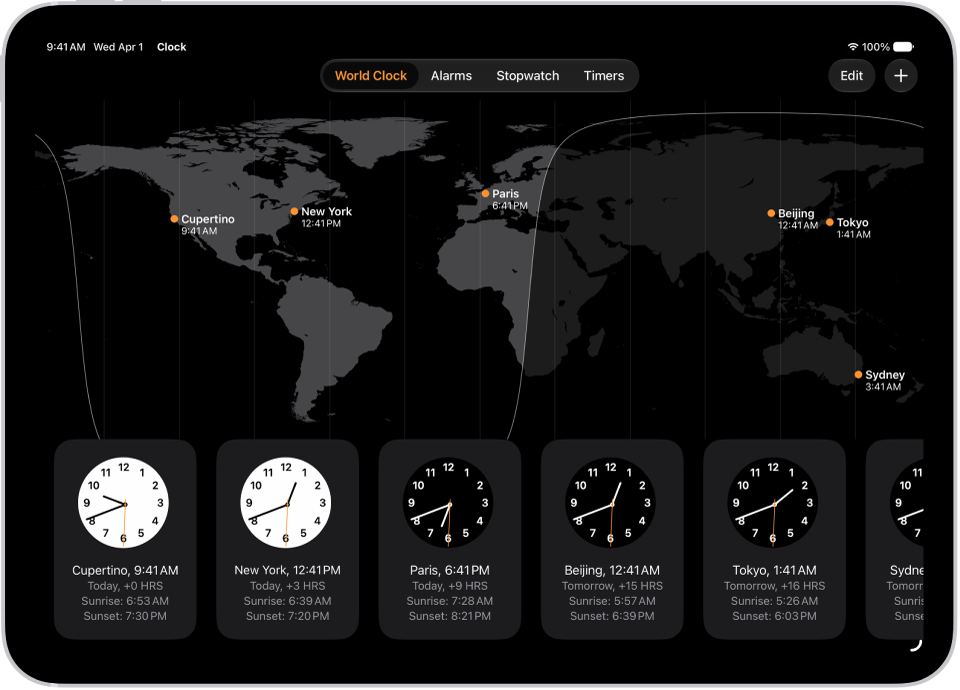
- Start the Clock app on your iPad.
- Tap World Clock.
- To manage your list of cities, do any of the following:
- Add a city: Tap the Add button and choose a city.
- Delete a city: Tap Edit, then tap the Delete button. When you’re finished, tap the Done button.
- Reorder the cities: Touch and hold a clock and drag it to a new position.
See also
Tag: Clock