









GeeksModo Story Archive - October 2026
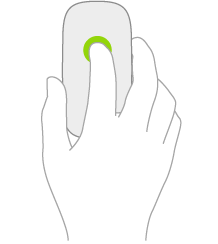
How to change mouse settings on iPad
You can change mouse settings on iPad, like tracking speed, Natural Scrolling, and secondary click.
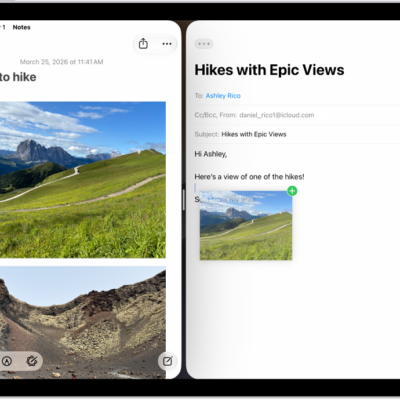
How to move and copy items with drag and drop on iPad
You can move and copy items with drag and drop on iPad, within an app, between open apps, or to an app on the Home Screen.

How to enter characters with diacritical marks while using an Apple external keyboard with iPad
You can enter characters with diacritical marks on iPad with an Apple external keyboard, using the Option key or the onscreen keyboard.

How to turn the iPad flashlight on or off
You can turn the iPad flashlight on or off on supported models from Control Center or with Siri, and change its brightness.
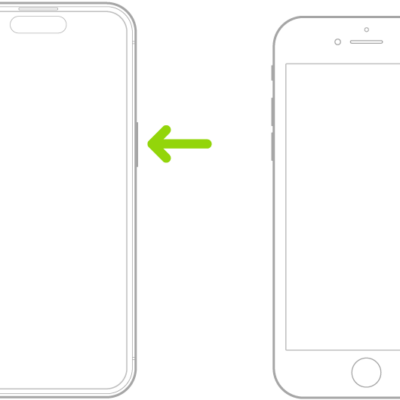
How to turn iPhone on or off
You can turn iPhone on or off with the side buttons, or turn it off from Control Center or Settings.
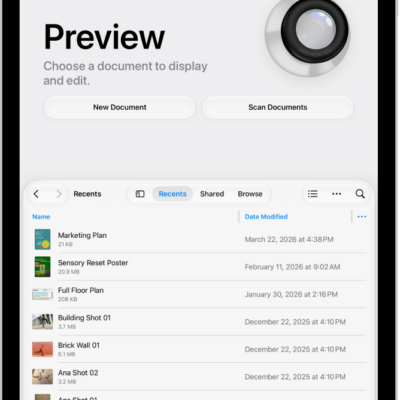
How to create an image in Preview on iPad
You can create an image in Preview on iPad, start from a blank image, or use an image copied to the Clipboard.
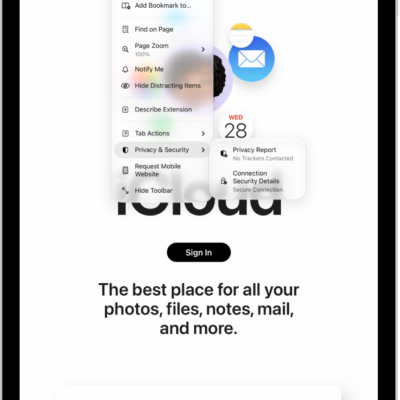
How Safari on iPad uses digital certificates to check encrypted websites
You can learn how digital certificates and encrypted websites work in Safari on iPad, and what "Not Secure" in the search field means.
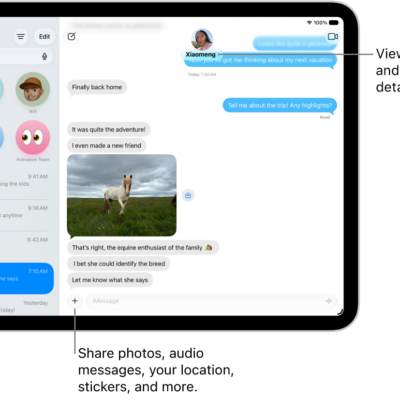
How to forward and share messages on iPad
You can forward and share messages on iPad, sending one or more messages in a conversation to someone else.
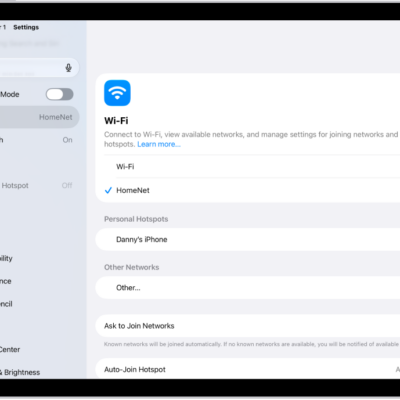
How to use a private network address on iPad
You can use a private network address on iPad, a unique MAC address for each Wi-Fi network that helps protect your privacy.
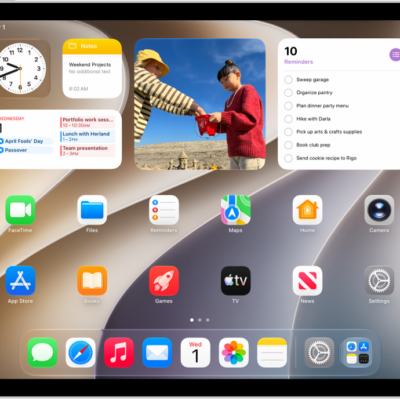
How to make your iPad your own
You can make your iPad your own by customizing the Home Screen and Lock Screen, setting favorite controls, and checking privacy settings.