









GeeksModo Story Archive - October 2026
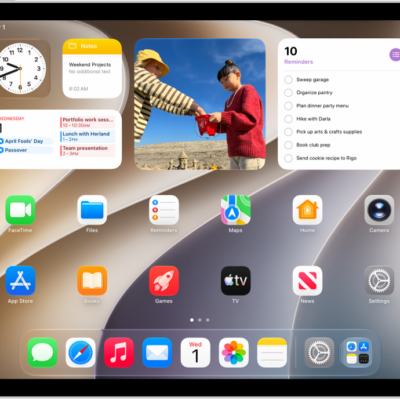
How to make your iPad your own
You can make your iPad your own by customizing the Home Screen and Lock Screen, setting favorite controls, and checking privacy settings.
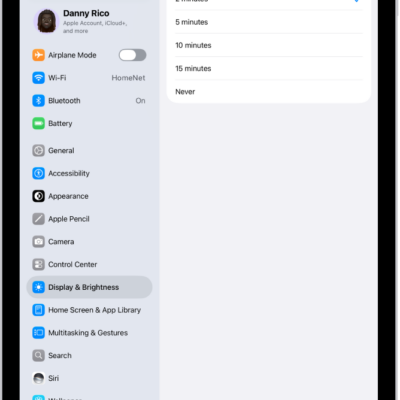
How to keep the iPad display on longer
You can keep the iPad display on longer by changing Auto-Lock, or keep it on while you use an app.
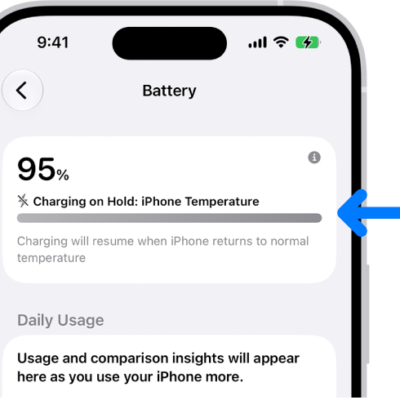
Why iPhone slows or pauses charging when it’s too hot or cold
You can understand Thermally Limited Charging, when iPhone slows or pauses charging in very hot or cold conditions to protect its battery.
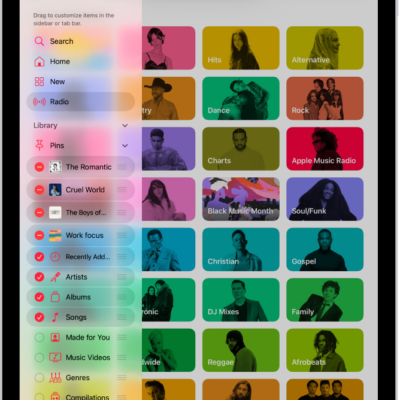
How to customize the layout in Music on iPad
You can customize the layout in Music on iPad, add or remove sidebar items, and add items like Favorite Songs to the tab bar.
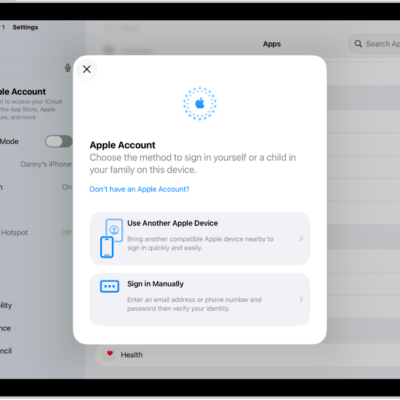
How to sign in with fewer CAPTCHA challenges on iPad
You can sign in with fewer CAPTCHA challenges on iPad, since iCloud can automatically and privately verify your iPad and account.
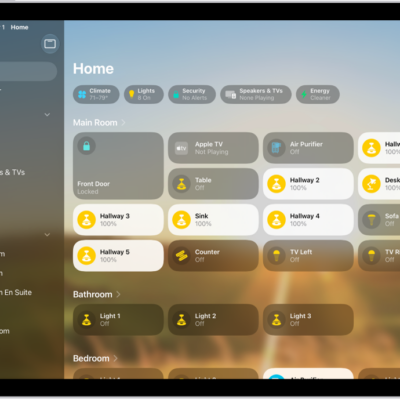
How to configure a router in Home on iPad
You can configure a router in Home on iPad to control which services your accessories can reach, with Restrict to Home, Automatic, or No Restriction.
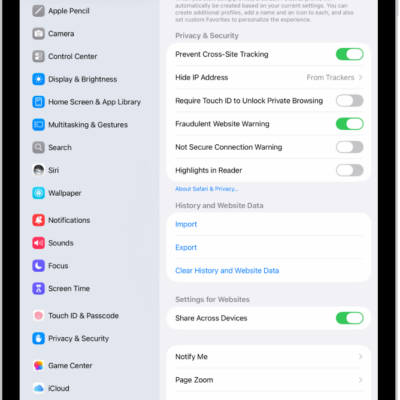
How to get a warning when you visit websites that use HTTP on iPad
You can get a warning when you visit websites that use HTTP on iPad by turning on Not Secure Connection Warning in Safari.
How to stream video and audio from your iPhone with AirPlay
You can stream video and audio from iPhone to a Mac or TV, or mirror your iPhone screen with AirPlay.
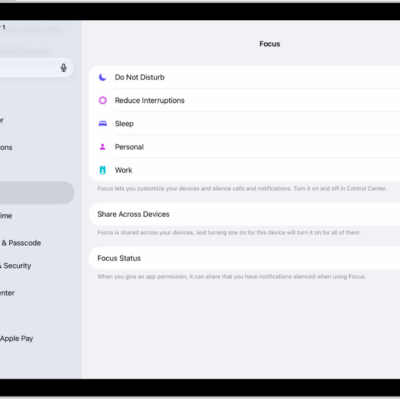
How to use a Sleep Focus on iPad
You can use a Sleep Focus on iPad to reduce distractions before and during bedtime, filtering notifications and calls.

How to play music together in the car using SharePlay and CarPlay on iPad
You can play music together in the car using SharePlay and CarPlay on iPad, and let passengers join with a notification or QR code.