Some website and app sign-in screens require you to pass CAPTCHA challenges, such as recognizing letters in unusual shapes. iCloud allows you to bypass many of these challenges by automatically and privately verifying your iPad and account, so you can sign in with fewer CAPTCHA challenges.
The bypass is called Automatic Verification, and you can turn it on or off. It’s one of the built-in privacy and security protections of iPad.
- Start the Settings app on your iPad.
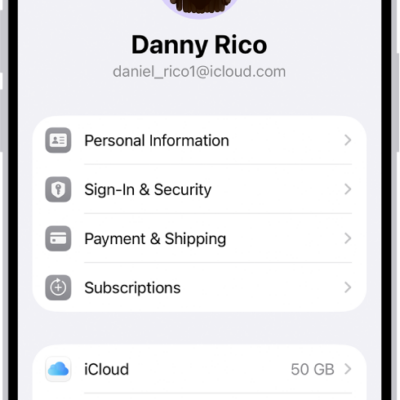
- Tap your name and tap Sign-In & Security.
- Turn Automatic Verification on or off.
See also
Tags: Apple Account, iCloud