









GeeksModo Story Archive - October 2026

How to play music together in the car using SharePlay and CarPlay on iPad
You can play music together in the car using SharePlay and CarPlay on iPad, and let passengers join with a notification or QR code.
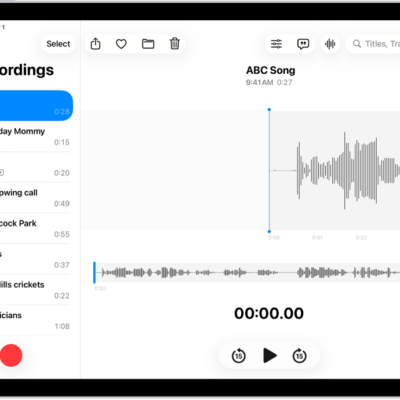
How to duplicate a recording in Voice Memos on iPad
You can duplicate a recording in Voice Memos on iPad, make changes to the copy, and give it a new name.

How to explore airports or malls in Maps on iPad
You can explore airports or malls in Maps on iPad with indoor maps, and find nearby services like food, restrooms, and gates.
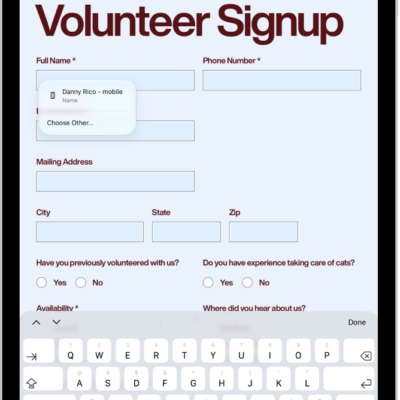
How to customize the toolbar in Preview on iPad
You can customize the toolbar in Preview on iPad by dragging buttons into or out of it from the View menu.
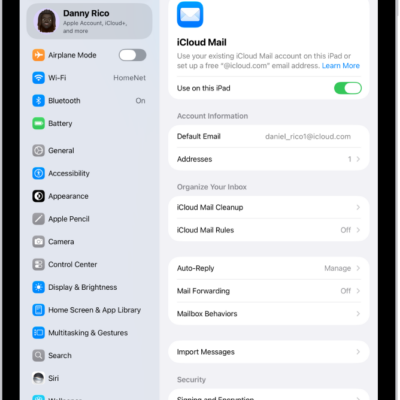
How to automatically clean up your iCloud Mail inbox on iPad
You can automatically clean up your iCloud Mail inbox on iPad with iCloud Mail Cleanup, deleting old promotions and unsubscribing from lists.
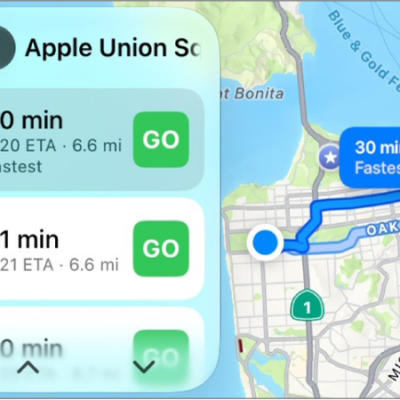
How to get turn-by-turn directions with CarPlay
You can get turn-by-turn directions, traffic conditions, and travel times in CarPlay with Siri or Maps, from suggested or searched destinations.
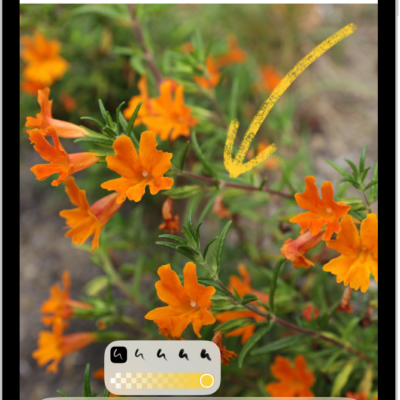
How to delete and recover notes in Notes on iPad
You can delete and recover notes in Notes on iPad from the Recently Deleted folder within 30 days, or permanently delete them.
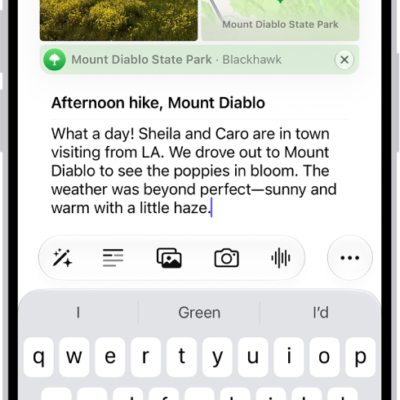
How to get started with Journal on iPhone
You can use the Journal app on iPhone to record your experiences with photos, music, drawings, audio, and your state of mind.
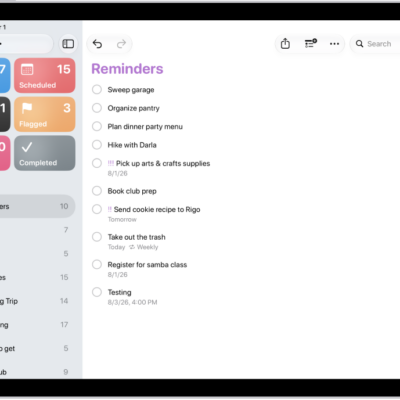
How to work with templates in Reminders on iPad
You can work with templates in Reminders on iPad to reuse lists for routines and packing lists, and share templates with others.
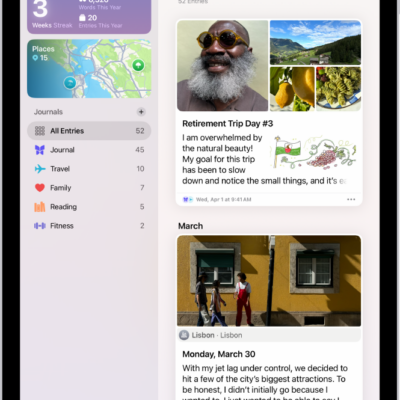
How to print and export entries in Journal on iPad
You can print and export entries in Journal on iPad, one entry or your entire journal, and save exports to Files.