Customize iPhone in ways that work best for you with features for vision, hearing, mobility, speech, and cognitive accessibility—whether you need them temporarily or on an ongoing basis. You can hear what’s on the screen with the built-in screen reader, make text bigger, or control iPhone using just your eyes or spoken commands. You can also get real-time captioning of spoken audio, create a custom voice that sounds like you, and set up a simplified interface for someone with a cognitive disability.
Note: Not all features are available in all countries, regions, or languages.
Vision
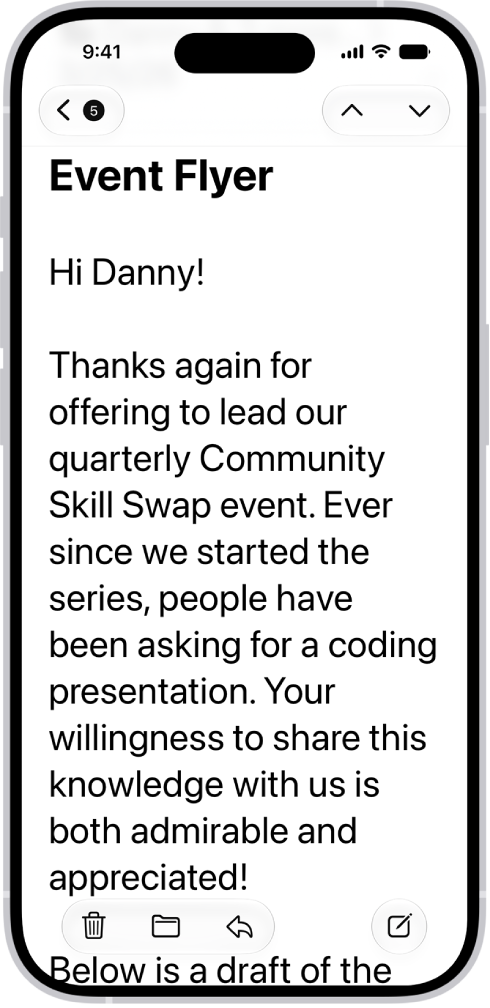
To hear what’s on the screen and navigate iPhone with gestures, use the built-in screen reader. You can also adjust display colors, zoom in on the screen, make text bigger, and more. And by holding up your iPhone, you can even use it as a magnifying glass and get descriptions of your surroundings.
Mobility
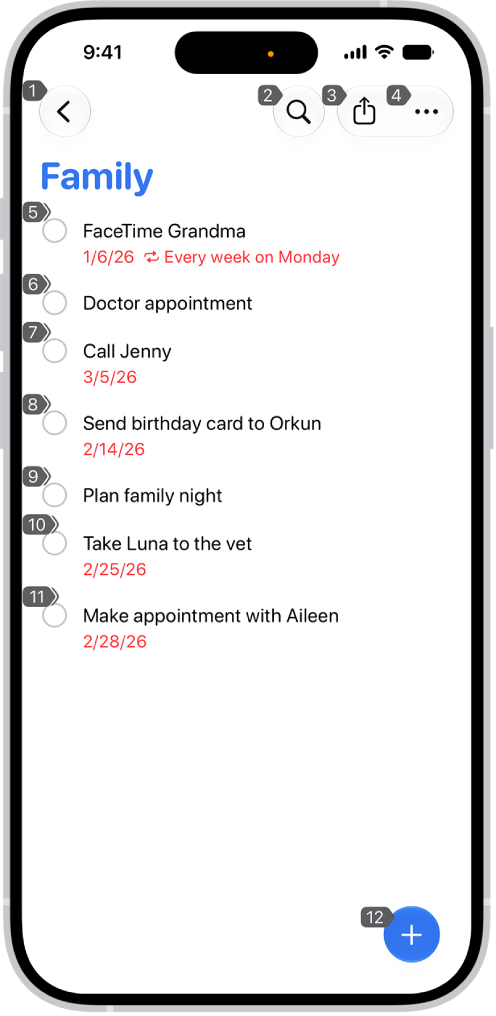
Using just your eyes or spoken commands, you can navigate and perform actions on iPhone. You can also connect an assistive device or an external keyboard to control iPhone, set options so iPhone responds best to your touch, and make it easier to use gestures.
Hearing
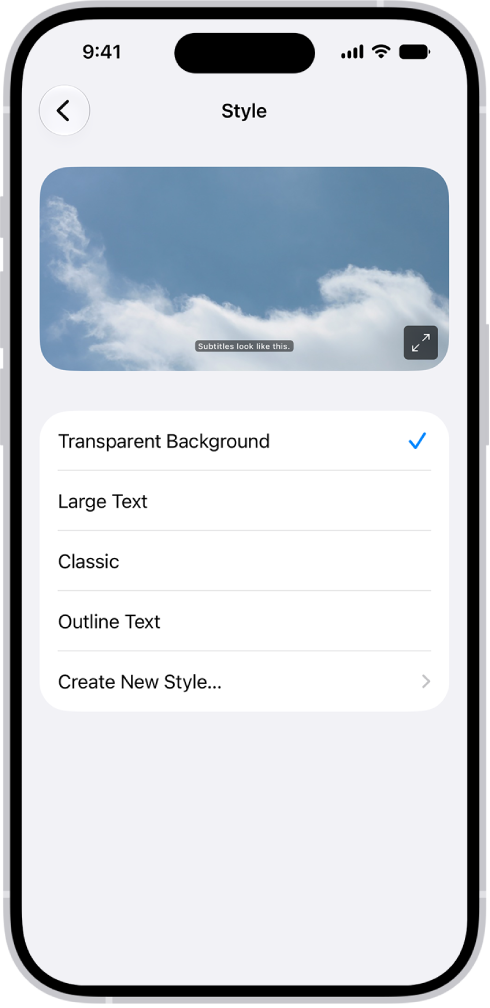
Get real-time captioning of spoken audio from an app or live conversation, turn on flash notifications, have iPhone recognize sounds, and more. You can also pair hearing devices with your iPhone, and adjust headphone audio so it’s right for you. Or experience songs as taps, refined vibrations, and other haptics that are synced to the rhythm of the music.
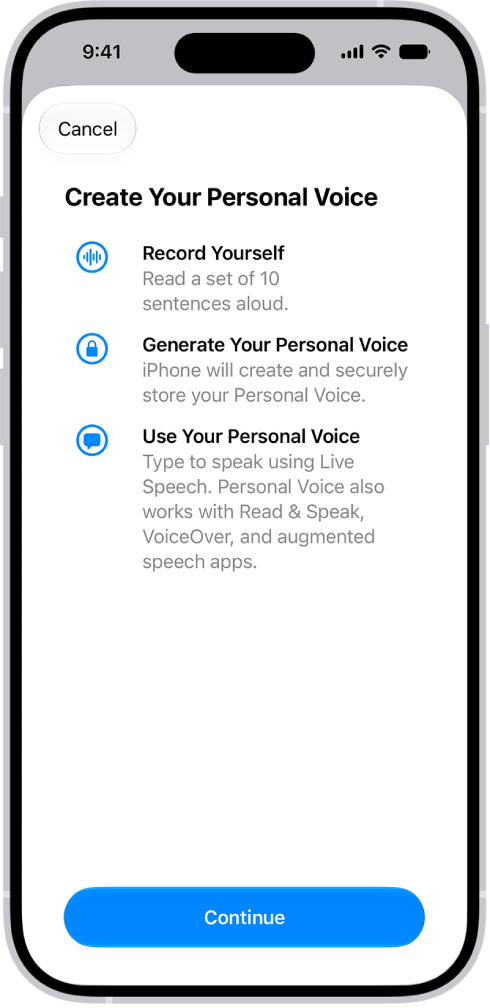
Speech
To have what you type spoken out loud, use a custom voice that sounds like you, or one of dozens of system voices. Siri can also recognize a wider range of speech patterns, and iPhone can learn to perform an action when you speak a word or sound you choose.
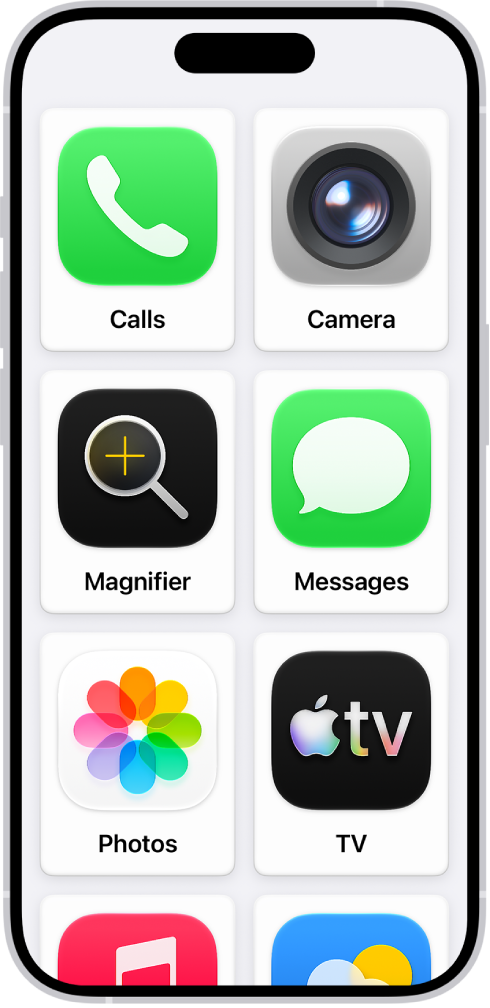
Cognitive
With help from iOS accessibility features, you or someone you care for can use iPhone with greater independence. For someone with a cognitive disability, you can set up an iPhone with a simplified interface, and when you let a child use iPhone, you can temporarily lock it to one app.
Quick tip: Your go-to accessibility features and settings are easy to control with Siri, the click of a button, or from Control Center.