









GeeksModo Story Archive - October 2026

How to receive FaceTime calls on iPhone
You can answer or decline FaceTime calls on iPhone, view video messages, listen to voicemails, and delete calls from your history.
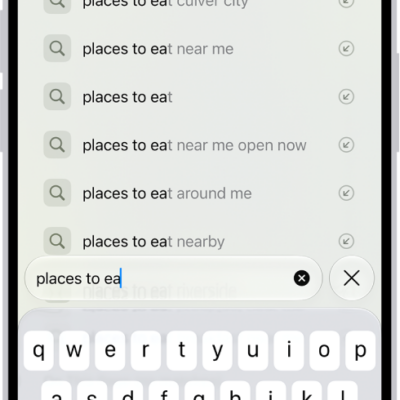
How to change your default search engine on iPhone
You can choose a different default search engine for searching the web on iPhone in the Search section of the Settings app.

How to interact with content in a photo or video on iPhone
You can copy, translate, and look up text in photos and videos, and use quick actions to call or convert currencies with Live Text on iPhone.
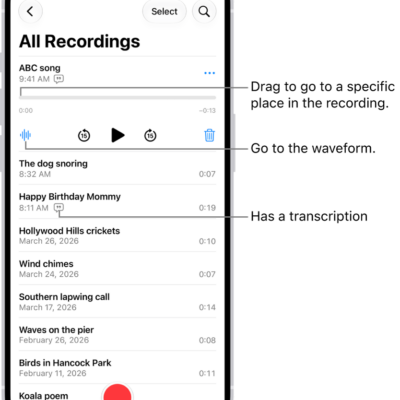
How to export a Voice Memos recording to Files on iPhone
You can export a Voice Memos recording to the Files app on iPhone, as a standard file or an editable one that keeps its layers.
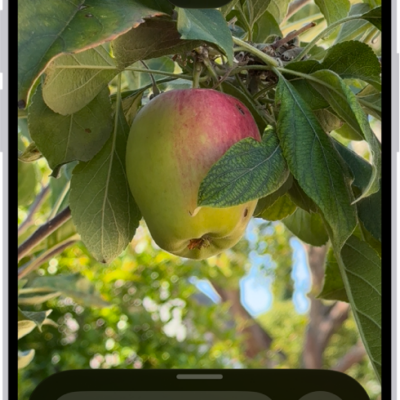
How to customize controls in Magnifier on iPhone
You can choose which controls appear in Magnifier on iPhone, create custom activities, and change live scene description settings.
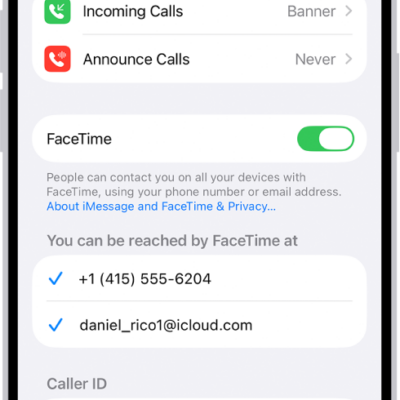
How to set up FaceTime on iPhone
You can set up FaceTime on iPhone, choose your phone number or Apple Account for calls, and pick a default calling option.
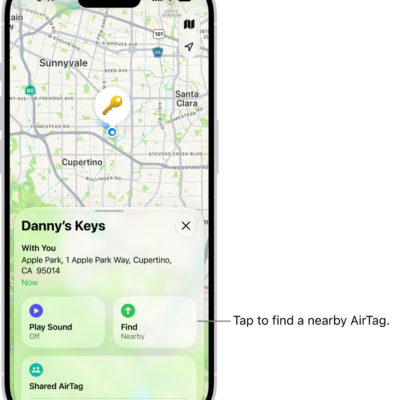
How to share location of a lost item in Find My on iPhone
You can create a temporary webpage in Find My on iPhone to share the location of a lost AirTag or item, like with an airline.

How to rearrange the icons on CarPlay Home
You can move, remove, or add back icons on CarPlay Home from the Settings app on iPhone when you're not driving.
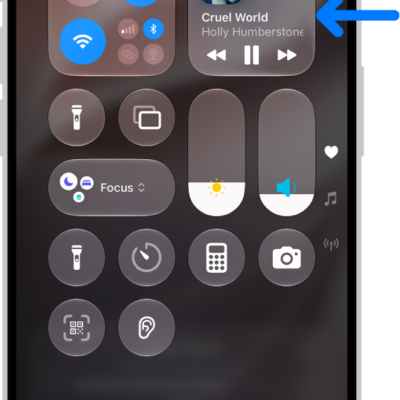
How to play music on iPhone as taps, textures, and more
You can feel music as taps, textures, and vibrations synced to the song with Music Haptics on supported iPhone models.

How to use automations in Home on iPhone
You can run automations in the Home app on iPhone based on time, location, sensors, or accessories, or use preconfigured ones.