









GeeksModo Story Archive - October 2026
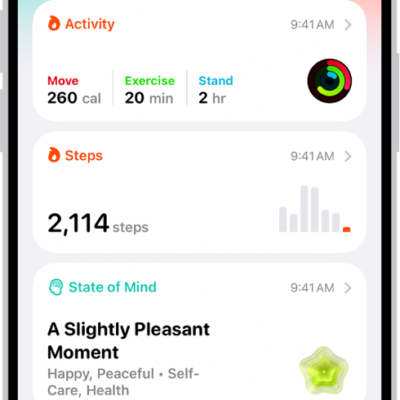
How to view your data in Health on iPhone
You can view your health and fitness data in one place in Health on iPhone, pin categories, and see highlights and trends.
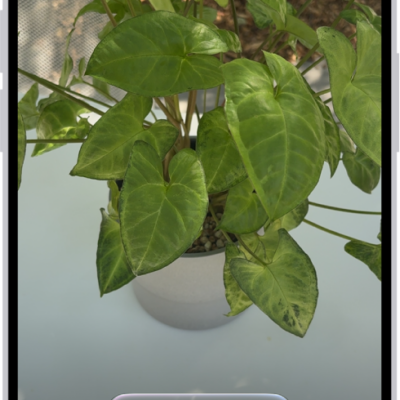
How to identify what’s around you with Visual Intelligence on iPhone
You can use Visual Intelligence and your iPhone camera to identify plants, look up businesses, translate text, and more with Apple Intelligence.
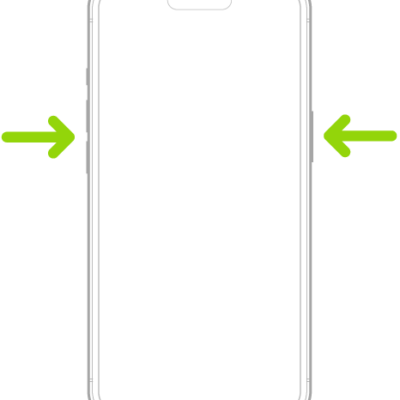
How to use SOS to contact emergency services on your iPhone
You can use SOS on iPhone to call for help, share your Medical ID, alert emergency contacts, and text emergency services in an emergency.

How to transfer files between your iPhone and other devices
You can transfer files between your iPhone and an iPad, Mac, or PC with AirDrop, Mail, Messages, a cable, or iCloud.
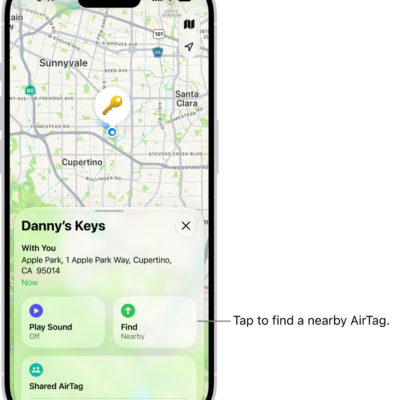
How to add an AirTag in Find My on iPhone
You can add an AirTag to Find My on iPhone, rename it, and check its serial number, firmware version, and battery status.
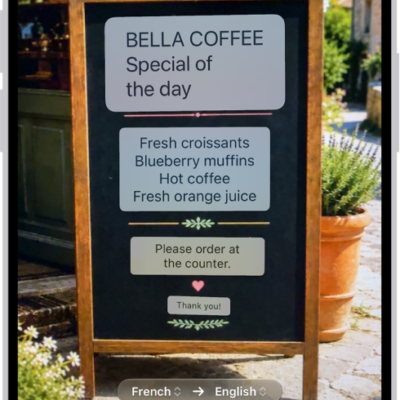
How to use the camera in the Translate app on iPhone
You can use the camera in the Translate app on iPhone to translate signs and menus around you, or text in your photos.
How to translate words and phrases on iPhone
You can translate words and phrases in the Translate app on iPhone, even offline, and save your favorite translations.
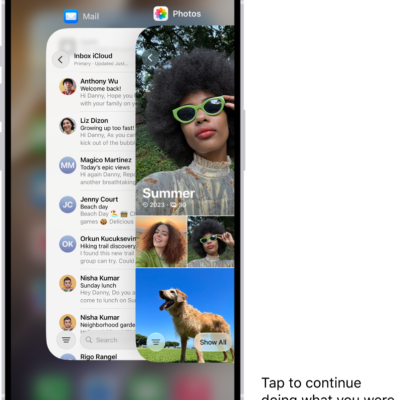
How to hand off tasks between your iPhone and your other devices
You can start a task like an email on your iPhone and finish it on your iPad, Mac, or Apple Watch with Handoff.
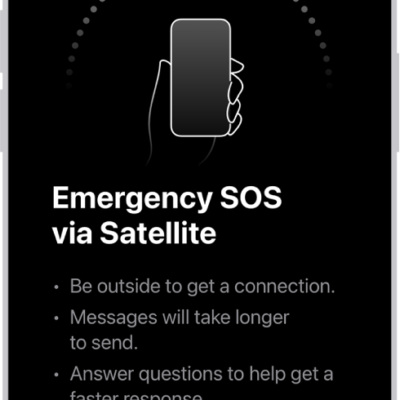
How to use Emergency SOS via satellite on your iPhone
You can use Emergency SOS via satellite outside cellular and Wi-Fi coverage, and try a demo first on supported iPhone models.
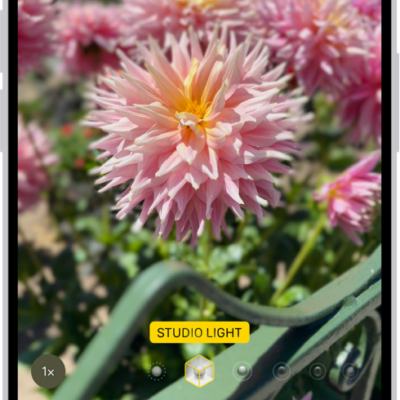
How to take portraits with your iPhone camera
You can take portraits with your iPhone camera that keep the subject sharp and blur the background, then adjust the blur and lighting.