









GeeksModo Story Archive - October 2026
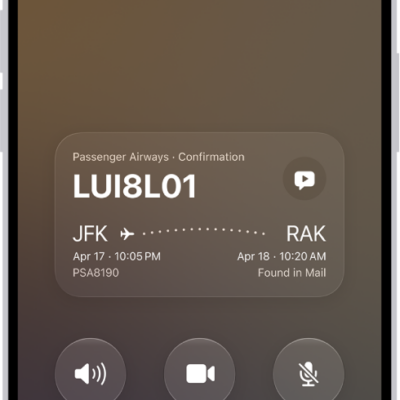
How to share screens during a phone call on iPhone
You can share your screen, ask to see someone else's, and use SharePlay to watch or listen together during a phone call on iPhone.
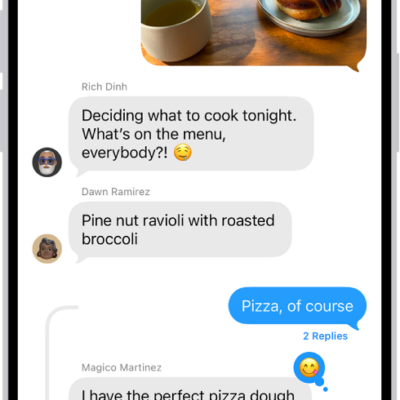
How to have a group conversation in Messages on iPhone
You can start a group conversation in Messages on iPhone, name it, give it an icon, and mention people to get their attention.
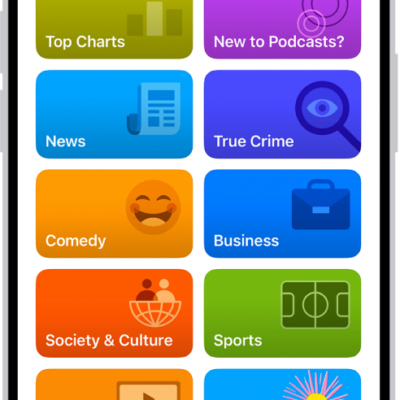
How to select your favorite Podcasts categories and channels on iPhone
You can choose favorite categories and channels in Podcasts on iPhone for better recommendations and easier access to your shows.
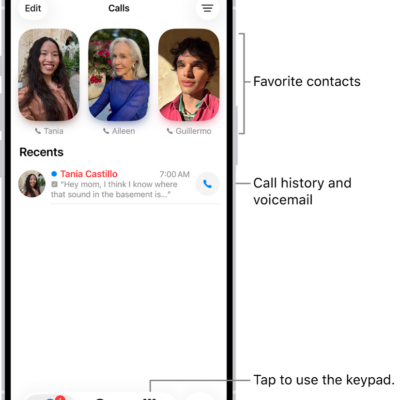
How to screen and block calls on iPhone
You can screen, filter, and block unknown and spam calls on iPhone, identify incoming calls, and block or unblock specific callers.
How to connect app subscriptions to Podcasts on iPhone
You can connect Apple Music, Apple News+, and eligible app subscriptions to Podcasts on iPhone to play subscriber-only shows.

How to connect a game controller to iPhone
You can connect a compatible game controller to iPhone with Bluetooth or a cable, customize its buttons, and add a second controller.
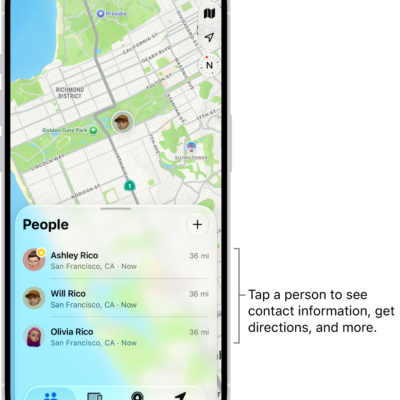
How to share your location in Find My on iPhone
You can set up location sharing in Find My on iPhone, share your location with friends, label it, and pause or stop sharing.
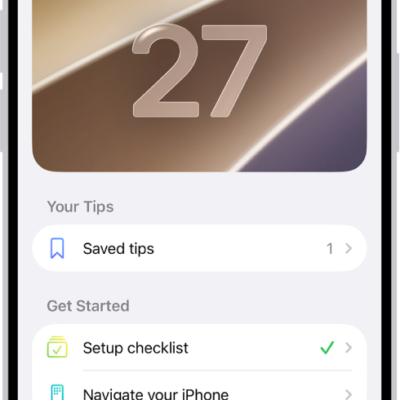
How to use the Tips app on iPhone
You can view collections of tips in the Tips app on iPhone, save and share tips, and get notified when new tips arrive.

How to automatically fill in strong passwords on iPhone
You can have iPhone create strong passwords for your accounts, save them in the Passwords app, and fill them in automatically when you sign in.
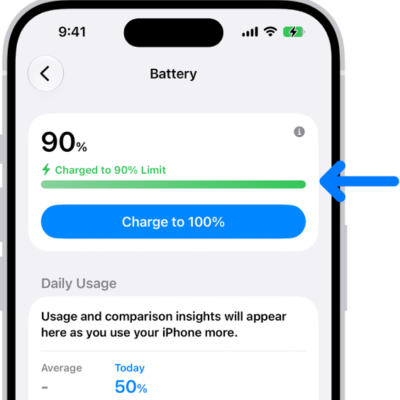
How to set a charge limit on iPhone
You can set a charge limit like 80% to help reduce battery wear, and change it any time on iPhone 15 and later.