









GeeksModo Story Archive - October 2026
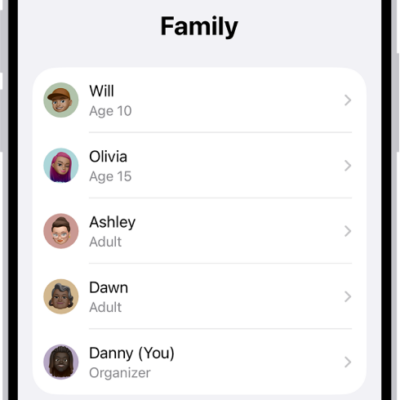
How to share App Store, Apple TV, and Apple Books purchases with Family Sharing on iPhone
You can share App Store, Apple TV, and Apple Books purchases with Family Sharing on iPhone when the organizer turns on Purchase Sharing.
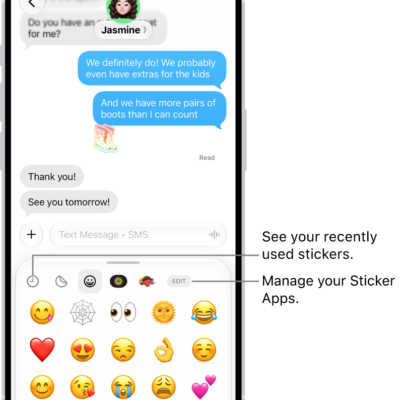
How to add emoji, Memoji, and stickers with the iPhone keyboard
You can add emoji, Memoji, and stickers with the iPhone keyboard, and make your own stickers from photos or create and edit Memoji.
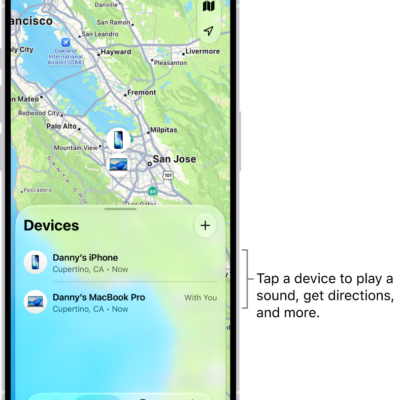
How to locate a device in Find My on iPhone
You can use Find My on iPhone to see a missing device on a map, play a sound on it, get directions, and help locate a friend's device.
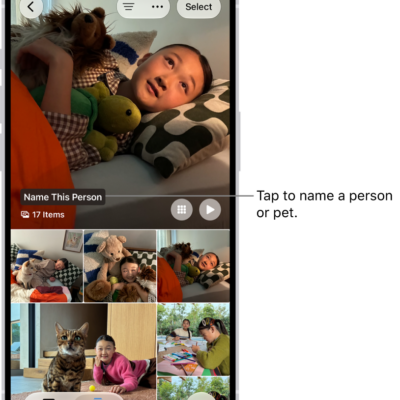
How to hide people, memories, and holidays in Photos on iPhone
You can have Photos on iPhone show certain people, days, and holidays less often in memories and featured photos, or turn memories off.
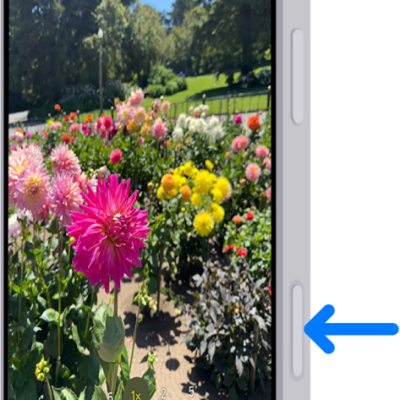
How to adjust accessibility settings for the Camera Control on iPhone
You can change the Camera Control's light-press force and double-press speed, change its swipe gesture, or turn it off on supported iPhone models.
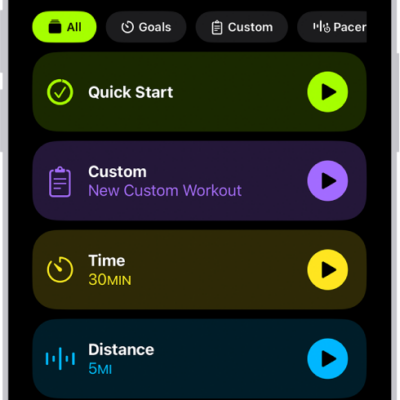
How to use Workout Buddy in Fitness on iPhone
You can use Workout Buddy in Fitness on iPhone with Apple Intelligence for encouragement and progress insights during runs, walks, and rides.
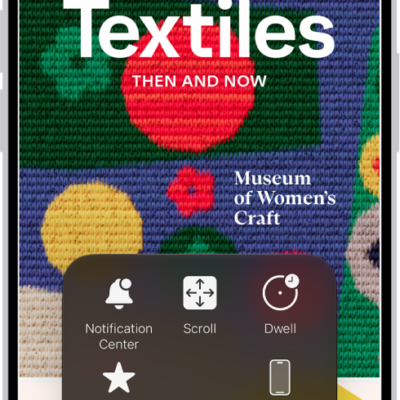
How to use AssistiveTouch on iPhone
You can replace gestures with a tap or a sound, press buttons onscreen, and use an adaptive accessory with AssistiveTouch on iPhone.

How to measure a person’s height with iPhone
You can measure a person's height with the Measure app on iPhone, standing or seated, and save a photo of it on supported models.
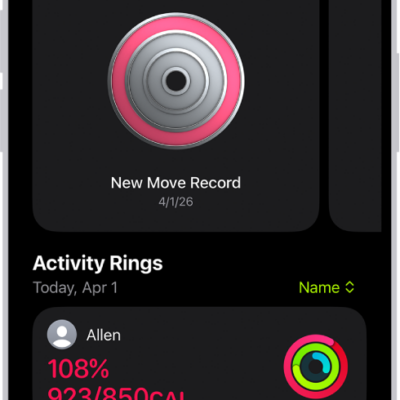
How to share your activity in Fitness on iPhone
You can share your activity in Fitness on iPhone with friends, family, or a coach, and get notified when they meet goals or earn awards.
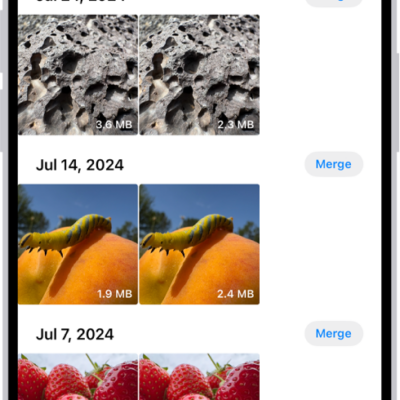
How to duplicate and copy photos and videos on iPhone
You can duplicate photos and videos in Photos on iPhone, and copy them to paste into an email, message, or presentation.