









GeeksModo Story Archive - October 2026

How to report a problem with a game in the Apple Games app on iPhone
You can report a problem with a game from the Apple Games app on iPhone, or request a refund, on the Report a Problem website.

How to record a video with your iPhone camera
You can record video with your iPhone camera, including Dual Capture, Cinematic, slow-motion, and time-lapse, and use Action mode.
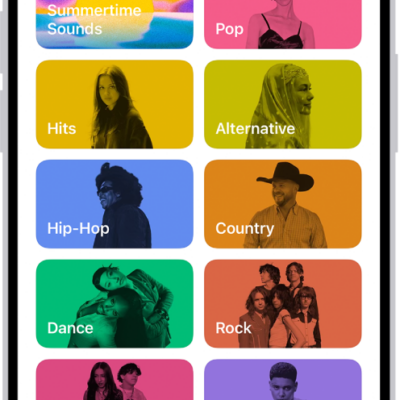
How to search for music on iPhone
You can search Apple Music or your library on iPhone, browse music categories, and see your recent searches.
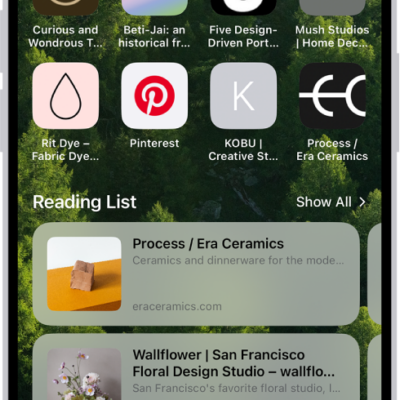
How to customize your Safari settings on iPhone
You can customize Safari on iPhone, including your start page, text size on websites, and display and privacy settings.
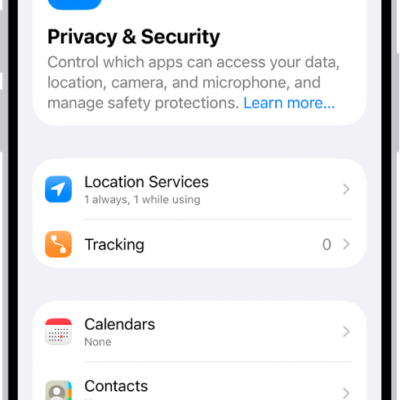
How to manage information sharing with Safety Check on iPhone
You can use Safety Check on iPhone to review and stop sharing your location, shared content, and app permissions with people and apps.
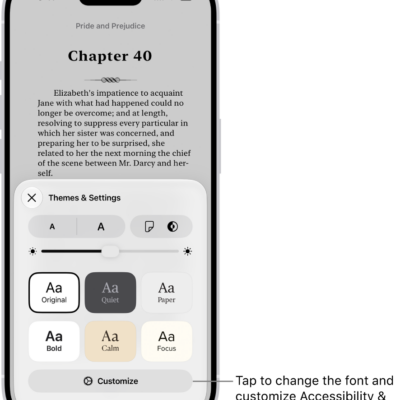
How to read PDF documents in the Books app on iPhone
You can save PDFs from Mail, Messages, and other apps to the Books app on iPhone, then share, print, or mark them up.
How to play memory movies in Photos on iPhone
You can play memory movies in Photos on iPhone, watch albums and collections as movies, and create a custom memory movie with Apple Intelligence.
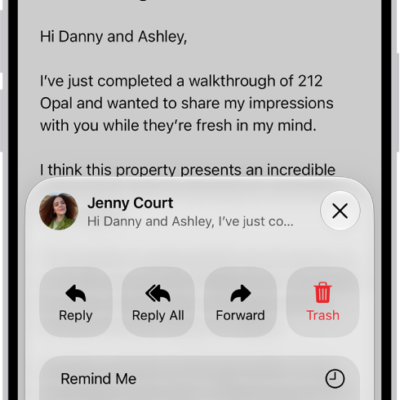
How to print an email or attachment in Mail on iPhone
You can print an email, an attachment, or a picture from the Mail app on iPhone.
How to use iPhone to allow calls and text messages on your iPad and Mac
You can relay phone calls and text messages from your iPhone to your iPad or Mac, so you can answer them on whichever device you're using.

How to download, save, and remove podcast episodes on iPhone
You can download, save, and remove podcast episodes in the Podcasts app on iPhone, and saved episodes download automatically for offline listening.