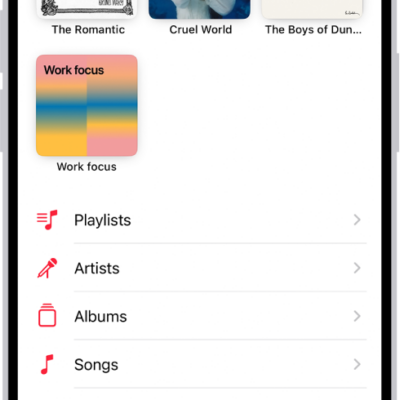
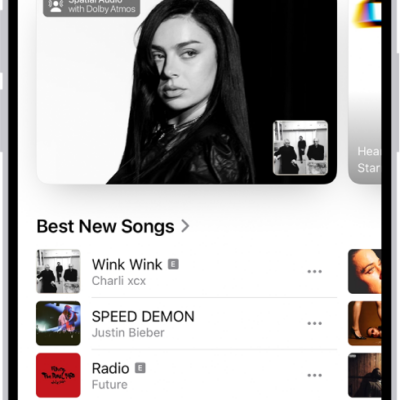
Using Search in the Music app, you can quickly browse through music categories, see recent searches, and search Apple Music or your library. You can browse a category such as Pop or Fitness, or search for a song, artist, or lyric. You can even find a song in Apple Music based on its lyrics.
Quick tip: You can search by simply describing what you’re looking for in natural language, like “hit songs from movies” or “nostalgic songs from the ’90s.”
- Open the Music app on your iPhone.
-
Tap Search, then do any of the following:
- Tap a category such as Pop or Fitness.
- Tap the search field to quickly find items you recently searched for—a song or artist, for example.
-
Tap the search field, tap Apple Music, then enter what you’re searching for (such as a song, artist, or lyric).
Tip: You can search for a song in Apple Music based on its lyrics. In the search field, enter a few of the words you remember to find a song.
- Tap the search field, tap Library, then enter what you’re searching for (such as a song, album, or playlist).
- Tap a result to play it.
Siri: Ask Siri something like, “Play the song with the lyrics” and then say a key phrase from the lyrics.
Services and features aren’t available in all countries or regions, and features may vary by region, according to Apple.