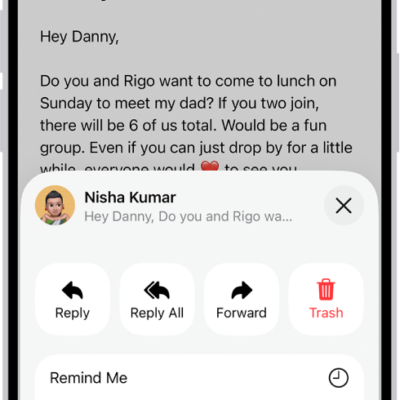
In the Mail app, you can print a message or an attachment. For an email, Print is with the Reply options, and for an attachment or picture, it’s in the Share options, so you can print either one without leaving Mail.
Print an email
-
Open the Mail app on your iPhone.
In the message, tap the Reply button, then tap Print.
Print an attachment or picture
- Open the Mail app on your iPhone.
- Tap an attachment to view it, tap the Share button, and choose Print.
Tag: Mail