









GeeksModo Story Archive - October 2026
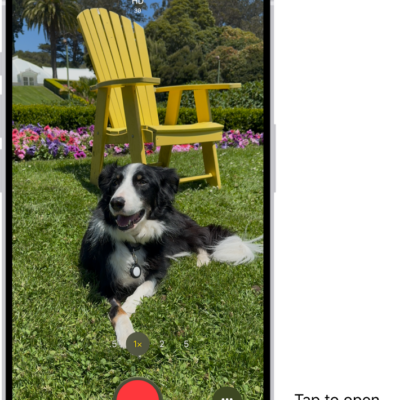
How to change video recording settings on iPhone
You can change iPhone video recording settings, including Auto FPS, Stereo or Spatial Audio, HDR video, and other default recording options.
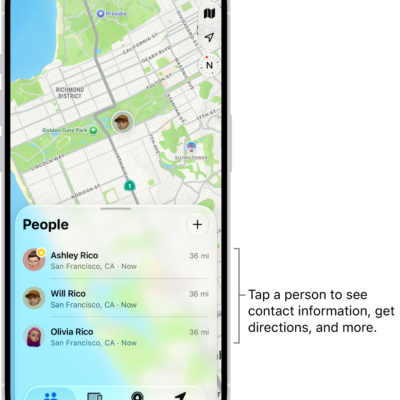
How to get notified when a friend’s location changes in Find My on iPhone
You can get a notification in Find My on iPhone when a friend arrives at a location, leaves it, or isn't there.

How to control VoiceOver using the rotor on iPhone
You can use the VoiceOver rotor on iPhone to change volume and speaking rate, move between items, and choose input methods like Braille Screen Input.
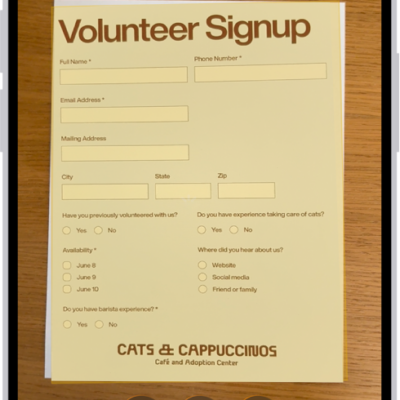
How to scan text and documents in Notes using the iPhone camera
You can scan text into a note or scan documents as PDFs with the iPhone camera in the Notes app.
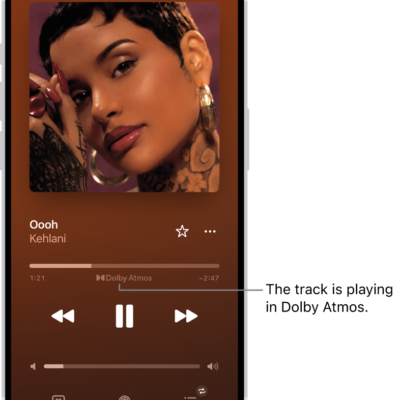
How to play lossless audio in Music on iPhone
You can turn on lossless audio on iPhone, choose streaming and download quality, and spot lossless tracks if you subscribe to Apple Music.
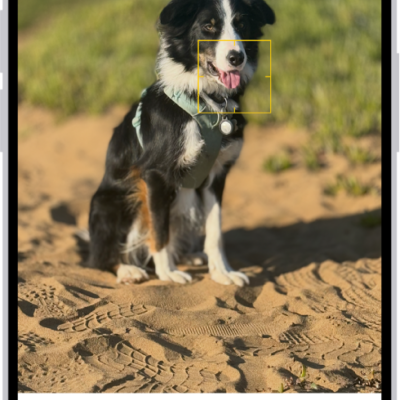
How to edit Portrait mode photos on iPhone
You can change the lighting, background blur, and focus point of Portrait mode photos on iPhone, and turn some regular photos into portraits.
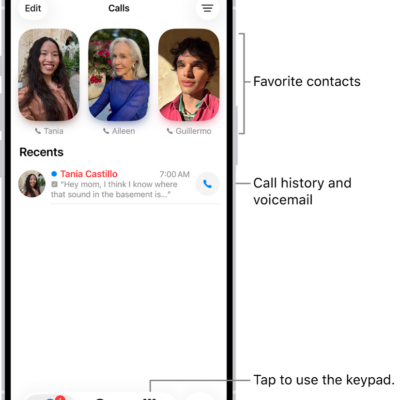
How to use contacts from the Phone app on iPhone
You can call contacts from the Phone app on iPhone, add VIPs to Favorites, save recent callers, and automate dialing an extension.
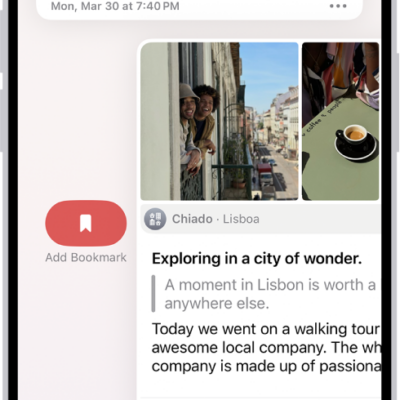
How to view and search your journal entries on iPhone
You can search your journal entries on iPhone, filter for photos and locations, view entries by location, and bookmark them.
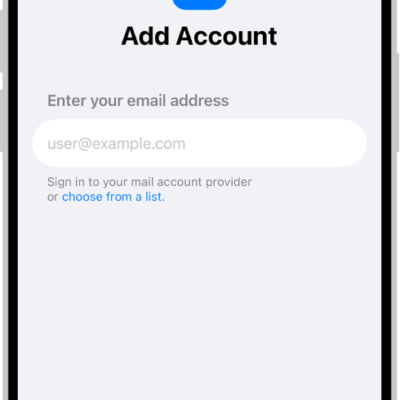
How to add and remove email accounts on iPhone
You can add email accounts to the Mail app on iPhone, set a fetch schedule, pause an account, or remove one you no longer need.
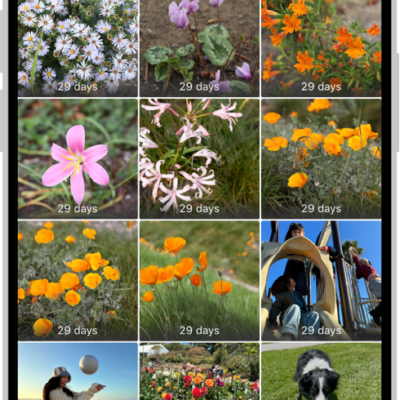
How to delete or hide photos and videos on iPhone
You can delete or hide photos and videos on iPhone, recover recently deleted ones, and lock the Hidden and Recently Deleted collections.