









GeeksModo Story Archive - October 2026
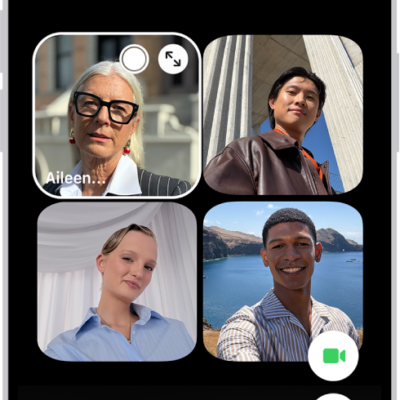
How to make a Group FaceTime call on iPhone
You can make a Group FaceTime call on iPhone with up to 32 people, start one from Messages, and add people during the call.
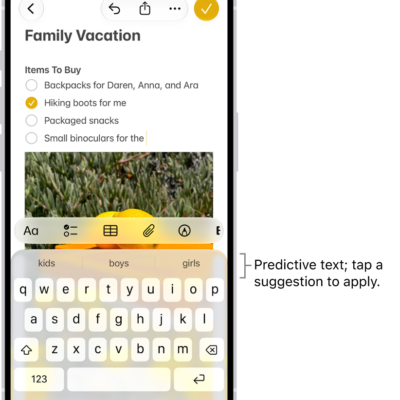
How to type braille directly on the iPhone screen with VoiceOver
You can type braille directly on the iPhone screen and enter braille commands with Braille Screen Input in VoiceOver.
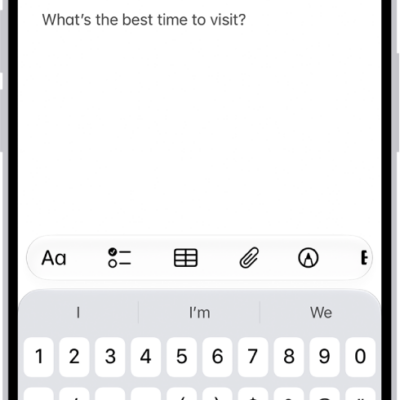
How to use Quick Notes on iPhone
You can use Quick Notes on iPhone to jot down information over any app, add links and images, and see your notes on iPad and Mac.

How to read and share stories in News on iPhone
You can read and share stories in News on iPhone, swipe between stories, and tell News which stories you want more or less of.
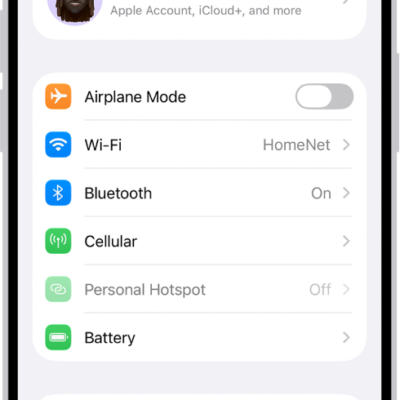
How to manage Wi-Fi settings on iPhone
You can manage Wi-Fi settings on iPhone, use Low Data Mode or a private Wi-Fi address, share a password, and choose how iPhone joins networks.
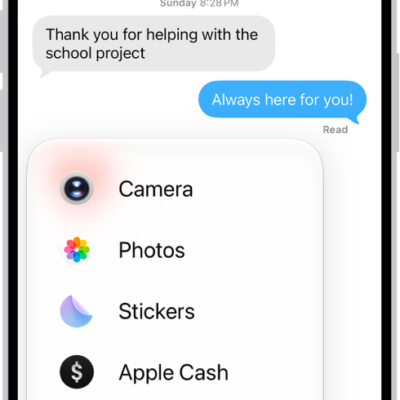
How to use iMessage apps in Messages on iPhone
You can use iMessage apps in Messages on iPhone to send polls, play games, and share songs, and rearrange or add more apps.
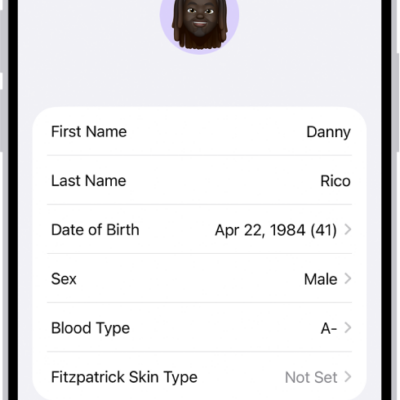
How to fill out your Health Details in Health on iPhone
You can add your basic information to Health Details on iPhone, create a Medical ID for emergencies, and review the Health Checklist.
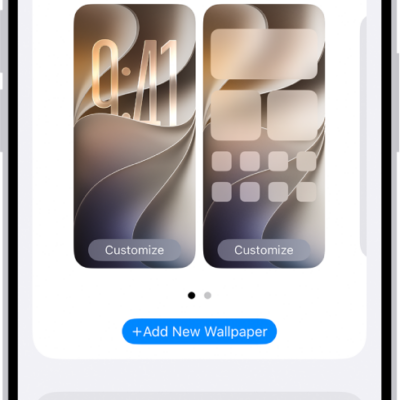
How to change the wallpaper on iPhone
You can change the wallpaper on your iPhone Lock Screen and Home Screen, design one from photos, emoji, or colors, and use it as a pair.
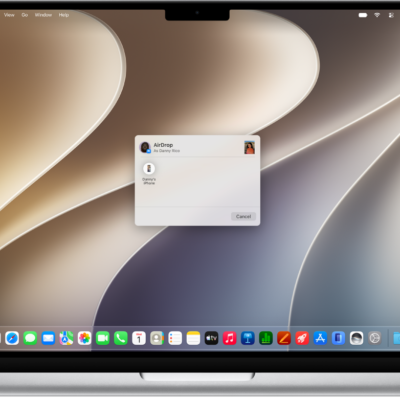
How to use AirDrop to send items to nearby Apple devices
You can use AirDrop to send photos, videos, and documents from iPhone to a nearby iPhone, iPad, or Mac, with encrypted transfers.
How to set up call forwarding on iPhone
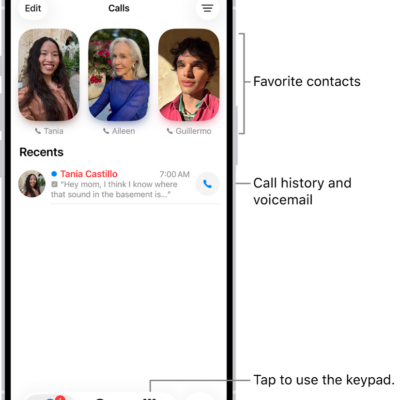
You can set up call forwarding to send your calls to another number if your iPhone uses a GSM network.