









GeeksModo Story Archive - October 2026
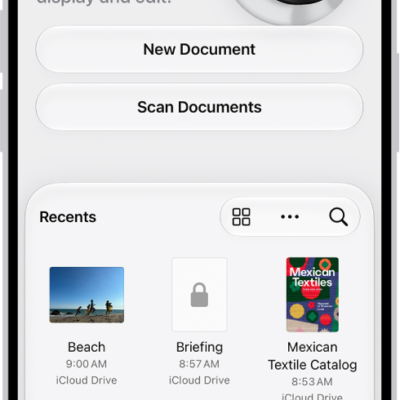
How to scan text and documents in Preview on iPhone
You can scan text or a document into a PDF with the Preview app on iPhone, then crop, rotate, or adjust each page.
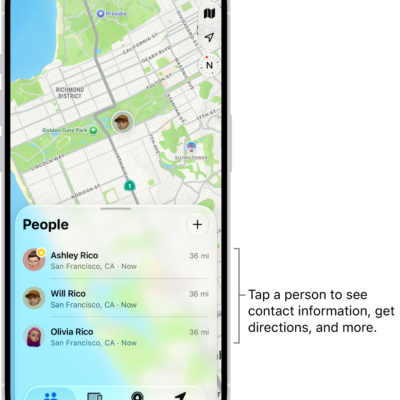
How to notify a friend when your location changes in Find My on iPhone
You can use Find My on iPhone to notify a friend when you arrive at or leave a location, and see or turn off notifications about you.
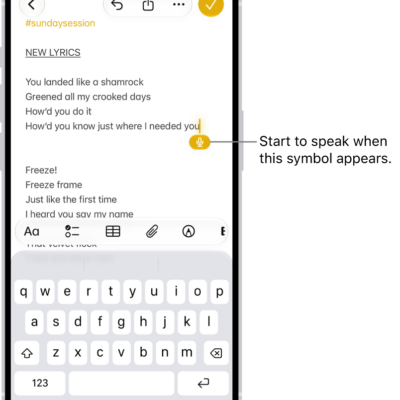
How to dictate text on iPhone
You can dictate text anywhere you can type on iPhone, switch between typing and Dictation, and dictate without an internet connection.
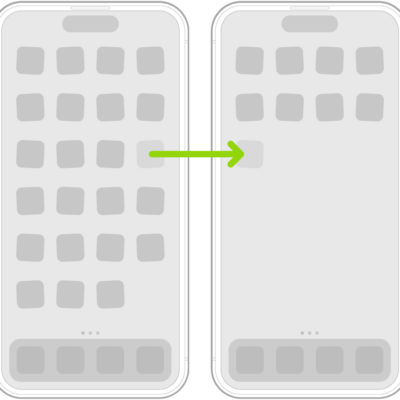
How to remove or delete apps from iPhone
You can remove an app from your iPhone Home Screen and keep it in App Library, or delete it from iPhone and recover it later.
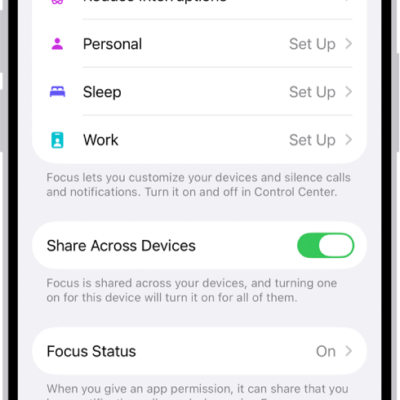
How to allow or silence notifications for a Focus on iPhone
You can allow or silence notifications from specific people and apps during a Focus on iPhone, and still let emergency calls through.

How to play music together in the car using SharePlay and CarPlay on iPhone
You can play music together in the car using SharePlay and CarPlay, so passengers can control the music, joining by notification or QR code.
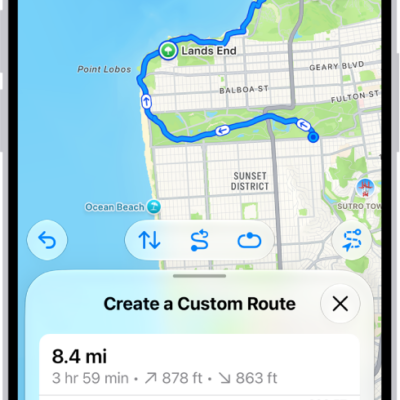
How to save walks or hikes in Maps on iPhone
You can create walking or hiking routes in Maps on iPhone, browse hikes in U.S. national parks, and save them for offline use.

How to restore all content to iPhone from a backup
You can restore content, settings, and apps to a new or erased iPhone from an iCloud backup or a computer backup.
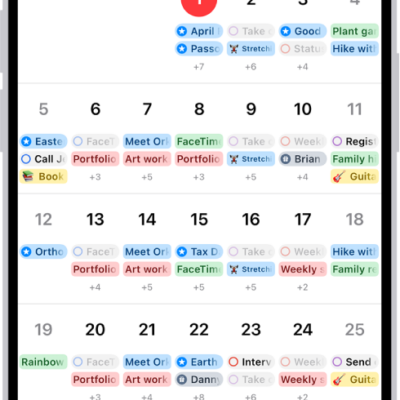
How to use reminders in Calendar on iPhone
You can show, create, complete, edit, and hide scheduled reminders from the Reminders app right in Calendar on iPhone.
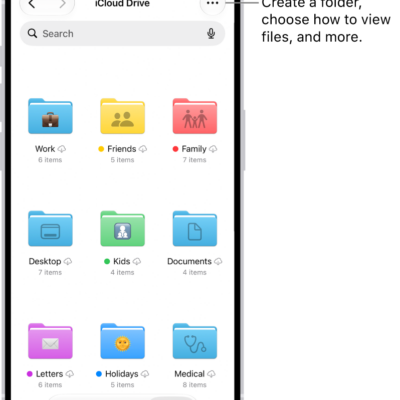
How to organize files and folders in Files on iPhone
You can create folders in the Files app on iPhone, copy, compress, rename, and tag files, and mark folders as favorites.