









GeeksModo Story Archive - October 2026
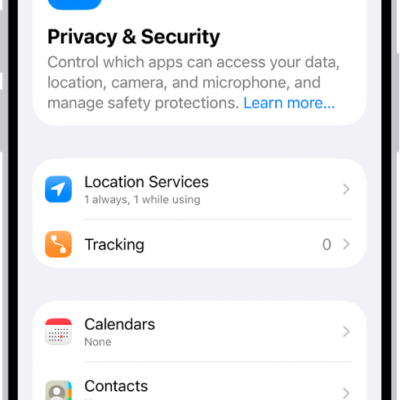
How to control what you share on iPhone
You can control what you share on iPhone, from which apps use your data, location, camera, and microphone to safety protections in Privacy & Security.
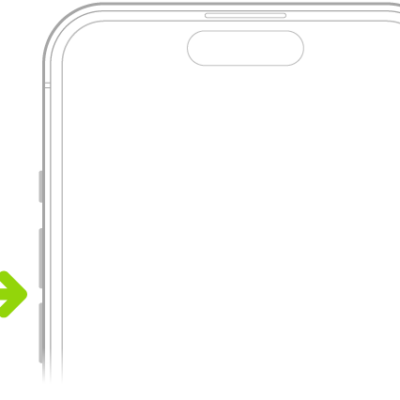
How to adjust the volume on iPhone
You can adjust the volume on iPhone with the side buttons, Siri, Control Center, or Settings, and limit how loud the speaker and headphones get.

How to use iPhone more comfortably while riding in a vehicle
You can turn on Vehicle Motion Cues, dots on screen that show how the vehicle moves if you get motion sickness using iPhone as a passenger.

How to browse the web using Safari on iPhone
You can browse and preview webpages in Safari on iPhone, translate pages, and keep your tabs and bookmarks in sync across your devices.
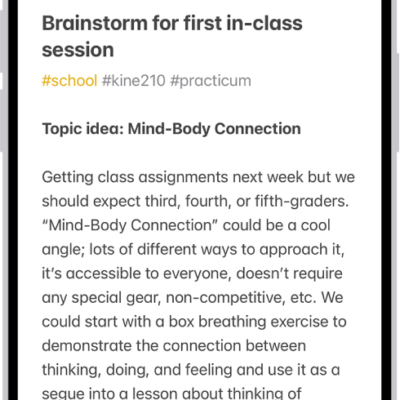
How to create and format notes on iPhone
You can create notes on iPhone and format them with headings, checklists, tables, and divider lines, and organize them with sections.

How to copy and paste between your iPhone and other Apple devices
You can copy text, images, and more on one Apple device and paste it on your iPhone, iPad, or Mac with Universal Clipboard.
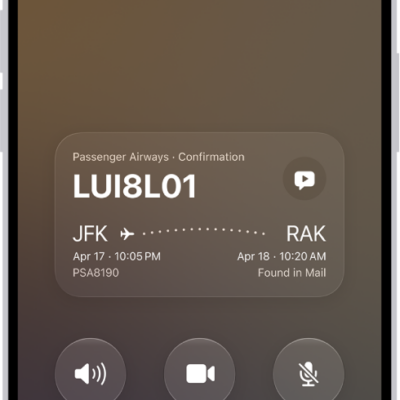
How to record and transcribe a call on iPhone
You can record a phone call on iPhone, view its transcript in Notes, and read a summary with Apple Intelligence in some countries and regions.
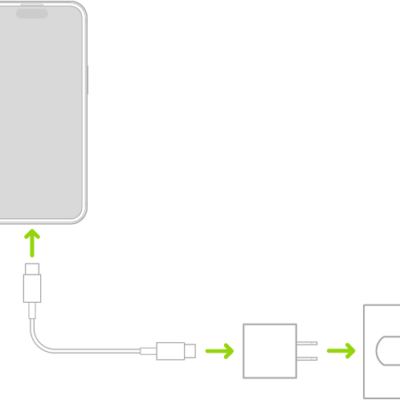
iPhone charging cables: USB-C Cable and USB-C to Lightning Cable
You can charge your iPhone and connect it to your computer with its charging cable, either a USB-C Cable or a USB-C to Lightning Cable.
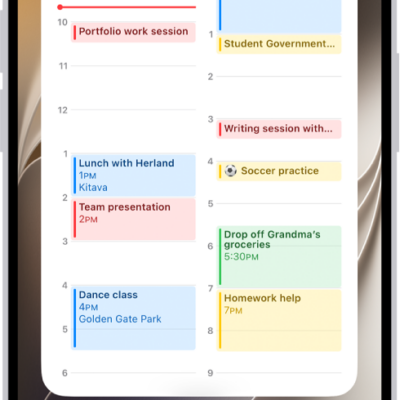
How to add, edit, and remove widgets on iPhone
You can add, edit, and remove widgets on iPhone, turn an app icon into a widget, and view widgets in Today View.
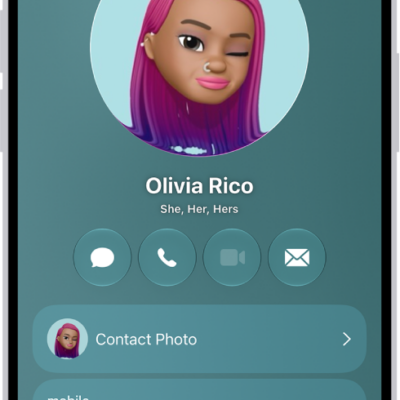
How to add or edit your contact info and photo on iPhone
You can edit My Card in Contacts on iPhone to add your address, photo, Contact Poster, and pronouns, and choose who sees your name and photo.