









GeeksModo Story Archive - October 2026
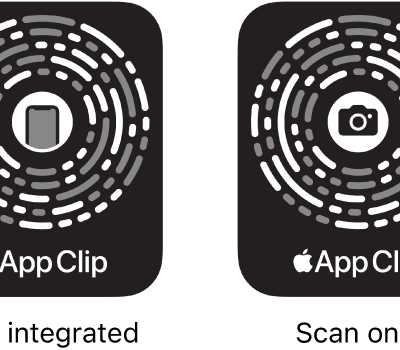
How to use App Clips on iPhone
You can use App Clips on iPhone to rent a bike, pay for parking, or order food, and find them in Safari, Maps, Messages, and codes.
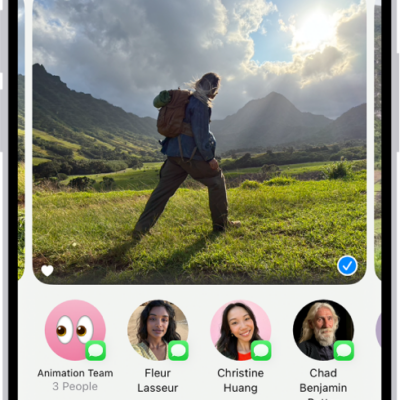
How to create shared albums in Photos on iPhone
You can create shared albums in Photos on iPhone for just the people you choose, who can add their own photos, videos, and comments.
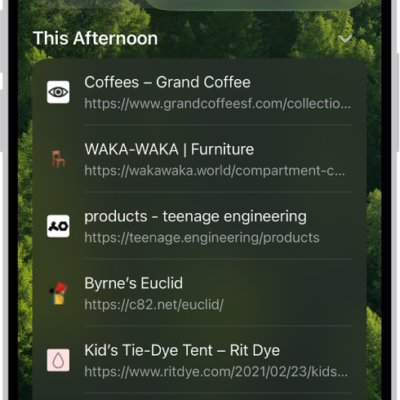
How to clear your cache and cookies on iPhone
You can clear your cache and cookies on iPhone by clearing your Safari browsing history and data, for a timeframe you choose.
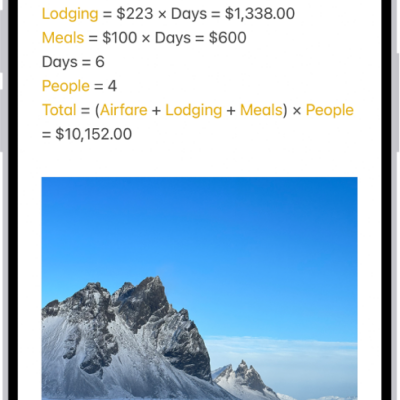
How to add or remove accounts in Notes on iPhone
You can sync Notes with iCloud on iPhone, add other note accounts, keep notes On My iPhone only, and remove accounts you don't use.
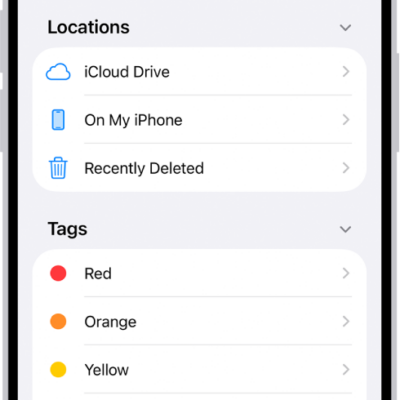
How to find your downloaded files on iPhone
You can find documents, images, and other files you downloaded from the internet or Mail in the Downloads folder of the Files app on iPhone.
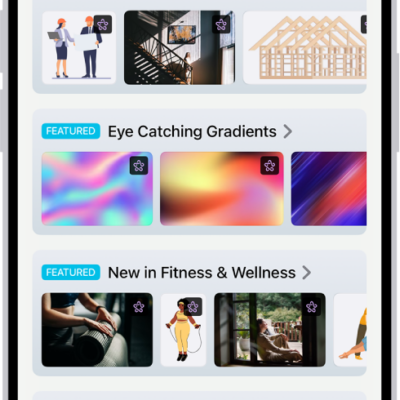
How to subscribe to Apple Creator Studio in Freeform on iPhone
You can subscribe to Apple Creator Studio monthly or annually from Freeform on iPhone, share it with family, and cancel any time.
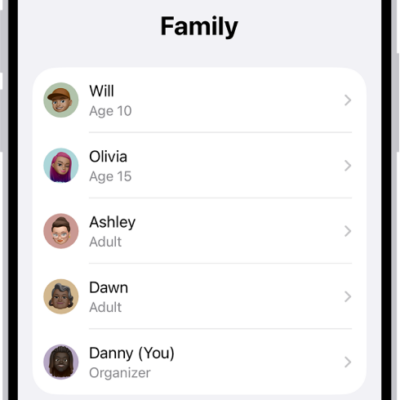
How to add a member to a Family Sharing group on iPhone
You can invite someone to your Family Sharing group on iPhone, or create an Apple Account for a child who doesn't have one yet.
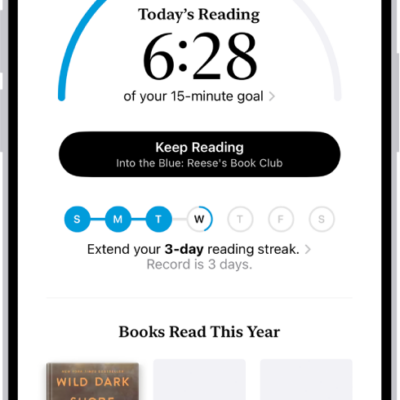
How to set reading goals in the Books app on iPhone
You can set daily and yearly reading goals in the Books app on iPhone, build reading streaks, and turn coaching notifications on or off.
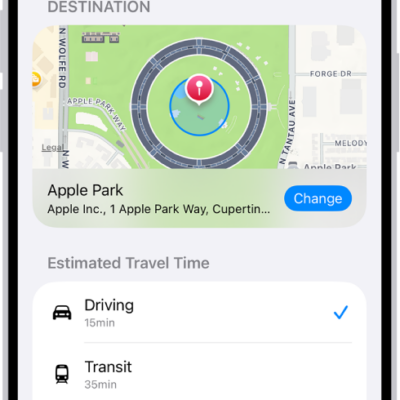
How to use Check In on iPhone to let your friends know you’ve arrived
You can use Check In on iPhone to automatically let a friend know you've arrived, and choose what they see if you don't.
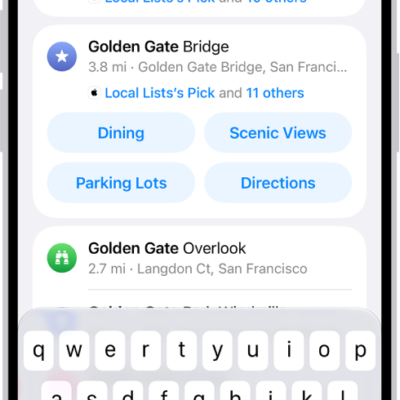
How to delete recent directions in Maps on iPhone
You can delete a single recent direction or clear all your recent directions in Maps on iPhone.