









GeeksModo Story Archive - October 2026

How to create and use scenes in Home on iPhone
You can create scenes in the Home app on iPhone that set several accessories at once, like lights, music, drapes, and thermostat.

How to use your vehicle’s built-in controls to control CarPlay
You can control CarPlay with your vehicle's touchscreen, rotary knob, or touchpad, and with Siri.
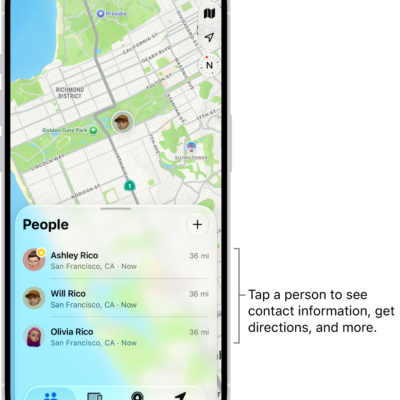
How to locate a friend in Find My on iPhone
You can find them on a map in Find My on iPhone, contact them, get directions, and label their location when a friend shares their location.
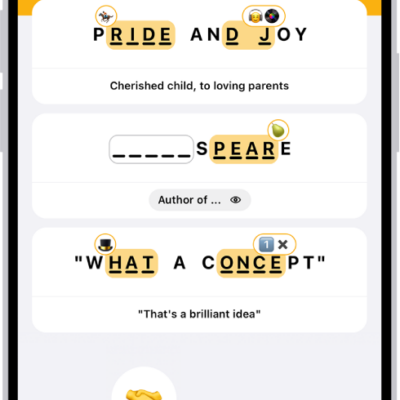
How to play Emoji Game in News on iPhone
You can play the daily Emoji Game in News on iPhone, completing phrases with emoji in as few moves as possible if you subscribe to Apple News+.
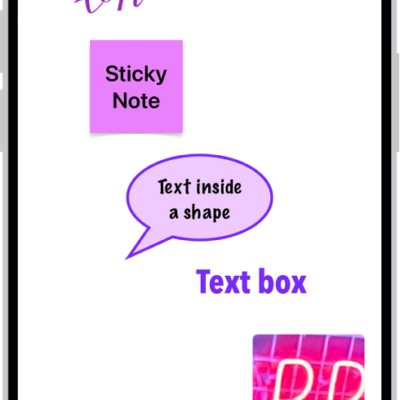
How to create a Freeform board on iPhone
You can create a Freeform board on iPhone for brainstorming and collaborating, and add text, sticky notes, photos, videos, and files.
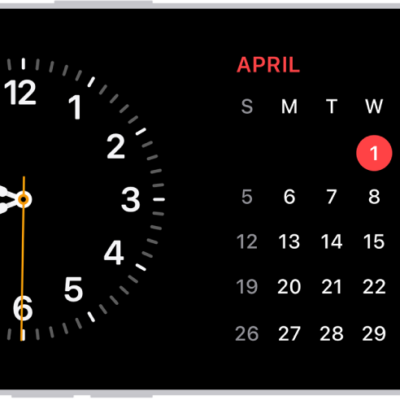
How to use StandBy to view information at a distance while iPhone is charging
You can use StandBy to view information at a distance while iPhone is charging on its side, like a bedside clock, photo frame, or widget display.
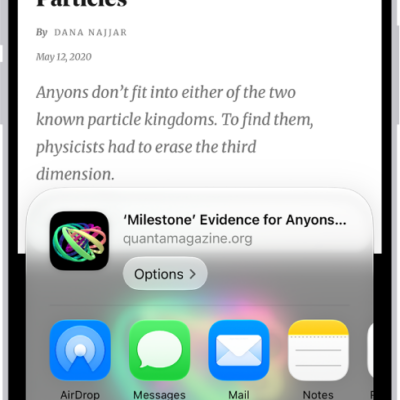
How to save webpages to read later in Safari on iPhone
You can save webpages to your Reading List in Safari on iPhone to read later, even offline, and save them to iCloud automatically.
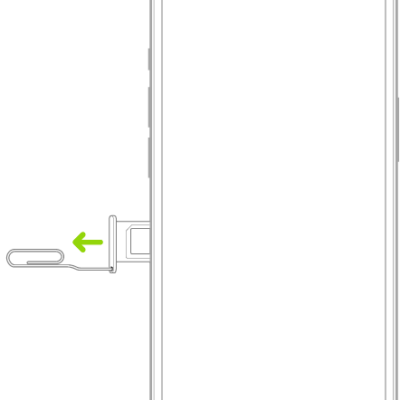
How to set up cellular service on iPhone
You can set up cellular service on iPhone with an eSIM or physical SIM, convert a SIM to an eSIM, and lock your SIM card.
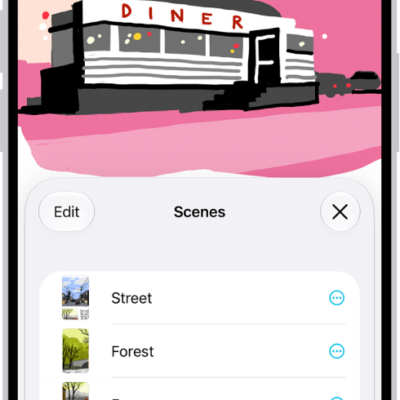
How to search your Freeform boards on iPhone
You can search your Freeform boards on iPhone for text in handwriting, sticky notes, text boxes, shapes, and filenames.
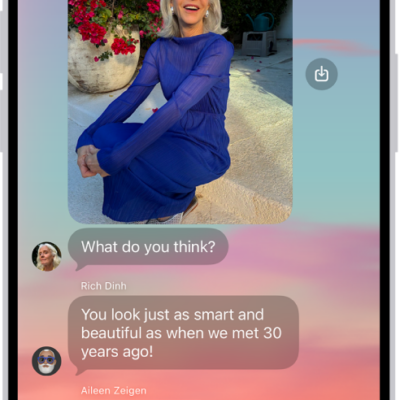
How to add backgrounds in Messages on iPhone
You can add a dynamic background, a photo, or an Image Playground image to a Messages conversation on iPhone, and remove it later.