









GeeksModo Story Archive - October 2026
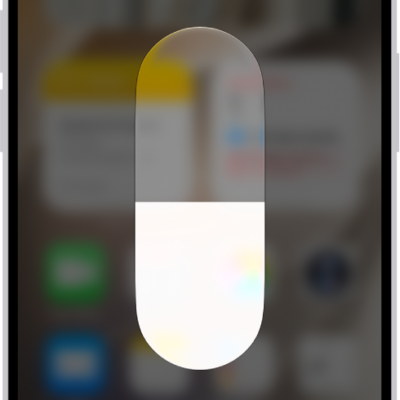
How to adjust the screen brightness and color on iPhone
You can adjust your iPhone screen brightness yourself or automatically, and use Dark Mode, Night Shift, and True Tone to change its colors.
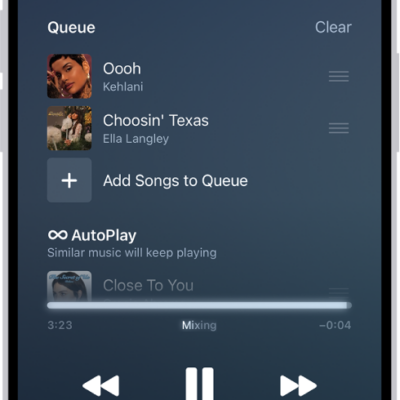
How to queue up your music on iPhone
You can use the queue in Music on iPhone to see upcoming songs, add and reorder music, use AutoPlay, and see what you recently played.

How to control accessories with Home on iPhone
You can control your home accessories from the Home app and Control Center on iPhone, turning them on or off and adjusting their settings.
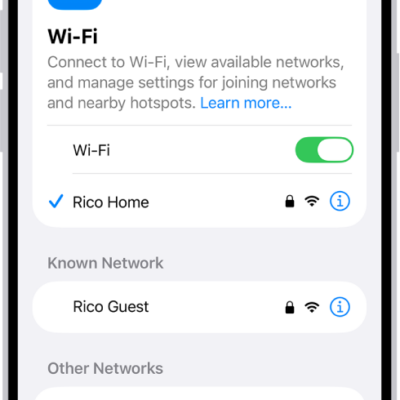
How to find and share your Wi-Fi password on iPhone
You can find your current and saved Wi-Fi passwords in the Passwords app on iPhone and share your Wi-Fi with a nearby friend.
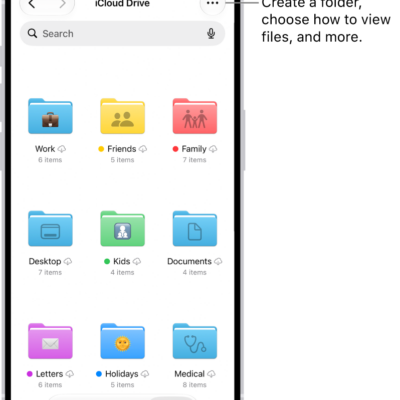
How to modify files and folders in Files on iPhone
You can copy, move, share, delete, and customize files and folders in the Files app on iPhone, and switch between list and icon view.
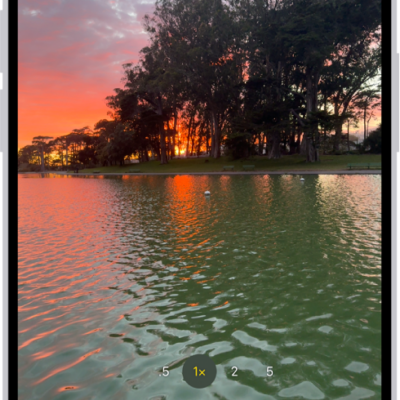
How to take Night mode photos with your iPhone camera
You can take Night mode photos on supported iPhone models to brighten shots and capture more detail in low light, and adjust the exposure.
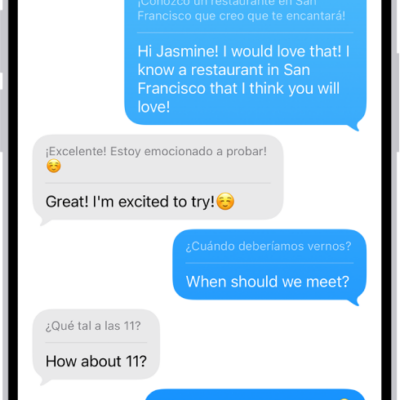
How to translate text in apps on iPhone
You can translate selected text in apps like Notes and Mail on iPhone, and replace what you typed with a translation.
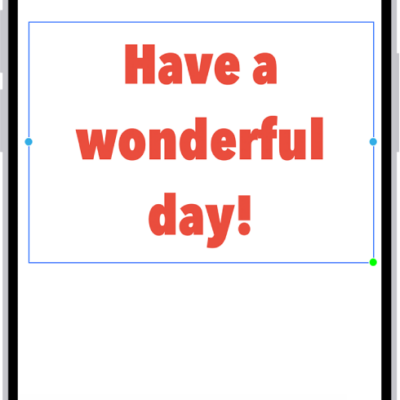
How to apply consistent styles and formatting in Freeform on iPhone
You can copy, paste, and save styles in Freeform on iPhone so your text boxes, shapes, and sticky notes share the same font, size, and color.
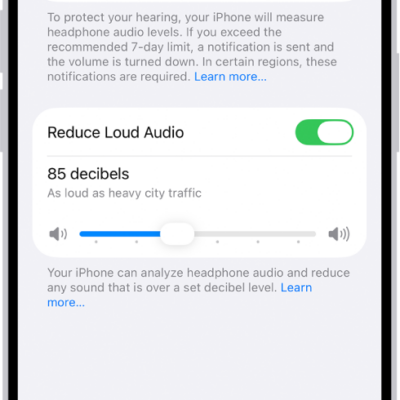
How to use hearing health features in Health on iPhone
You can take a Hearing Test with AirPods Pro 2 and iPhone to see an audiogram of how loud sounds need to be for you to hear them.
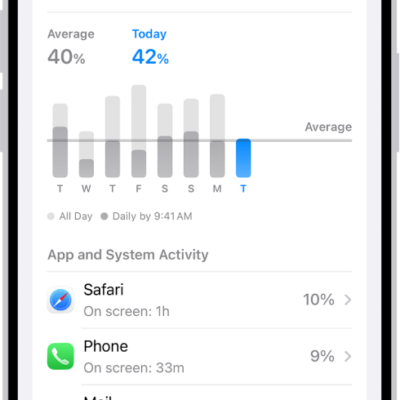
How to check iPhone battery usage and battery health
You can see your iPhone battery usage compared to previous days, app and system activity, when you last charged, and battery health.